
If you need to view the history for a tee booking, follow these steps.
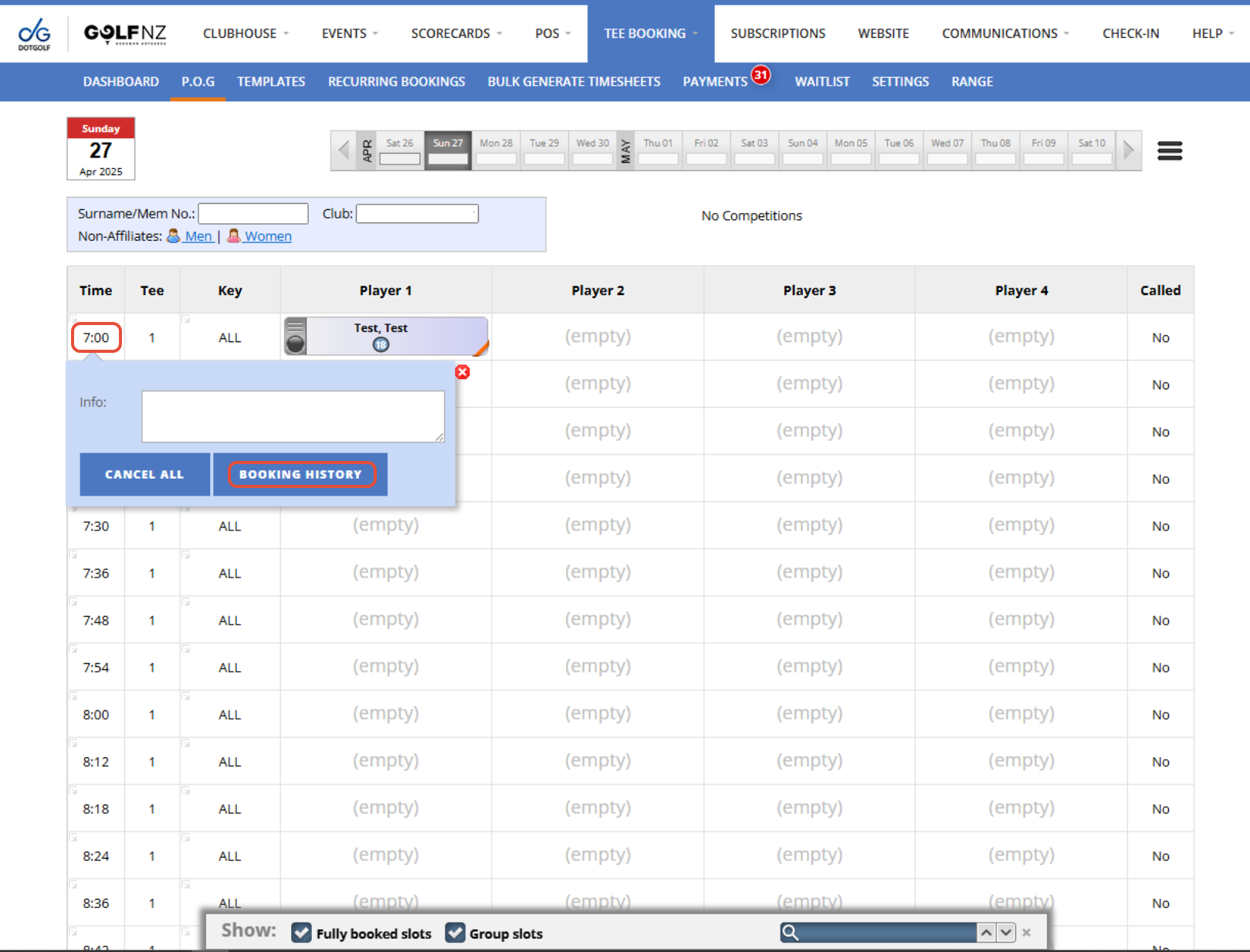
1. From the P.O.G tab, select the day of the tee time you want to view the Tee Booking History for, then find and select the Time. Now press "Booking History".
2. You can all the history from this tee booking.
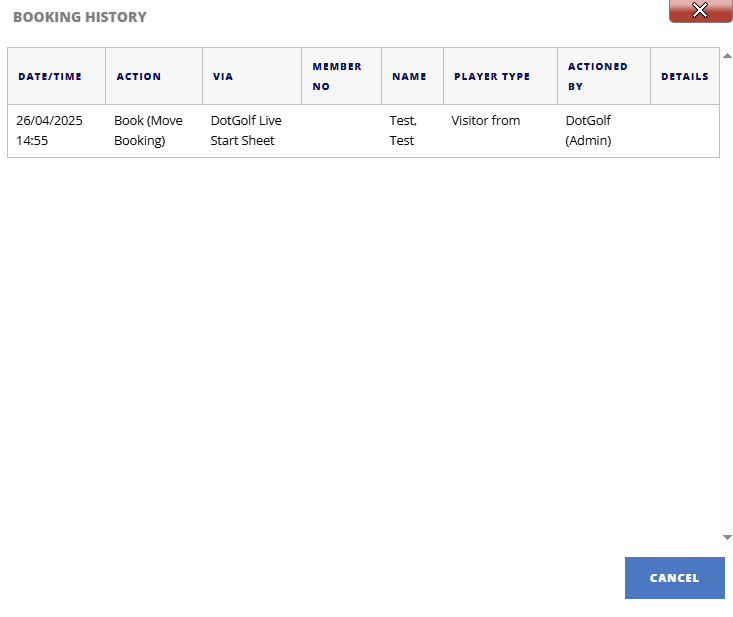
Key:
- API - Booked Via Tee Booking App
- DotGolf Live Start Sheet - Club Staff member made the booking
- Golf NZ Website - Booked Via MyGolf Site