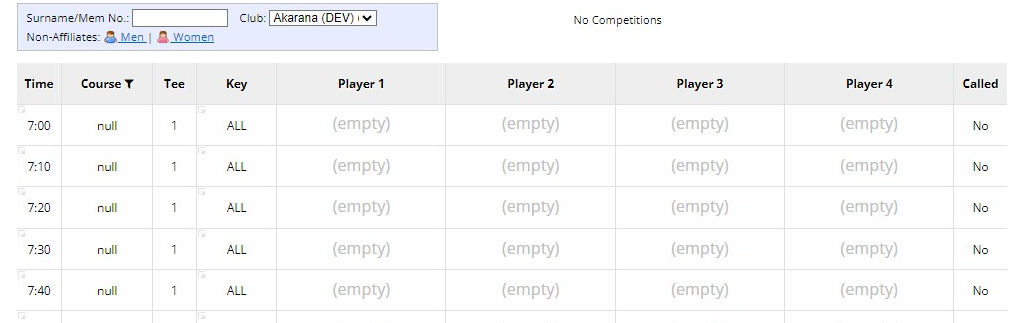
This is a block where a tee time will be deleted/removed and will be used as a "catch-up" for late comers.
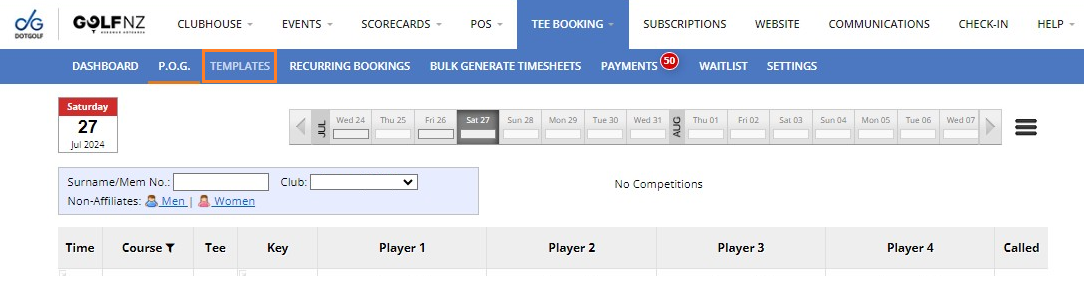
1. To add a starter to a Tee Sheet Template, go to Tee Booking Templates.
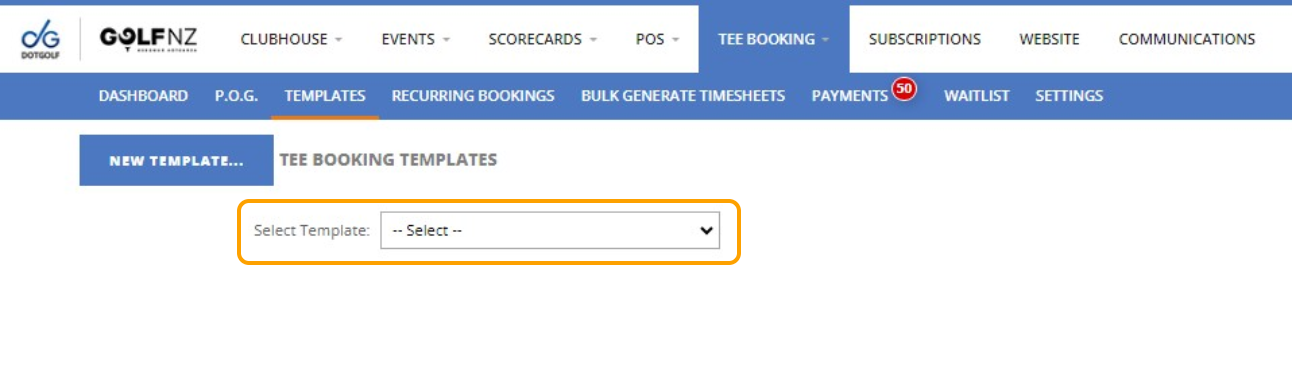
2. Using the drop down, select the Template that you would like to add a starter to.
3. Using the starter box, enter the slot that you would like to be removed so players can "catch up".
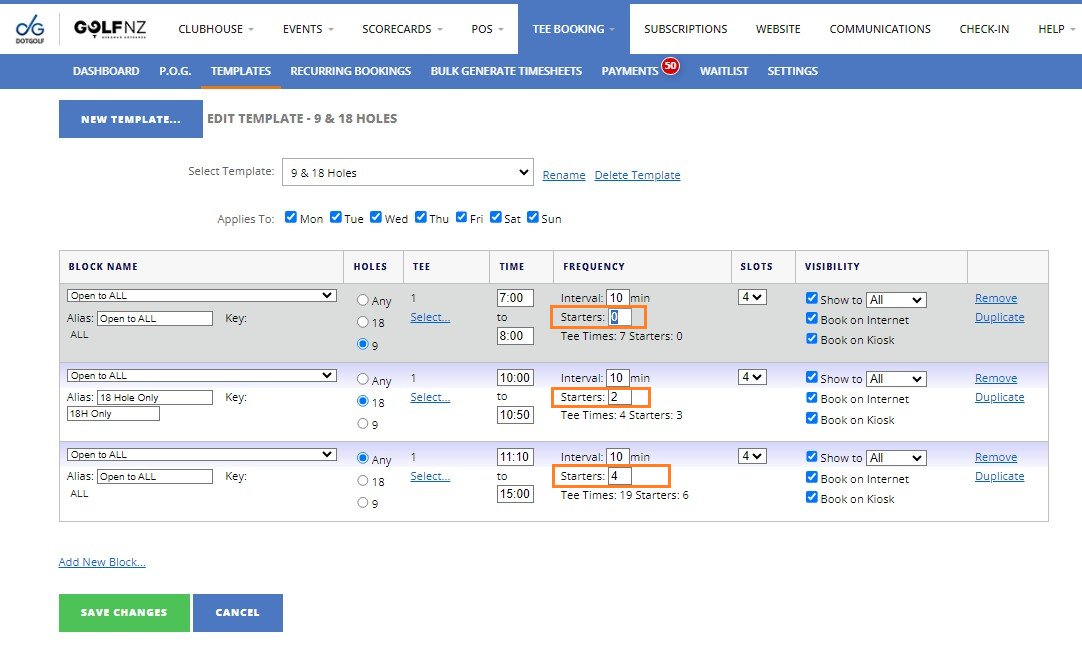
4. Save Changes.

When viewing the Tee Sheet every 3rd slot as been removed to be used as a catch up.