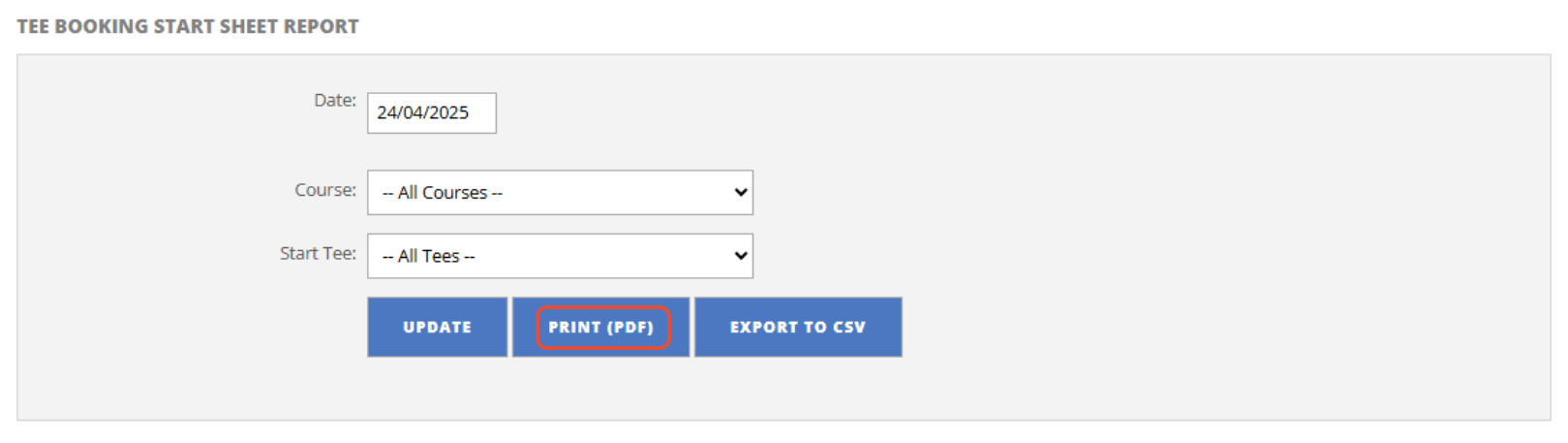
If you need to print the tee sheet for the day to display on your members board, follow these steps.
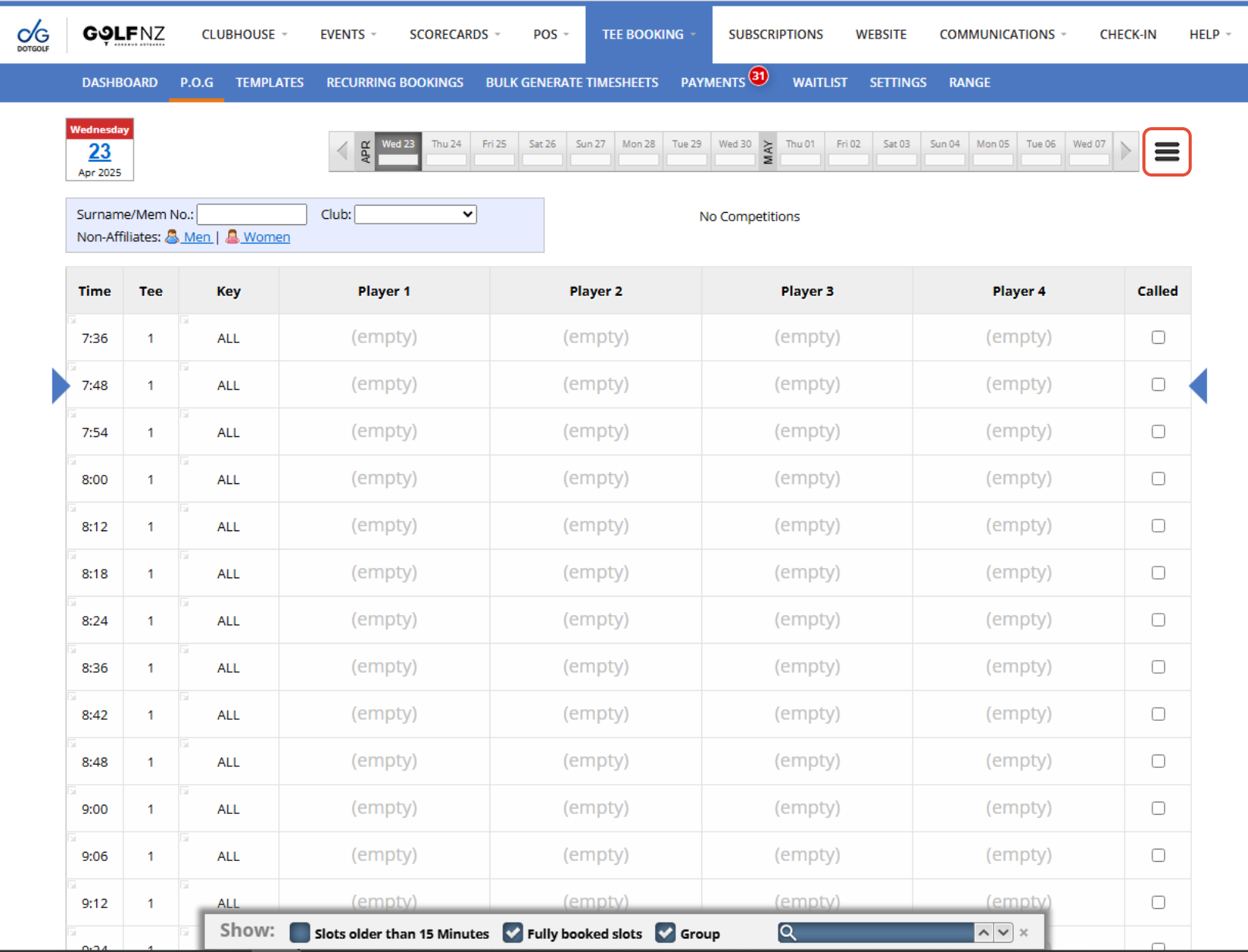
1. From the P.O.G tab, select the day you want to edit and then open the P.O.G options where you can select Print Sheet.
2. If necessary you can filter by certain start tees or courses (if your club has multiple courses). Once you have updated your preferences press "Update".
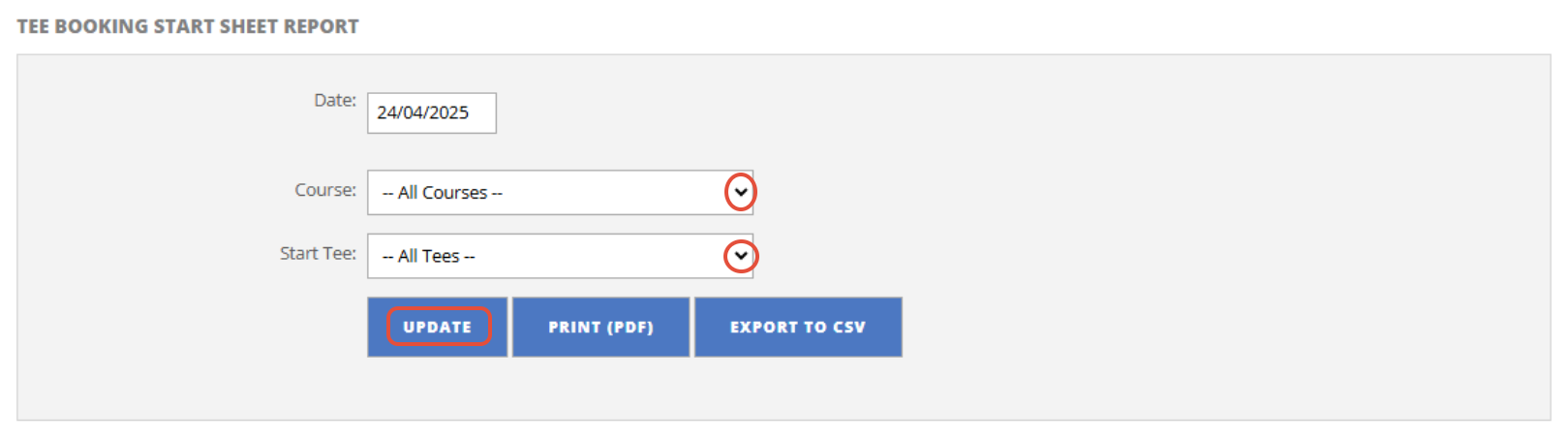
3. Then press "Print (PDF)"