Online Registration for Functions
Please ensure that your Function is set up prior to this.
Please also ensure that the Status of the Function has been set to "Confirmed"
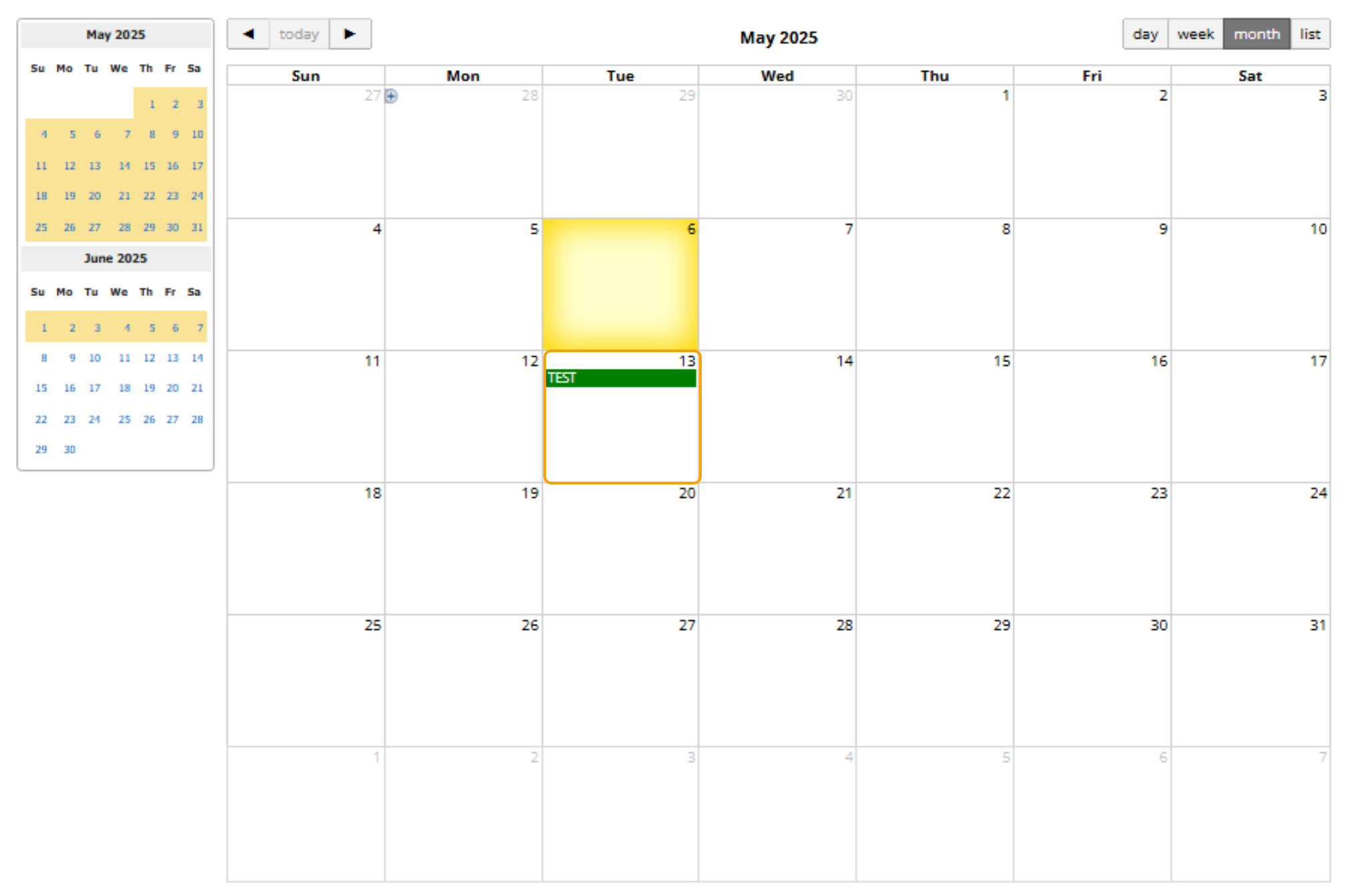
1. Open the Function that you wish to set the Registration Options for
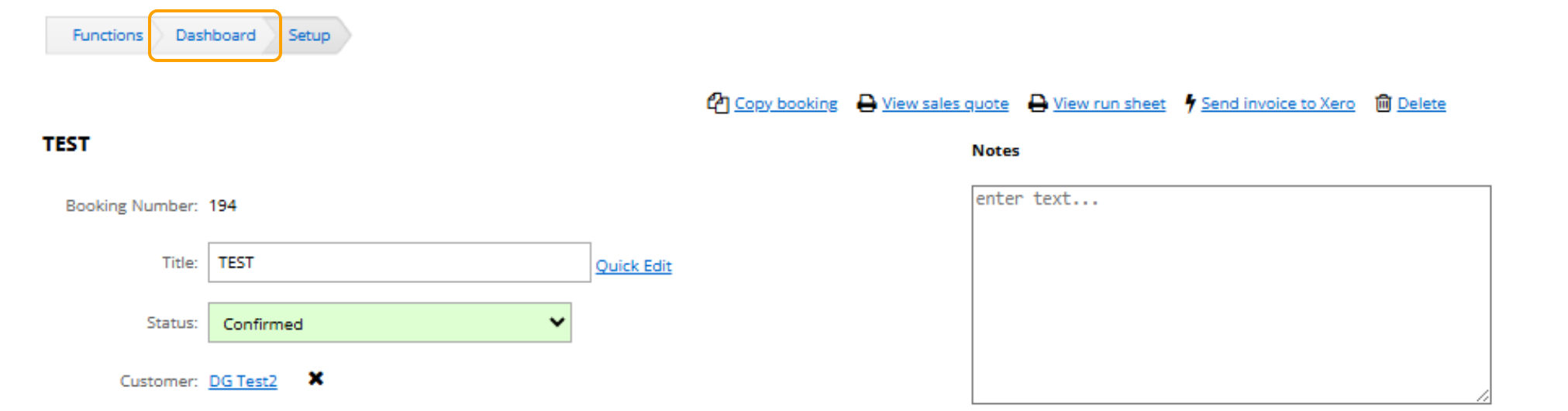
2. Go to the function booking’s dashboard page by clicking on the Dashboard link.
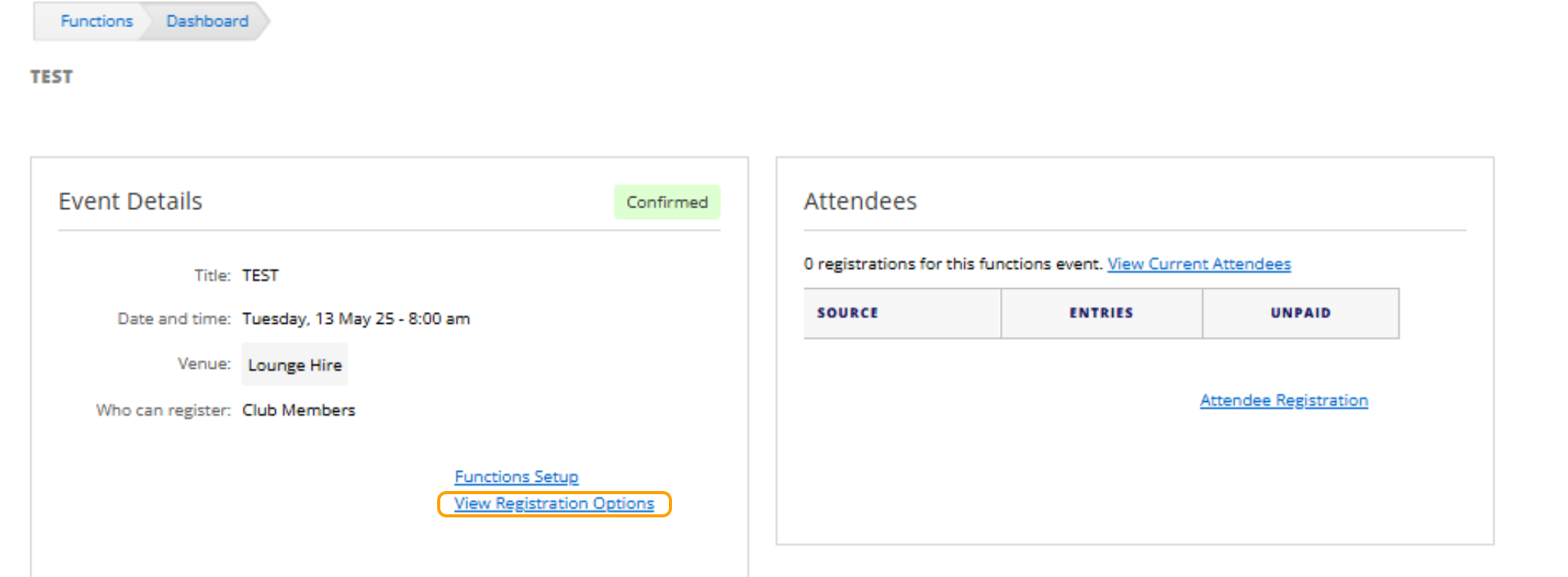
3. Select "View Registration Options"
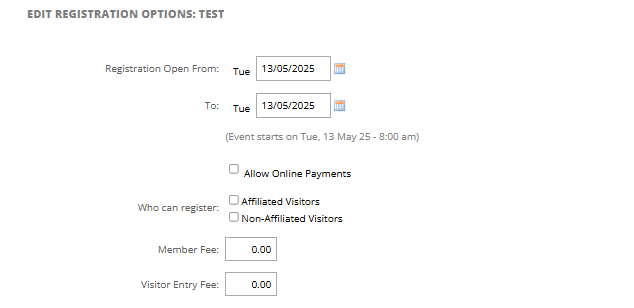
4. Add in the following details based on the club registration options:
- Date Registrations Open From
- Date Registrations Close On
- Allow Online Payments
- Who Can Register:
- Affiliate Visitors
- Non-Affiliate Visitors
- Member Fee
- Visitor Entry Fee
5. Add any questions that you would like participants to fill out when registering.
- Question
- Answer Type
- Yes / No
- List
- Text
- Cost

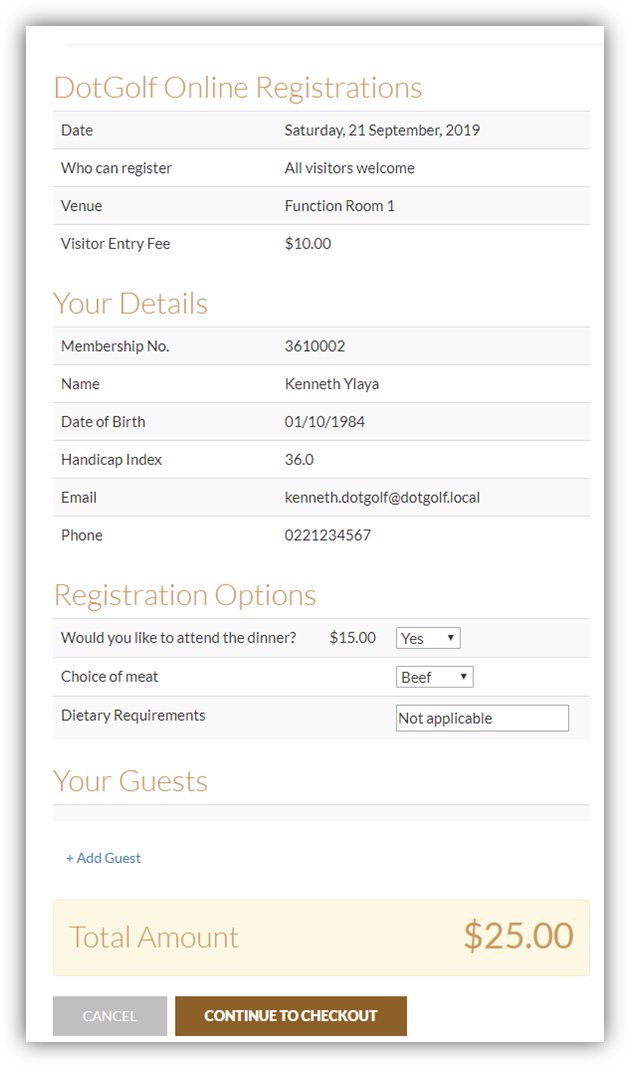
6. Once the Registration Options have been saved, the details will appear on the Online Registration Form as follows: