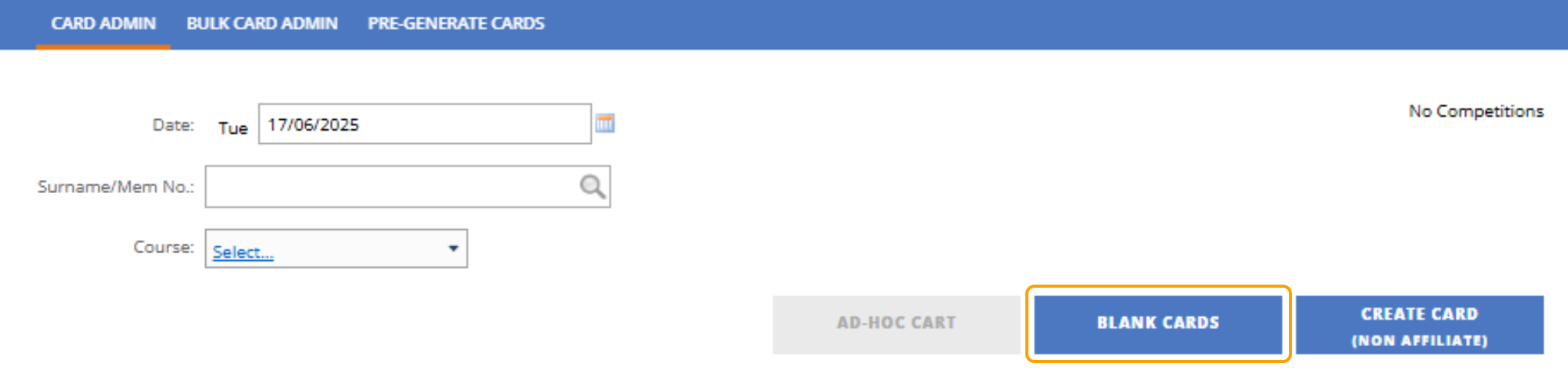
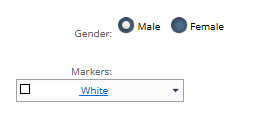
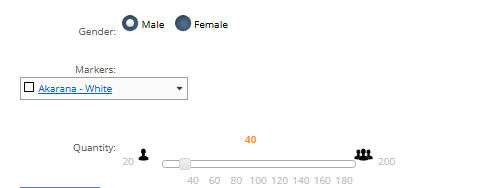
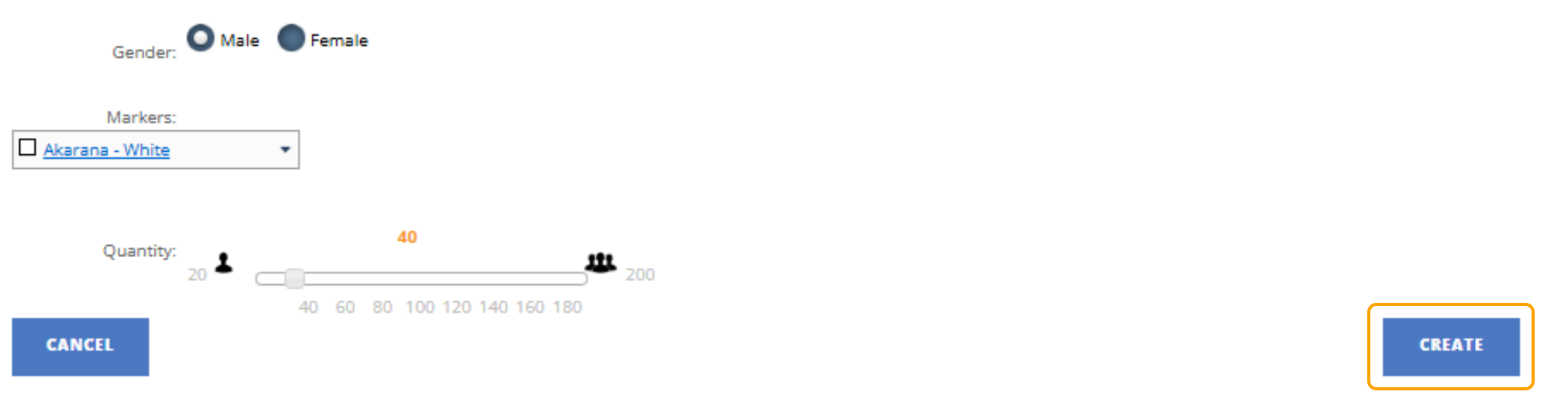
How to print blank cards 1. In Card Admin, select "Blank Cards" 2. Choose the Gender 3. Choose the Marker 4. Choose the Quantity 5. Then Click Create 6. If you want to print only 1 blank card, you could do this by clicking CTRL + SHIFT + click blank card 7. Then follow all the same steps and then press create