
Once all of the scorecards have been returned for the competition, you can generate a Prize Report.
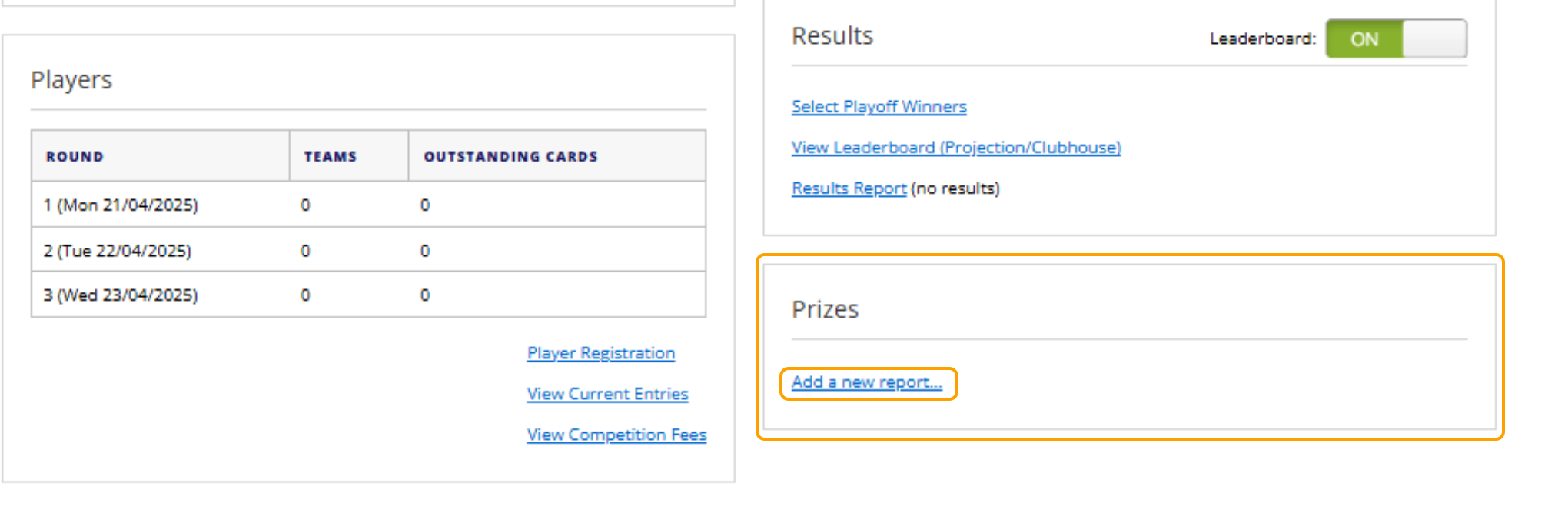
1. In the competition dashboard, select "Add a New Template" under the Prizes area.
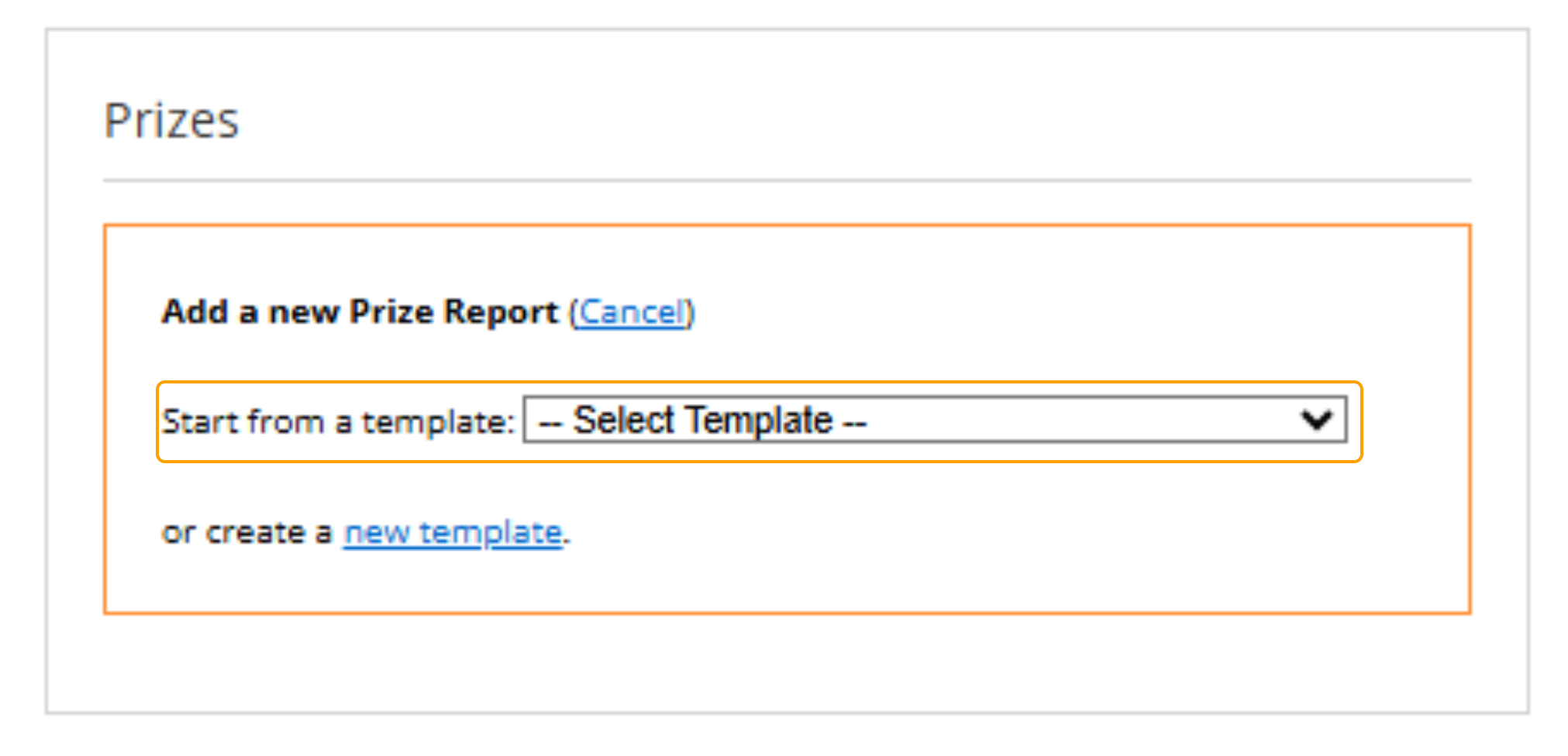
2. Use the drop down to select a previous template.
Alternatively, you can create a new template. For more details please refer to the following article:
3. Once the report has been generated, you can make any final changes to positions or lines to confirm that the report is accurate based on what the club is paying out.
Select Save once you are happy with the report.
4. Select "Finalize Prizes" to
5. The report can be Printed from the competition dashboard, if required.