1) Login to DotGolf Live.
2) Setup a function booking with a status set to “Confirmed”.
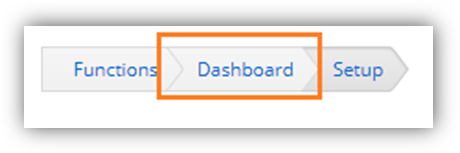
3) Go to the function booking’s dashboard page by clicking on the Dashboard link.
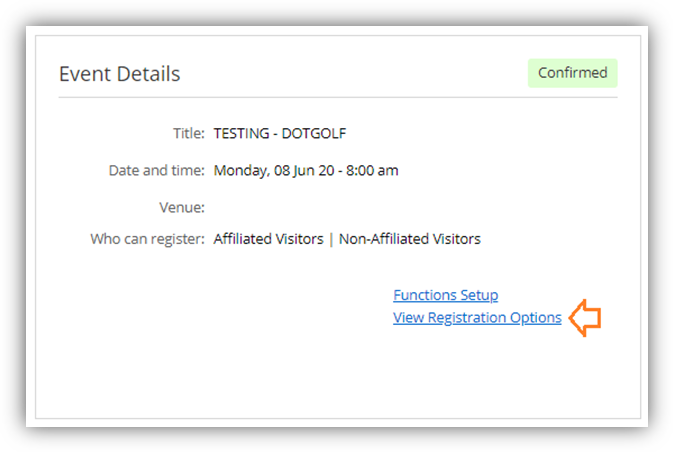
- Click on the View Registration Options link.
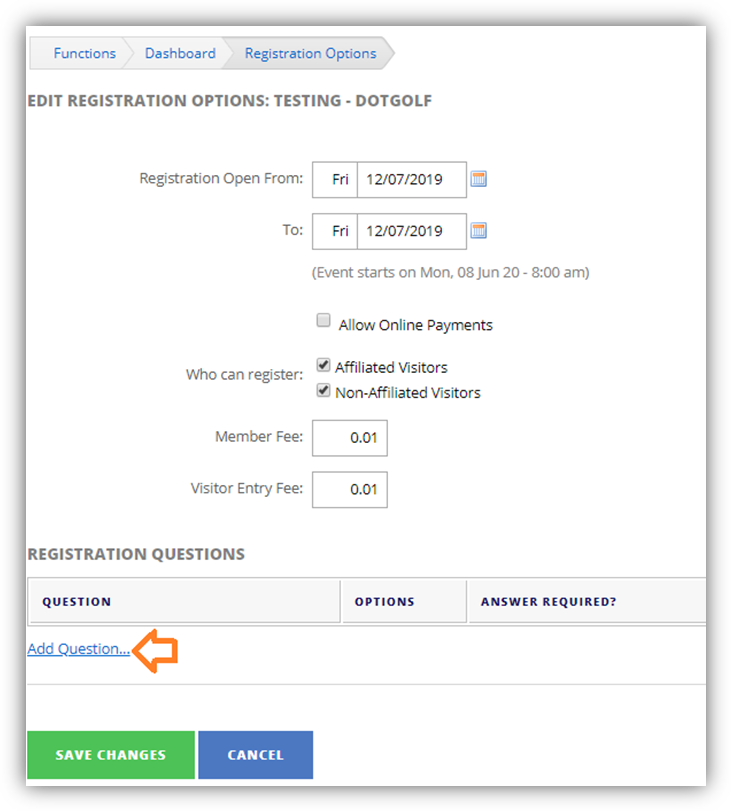
4) On the Registration Options page, set the applicable settings.
- Click on the Add Question link to add questions (this will appear on the registration form).
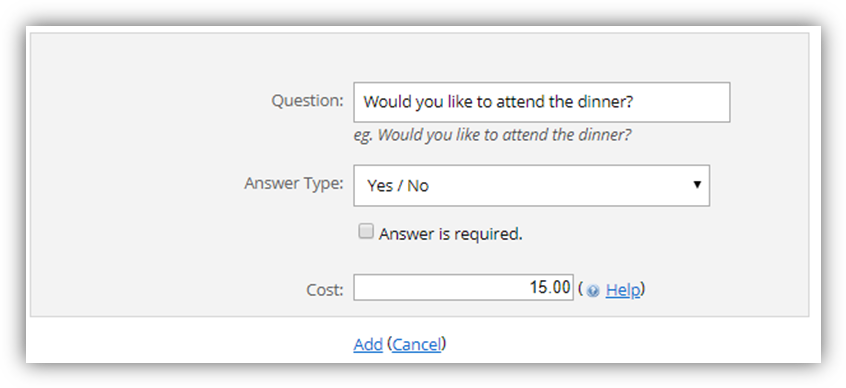
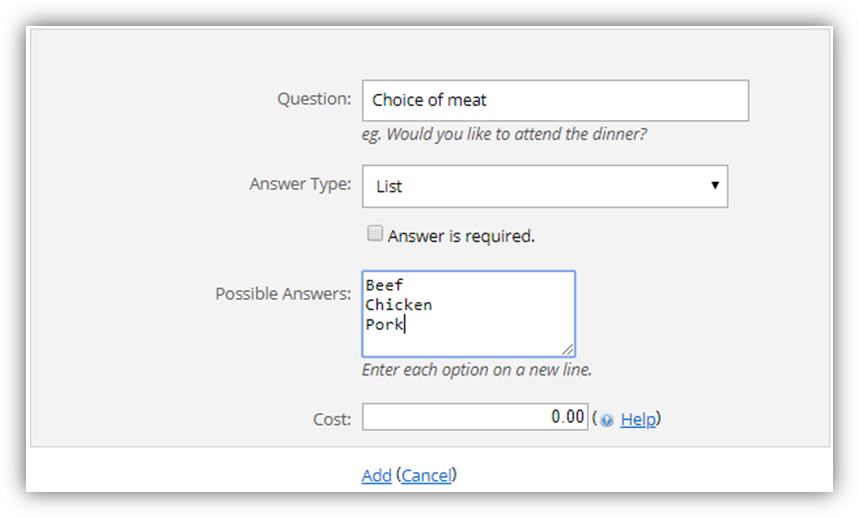
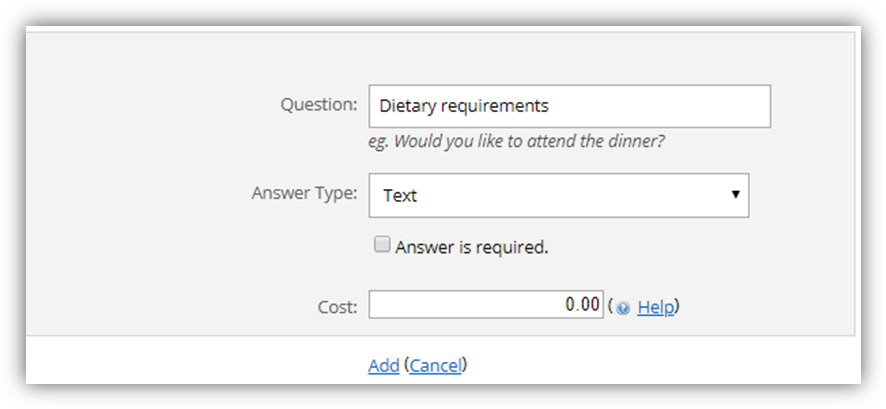
- Provide the necessary details for the question.
- o [Optional] You may enter an amount on the Cost field to associate with the question.
- Supported options are:
- o Yes/Now
- List
- Text
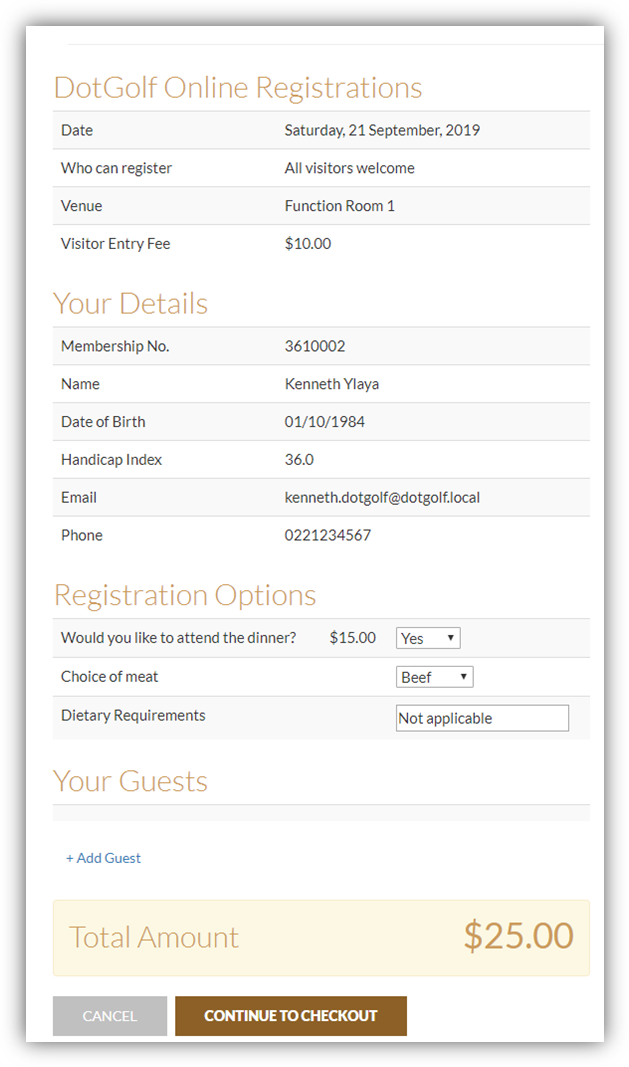
- These options will now appear on the registration form.
5) Click Save Changes
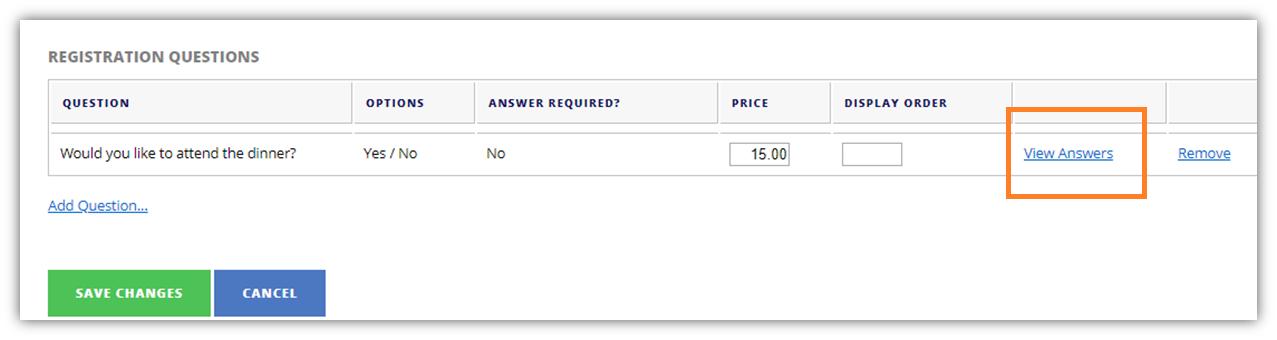
6) To view the responses for each question, you can click on the View Answers link.