
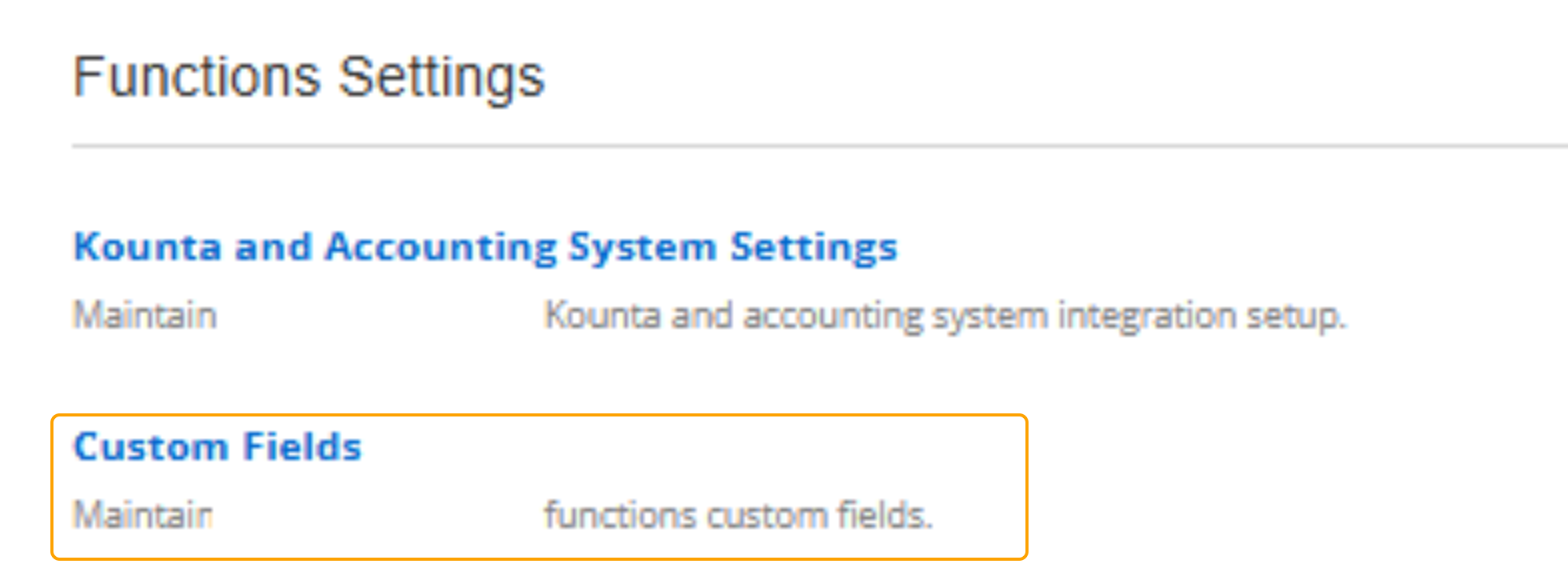
Open the "Custom Fields" Function Settings.
This can be accessed through the following:
- Clubhouse
- Settings
- Functions Settings
- Custom Fields
Create a New Custom Field
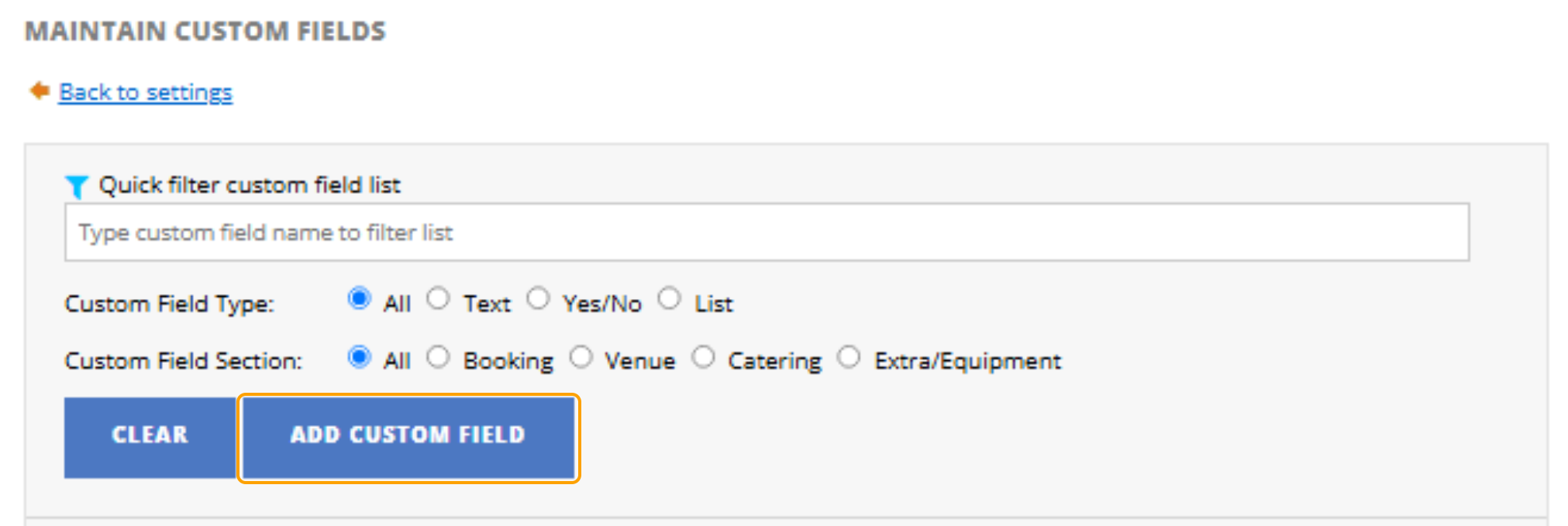
2. To create a new custom field, select the blue "Add Custom Field" button.
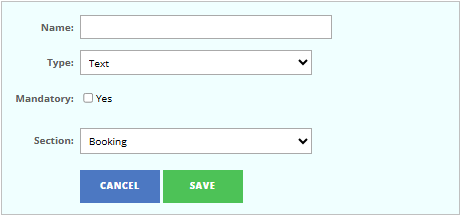
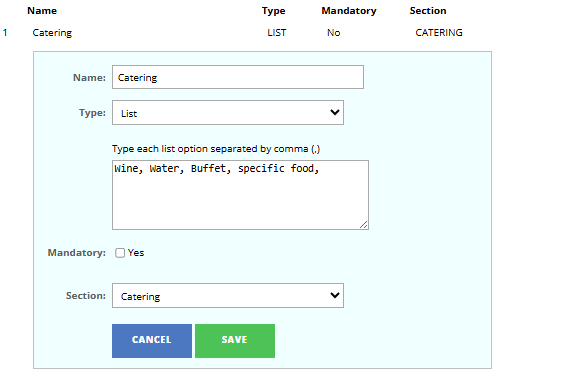
3. Enter the following details for this:
- Name
- Type
- Text
- Yes/No
- List
- Mandatory: Yes or No
- Section:
- Booking
- Venue
- Catering
- Extra
4. Save Changes.
Edit a Previous Custom Field
1. Select "Edit on the Custom Field that you are making changes to.
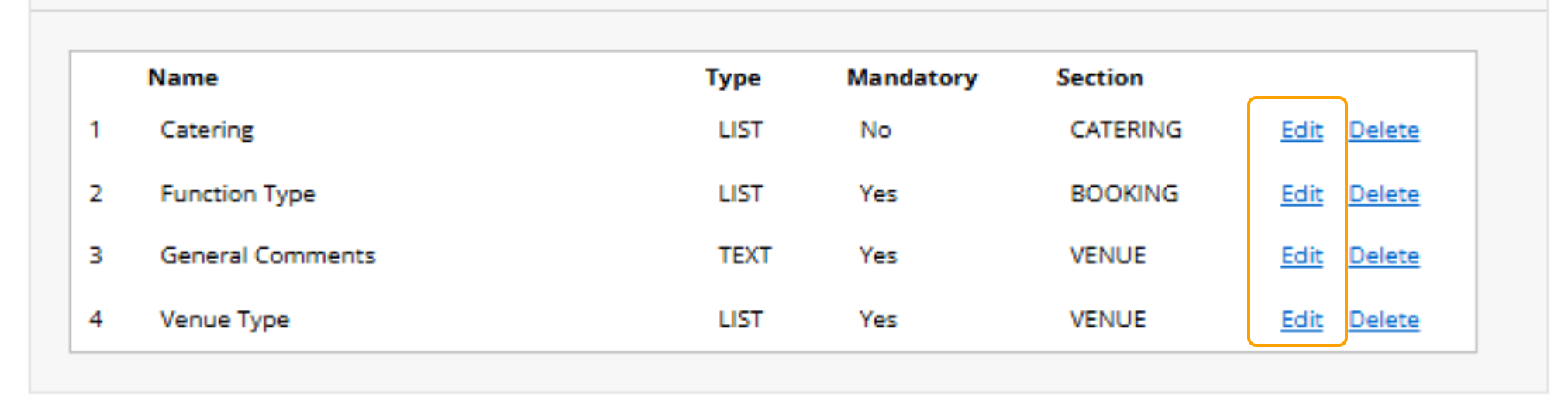
2. Update the details that require updating
3. Save Changes.