
Adding an Equipment/Extras to a Functions booking is slightly similar to the steps in adding a catering to a functions booking without having to indicate the catering service details. Since an equipment/extras would be hire for the whole duration of the event.
Add Equipment/Extras
1. Scroll down to Equipment/Extras section.
2. Search an equipment/extras product.
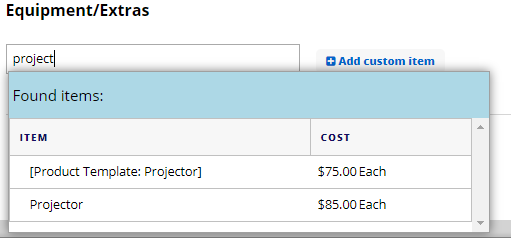
4. Select the product from the list (e.g. Projector) - it will be added as shown below

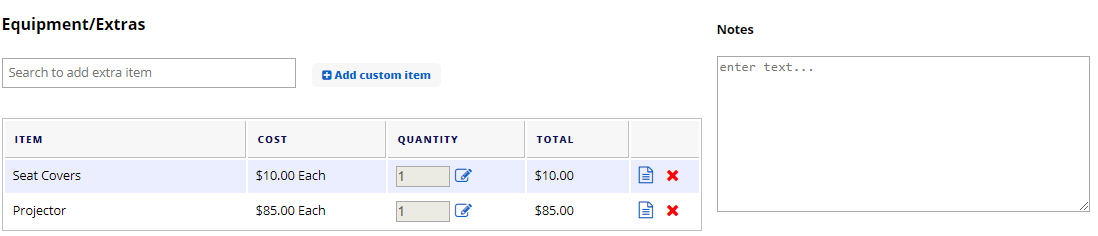
5. To add another equipment/extras product, just repeat steps 1-4 (e.g. Add Seat covers).
6. You have the option to fill in the Equipment/Extras Notes when applicable.
This is how it looks like on the Catering section after performing steps 1 - 6.
7. You can then save the form by clicking Save Changes button.