Once you have started creating your email draft, you can then begin updating the contents.
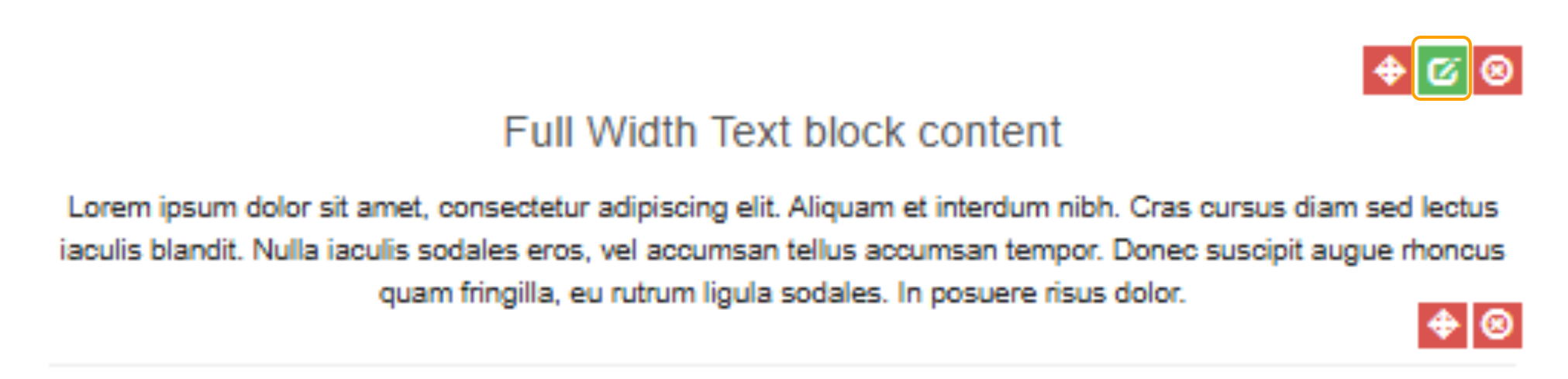
1. To update the text from the default, select the small edit icon
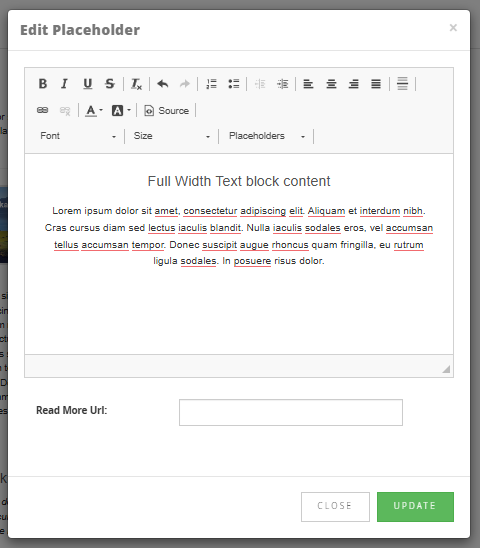
2. Remove the default text from the box and begin typing the content you want displayed.
For more details on what each tool does in the menu bar, please refer to the following article:
3. Once you have finished writing the content, select "Update"