
When a member wants to be setup with Direct Debit:
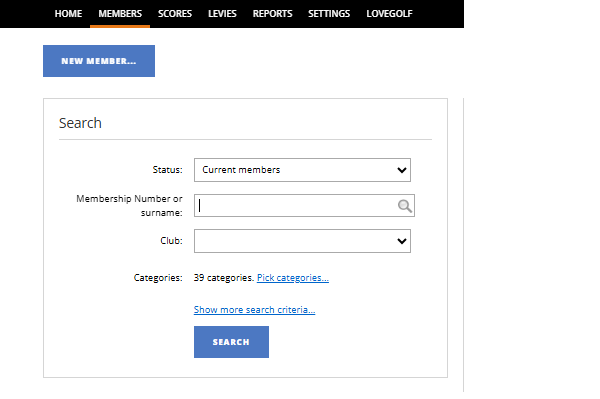
1. Search for the member in Clubhouse:
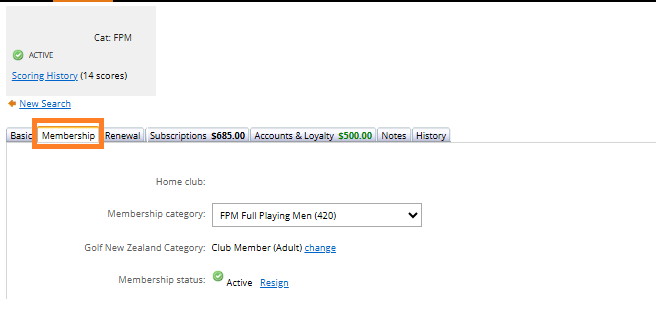
2. Open the Membership tab on the Members details:
3. Enter the Direct Debit Bank Account number:

4. Tick the "Direct Debit" checkbox:

5. Select a default Default Payment Schedule (e.g. Monthly):

6. Click Save:

If Direct Debit members are setup based on the details above, the invoices will automatically be created with even installment amounts.