
Once your competition has been set up and you want to pre-register players, here are 3 ways on how to do it.
Register Manually
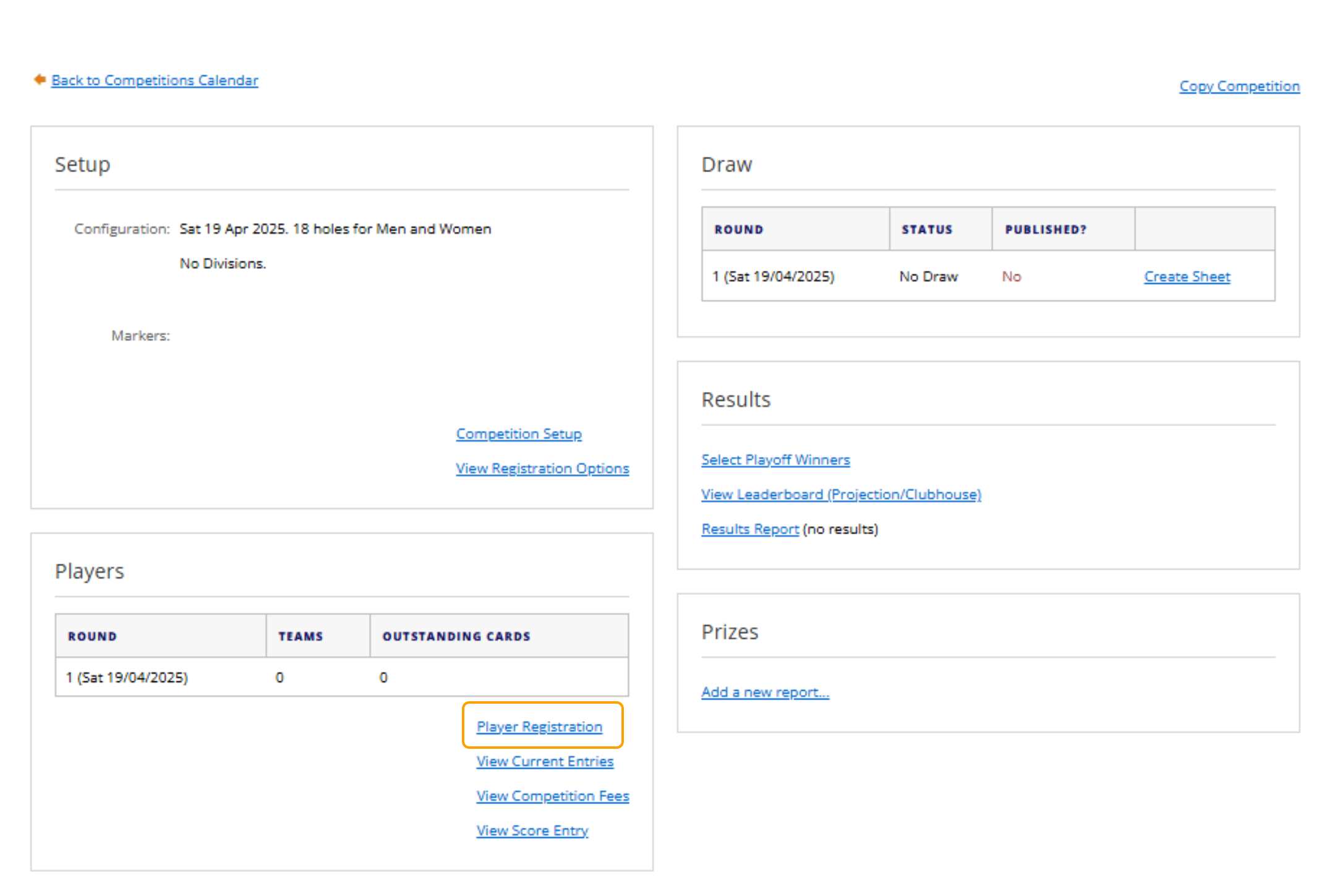
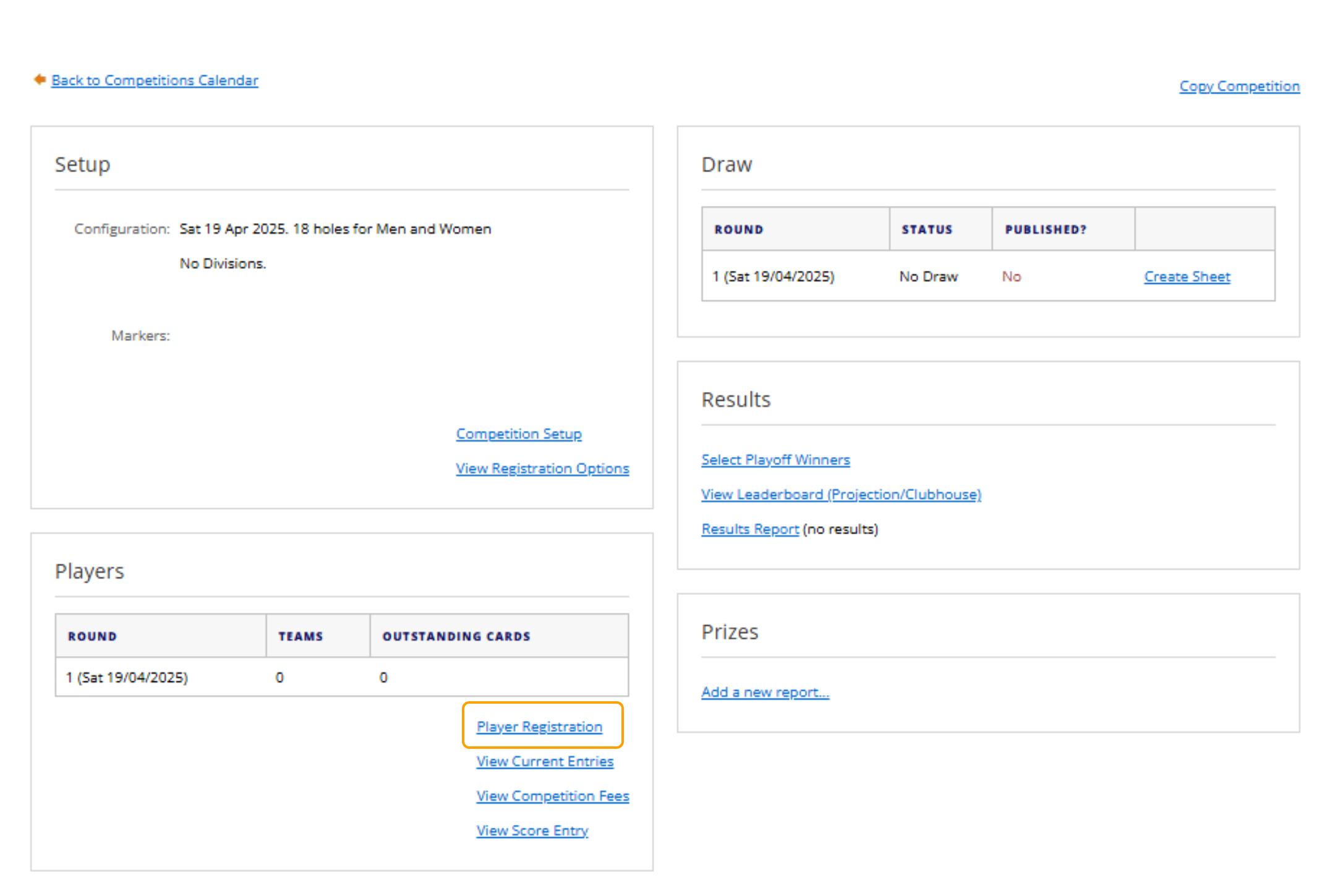
1. In the Competition, select "Player Registration" under the Players area.
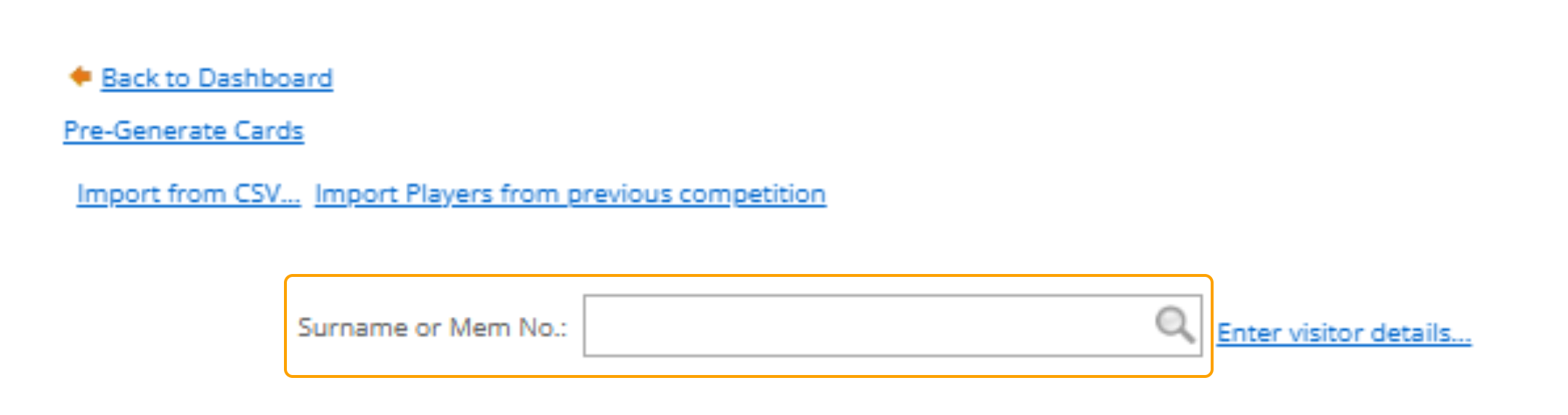
2. In the search bar next to "Surname or Mem No" start typing in the Membership Number or the Last Name of the player you would like to register
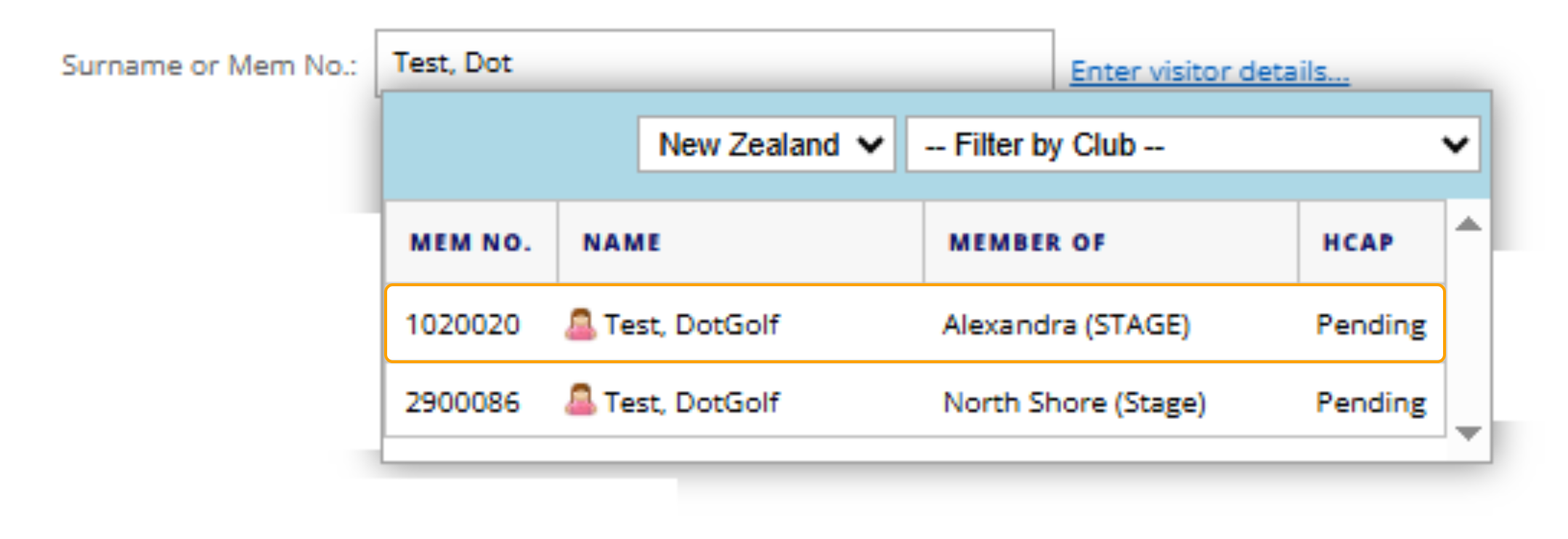
3. Select the correct player from the drop-down of players that the system generates.
Import through a CSV File
Related Article: CSV File Format
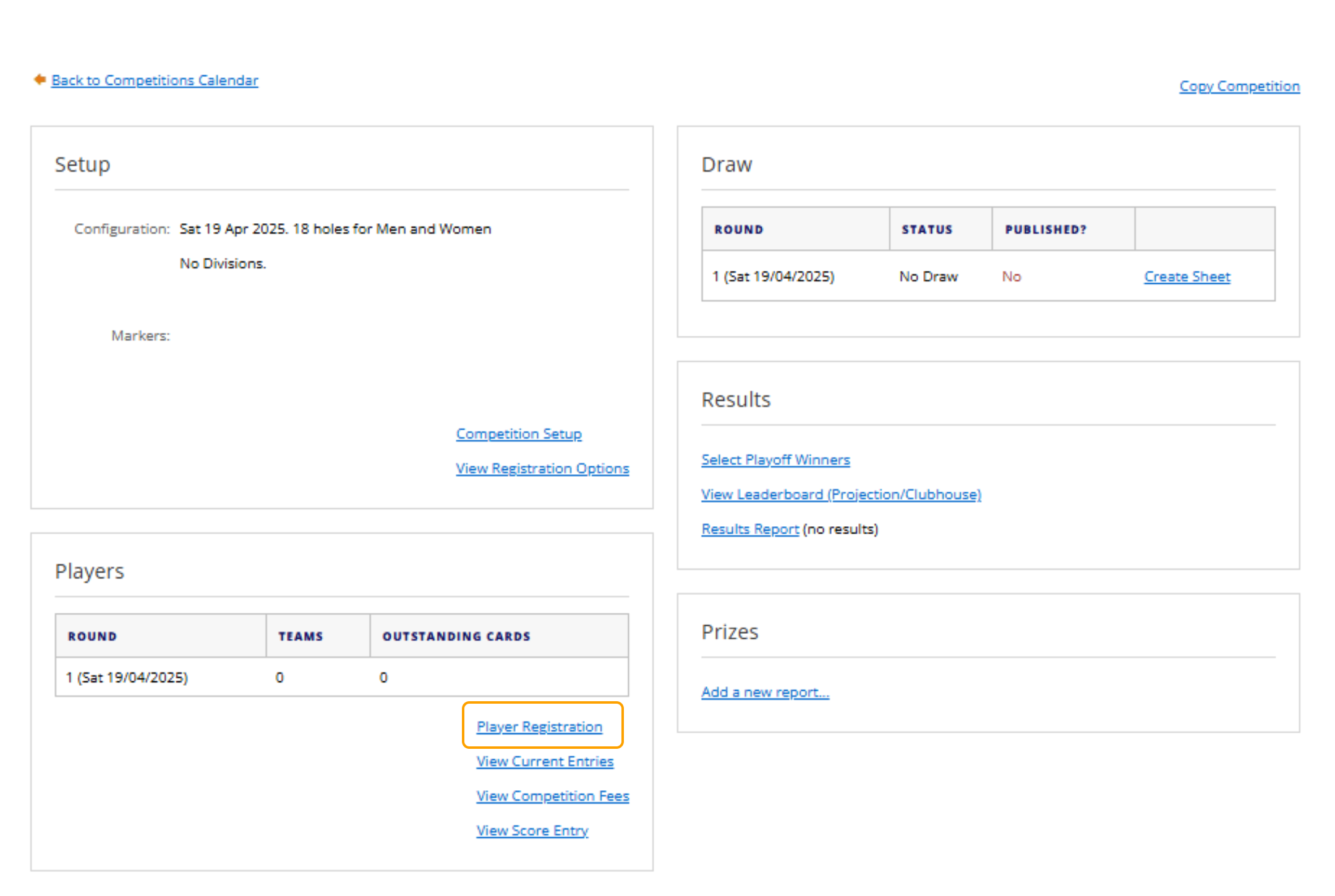
1. In the Competition, select "Player Registration" under the Players area.
2. In the top left, select "Import from CSV"
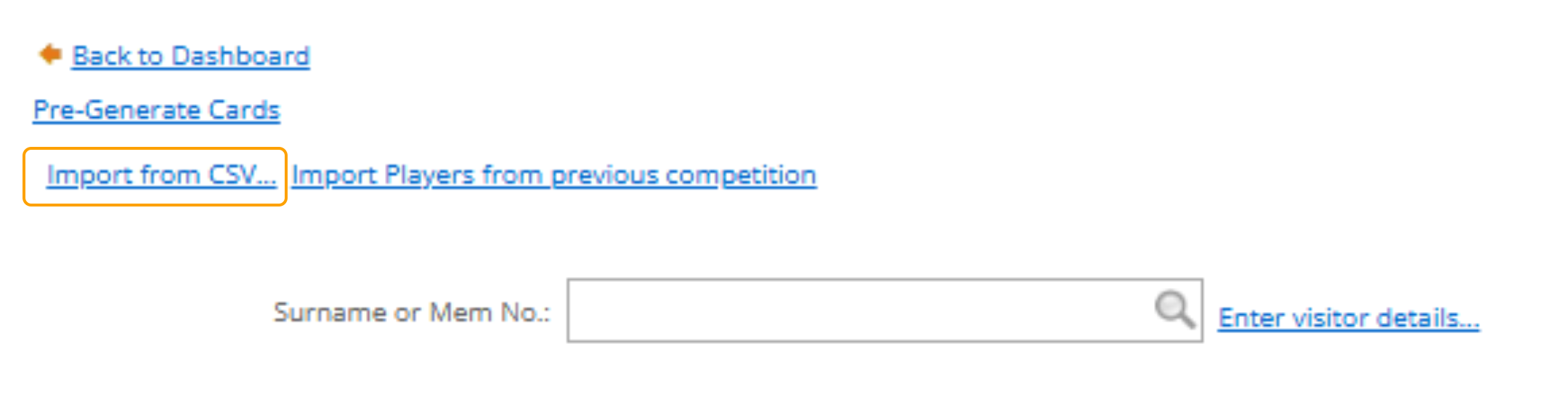
3. Select 'Browse' to find the file on your PC.

Register from a Previous Competition
1. In the Competition, select "Player Registration" under the Players area.
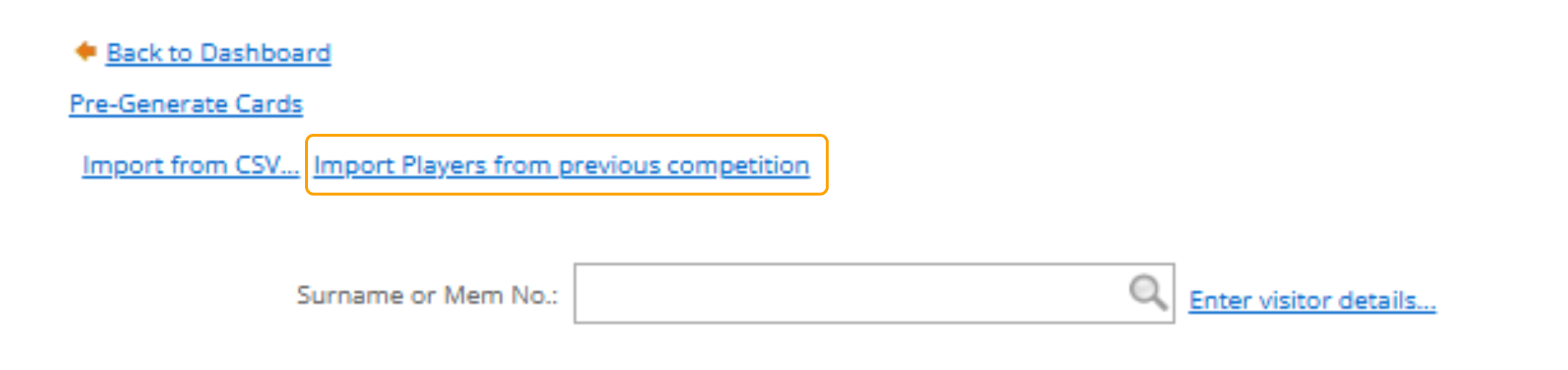
2. Select "Import Players from Previous Competition"
3. Click the drop down to display a list of previous competitions
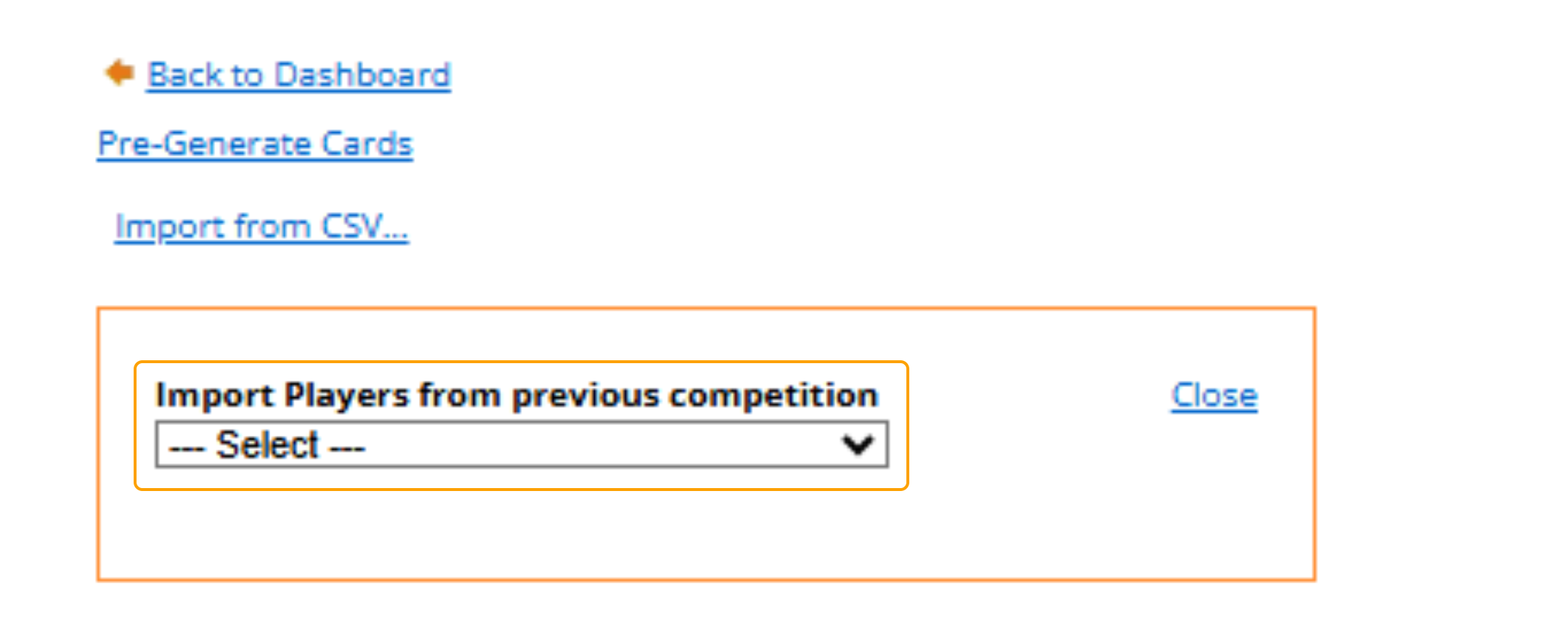
4. Select the Competition that you would like to import from.
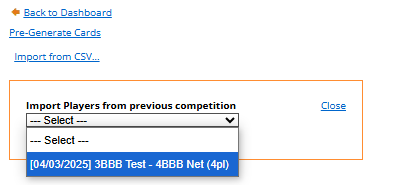
Once a previous competition has been selected it will take a little while before you are redirected to the preview of pre-registration for players.
If previous players in the selected list are resigned an error will show in the pre-registration view.
These players will be skipped over during the actual import process after submit has been clicked.