Bulk Generate Scorecards from Tee Sheet
1. Using the drop down next to "Load Players From" select Tee Sheet
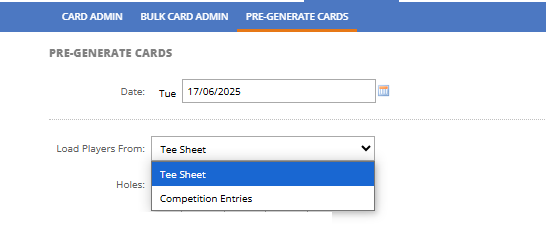
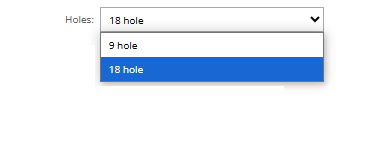
2. Select either 9 or 18 holes
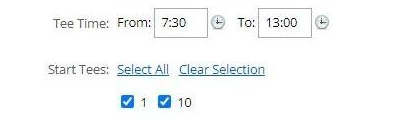
3. You can also select the tee time of the scorecards you want to print or filter this for specific tees.
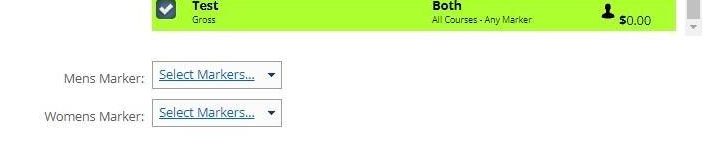
4. If you want these players to be entered to a competition, just tick on the competition/s.

5. You may need to select the markers for the competitions
6. Please check if you are using the correct printer and card format by clicking the "Change Printer"
This settings should match the settings under your Settings > Scorecard Settings

7. Click the "Print All" field. to print all cards or select the individual players you want to print
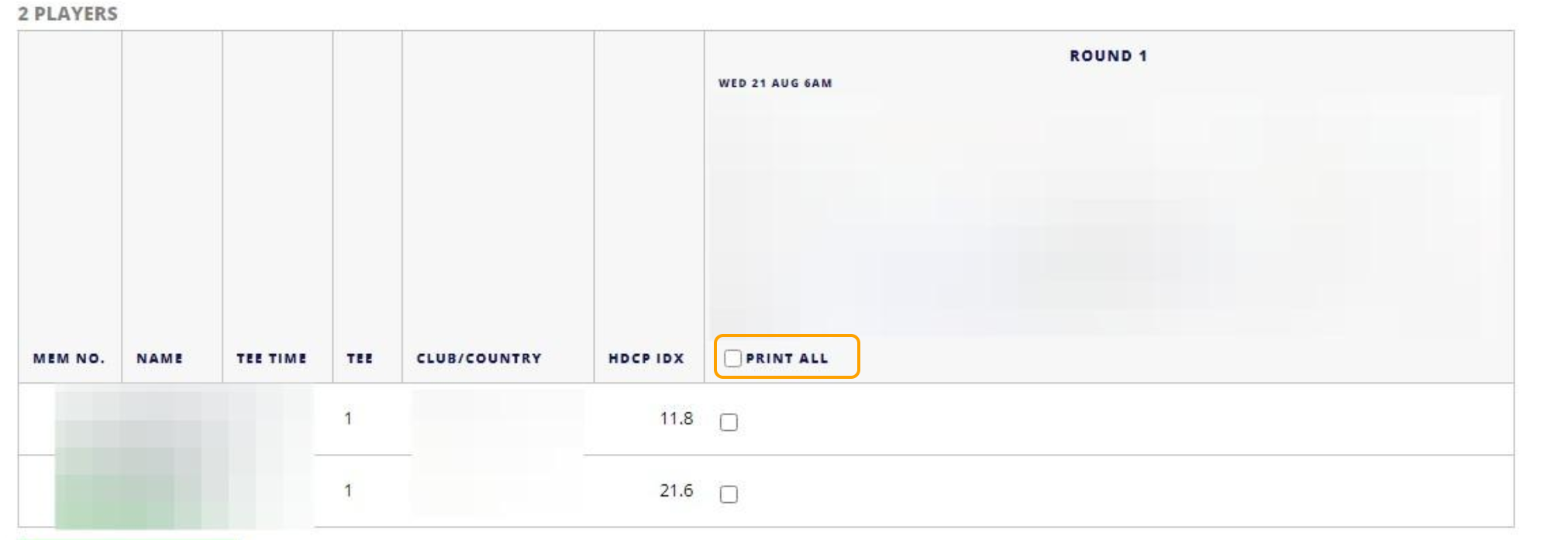
8. Click Generate Cards to print.

Bulk Generate Scorecard from Competition Entries
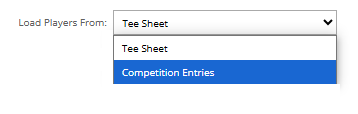
1. Using the drop down next to "Load Players From" select Competition Entries
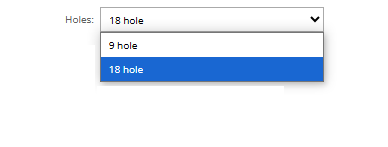
2. Select either 9 or 18 holes
3. Select the Competition you want to Pre-Generate the cards for
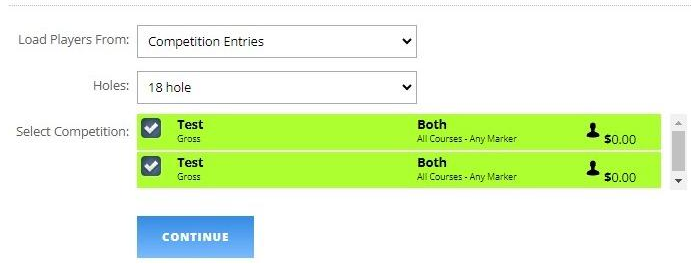
4. Click "Continue"
5. Please check if you are using the correct printer and card format by clicking dropdowns
This settings should match the settings under your Settings > Scorecard Settings
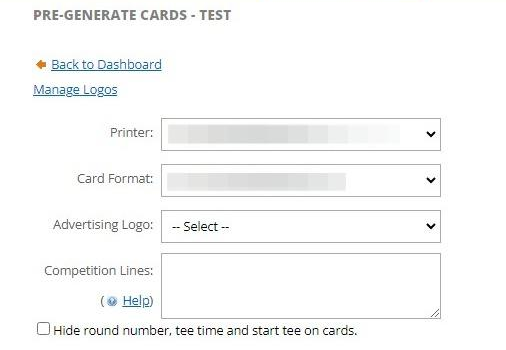
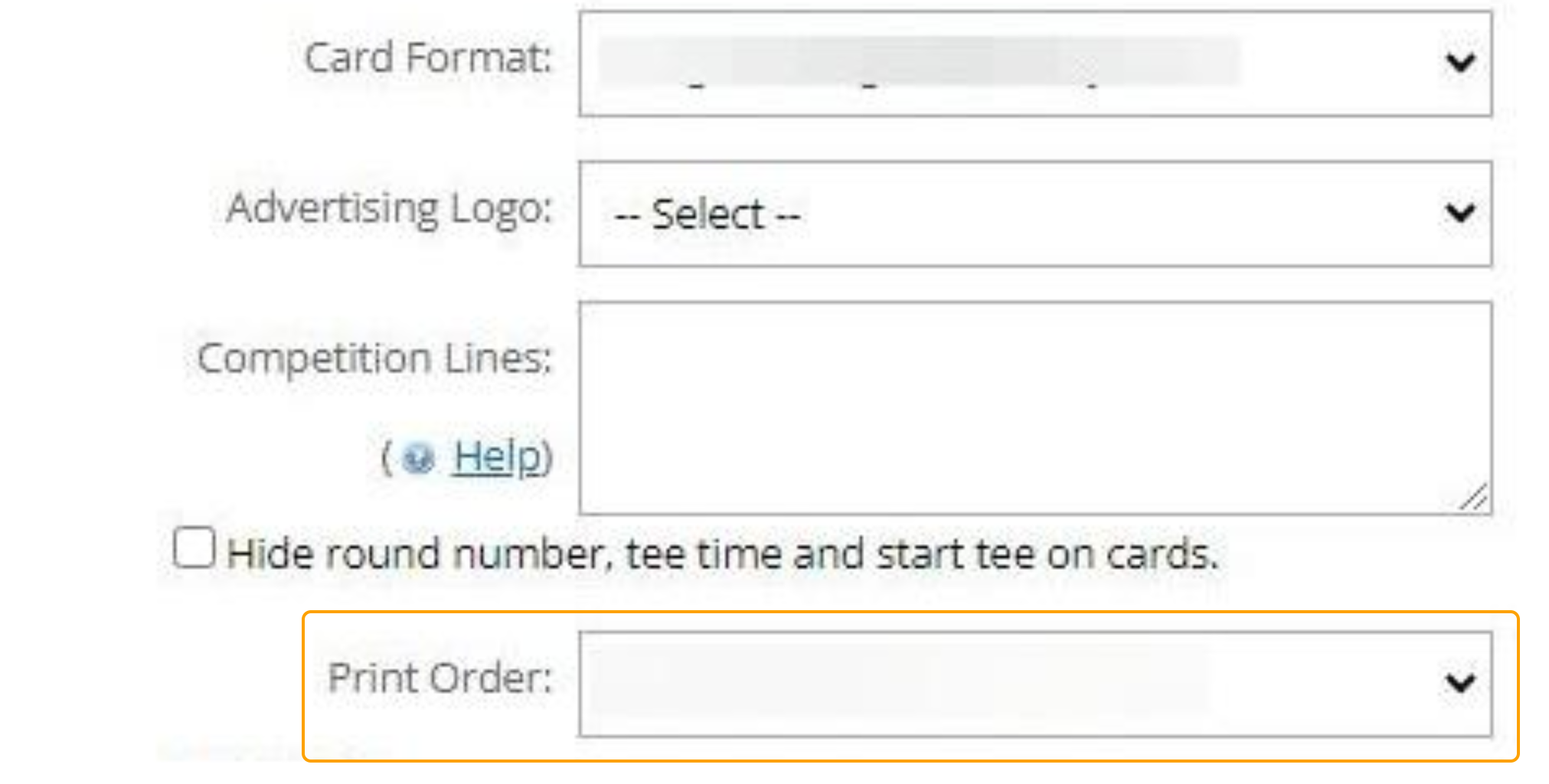
6. You can also select which order the cards print out in under this dropdown
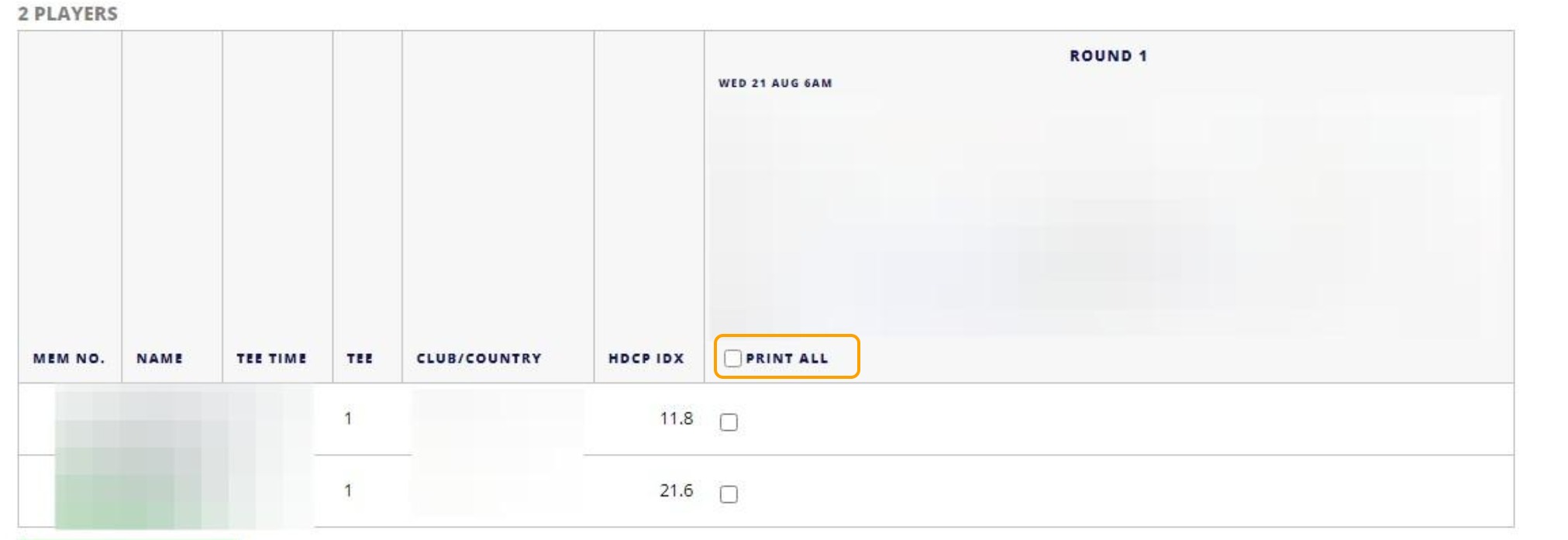
7. You can then either Print All Cards or select individual players
8. Then press "Generate Cards" to print them