
1. Navigate to the dashboard of DotGolf Clubhouse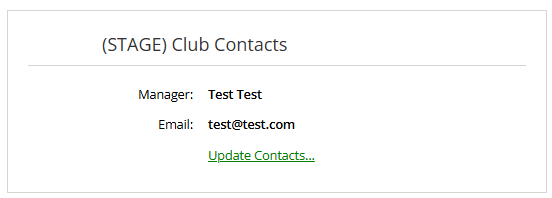
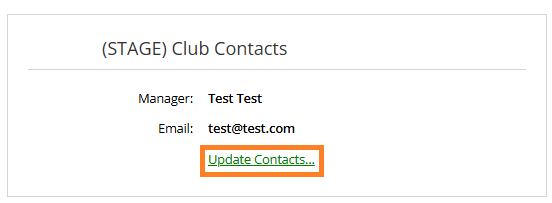
2. Click "Update Contacts"
3. Click Manage Contacts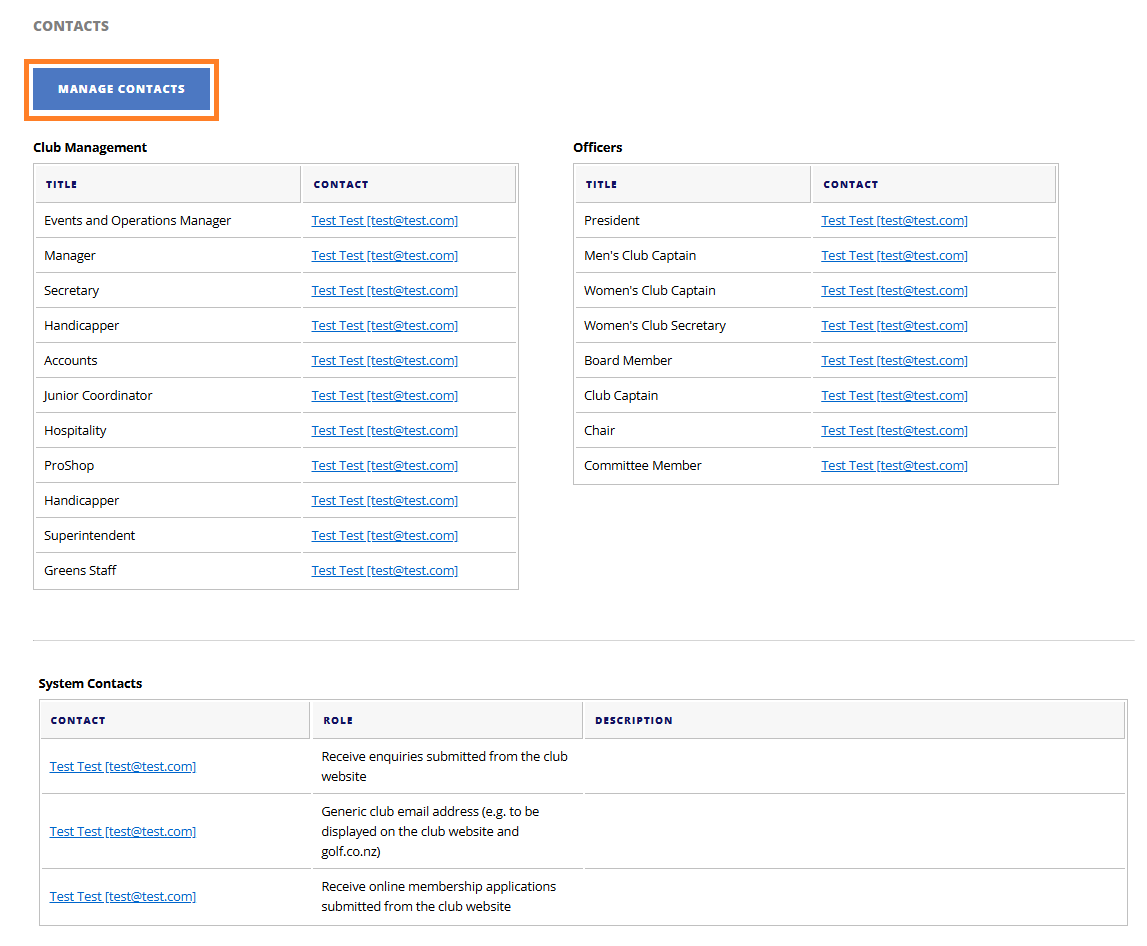
4. From this drop down, select 'Create New Contact'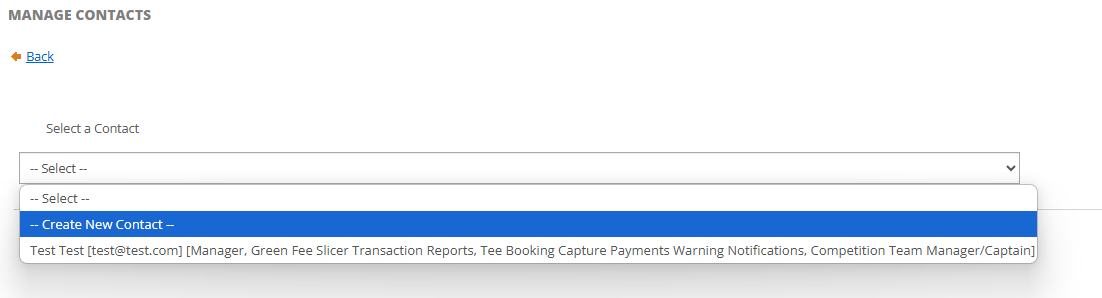
5. Fill out the necessary details for the new contact you are creating and assign the roles that the new contact performs by checking the applicable boxes. 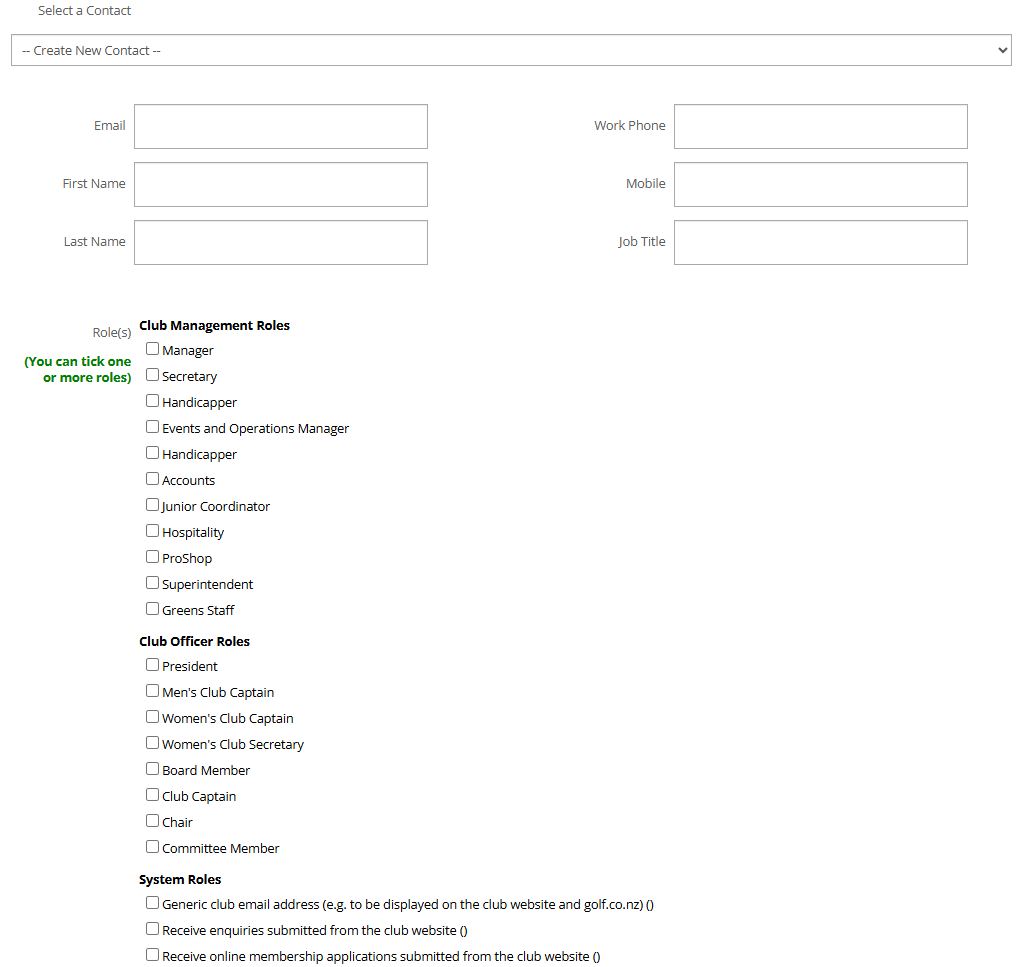
7. You can also edit existing contacts by clicking on their name within the list of contacts.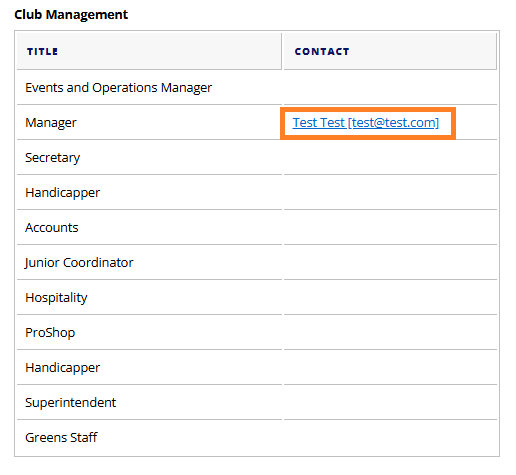
8. Select Save Changes
9. To delete a contact, select Delete.