
This page is used to configure the name, play time and pin position for each hole on your courses. Depending on your settings this information may be shown on your score card, or shown to users of your club website.
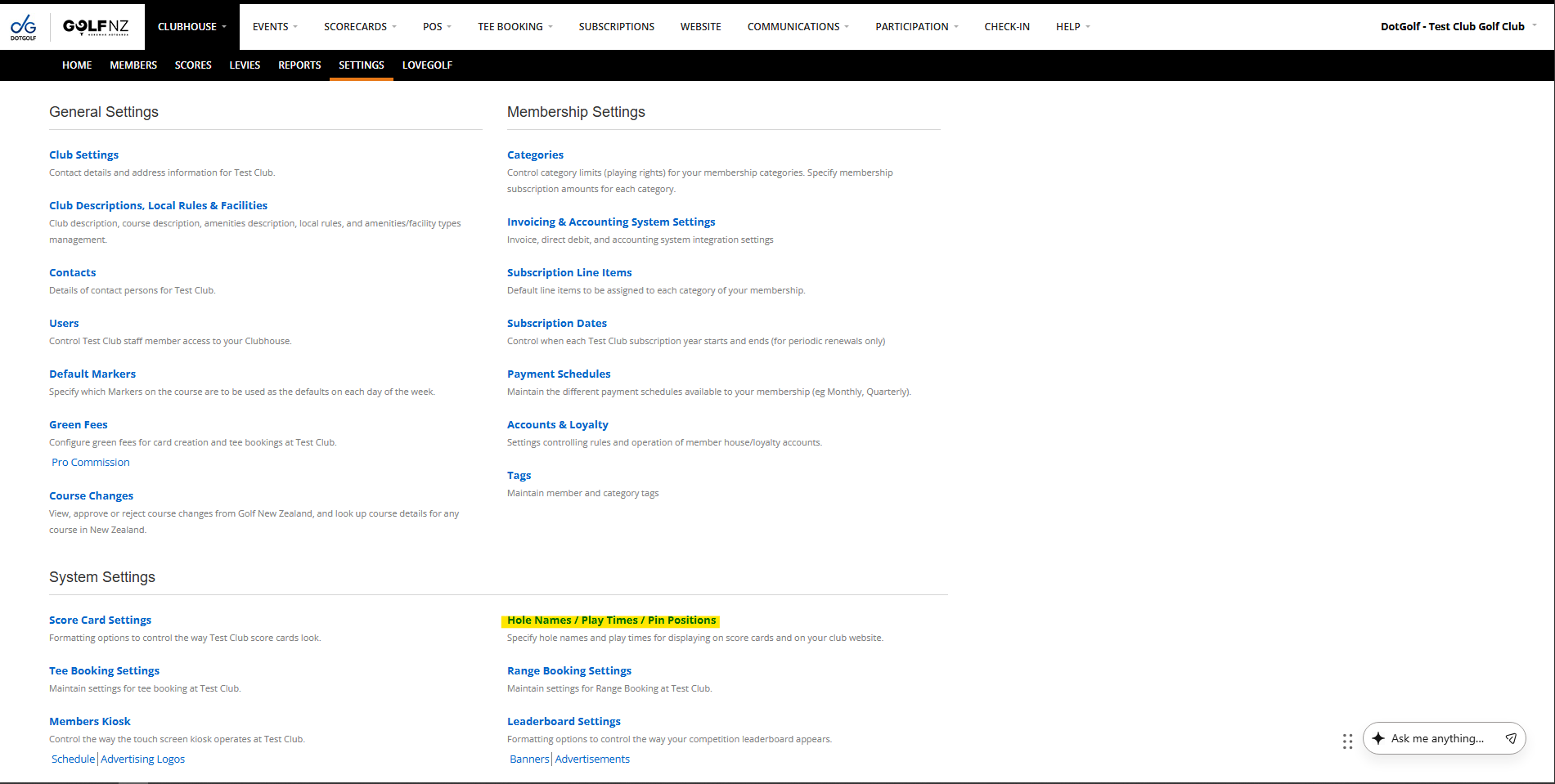
The Hole Names / Play Times / Pin Positions Settings can be found under Clubhouse > Settings in the System Settings section:
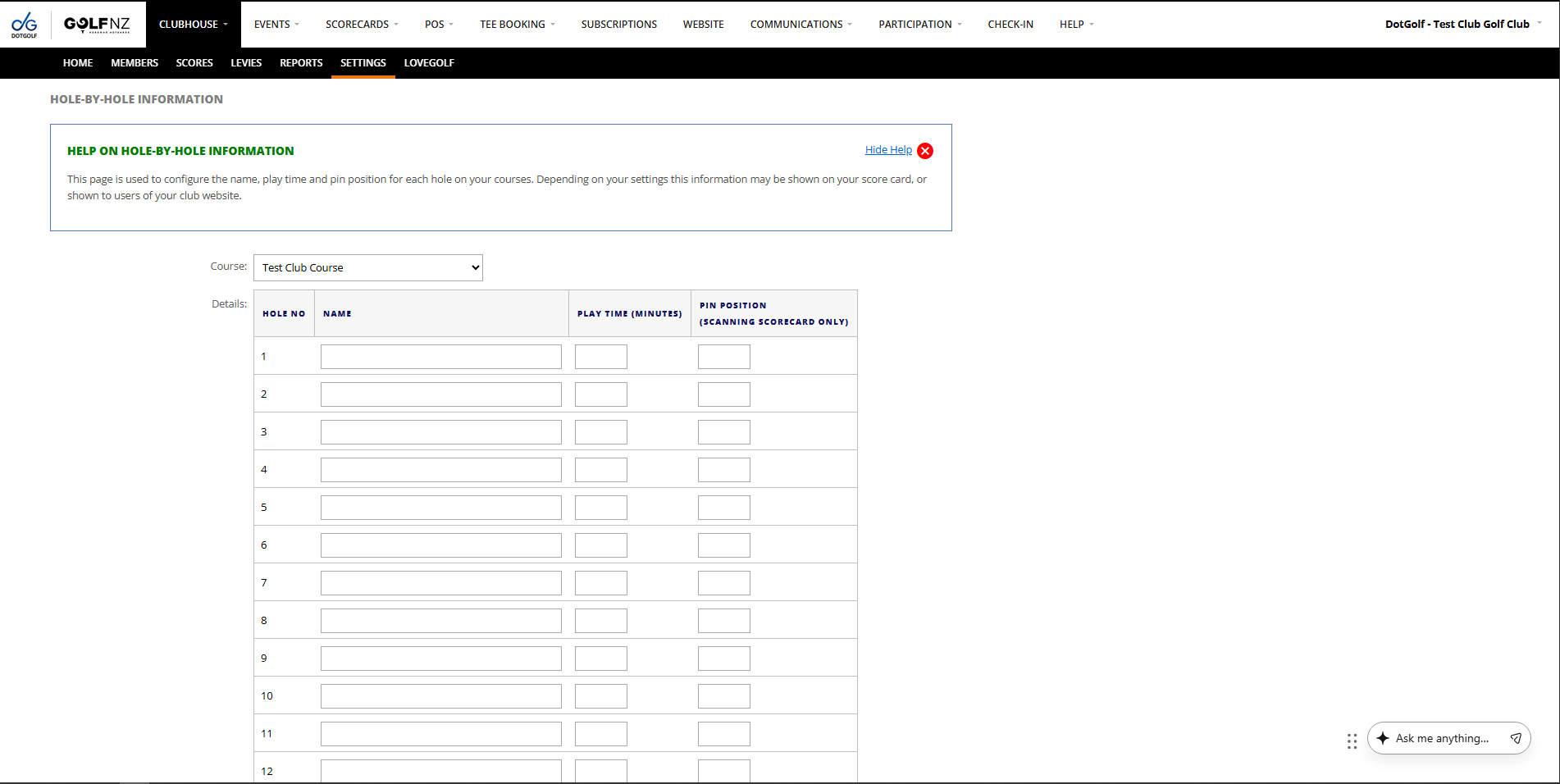
From there you can add information to each box as required:
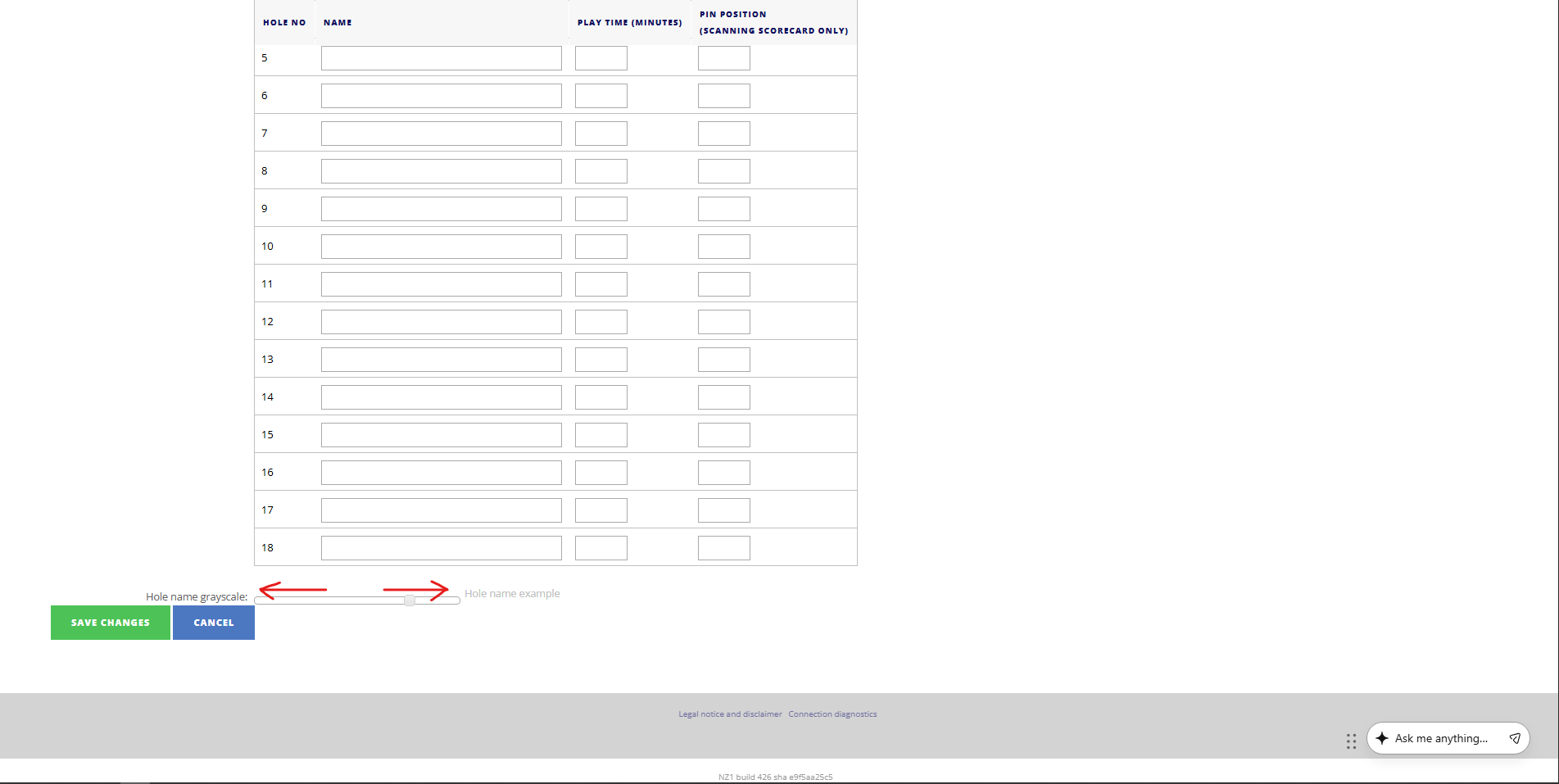
At the bottom of the screen there is the grey scale, which you will need to adjust if you are setting hole names. The hole names display on each hole row behind the boxes:
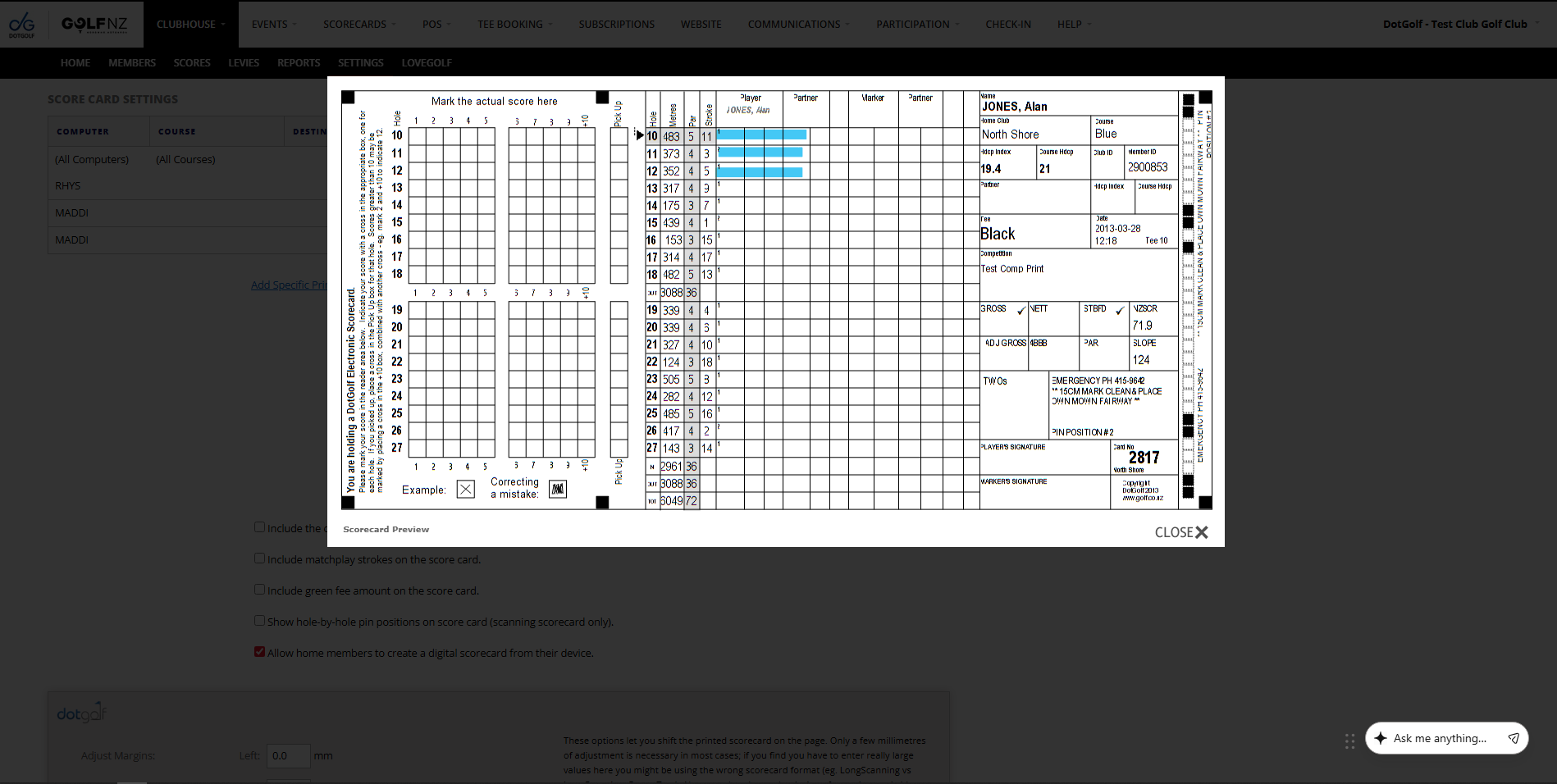
The Digital Scorecard also displays this time, in the top menu where the hole information is situated.
Please note: for the play times to display on the scorecard the player needs to have a tee time as the system has needs to have a way to calculate the time the hole should be finished based off the players tee time.