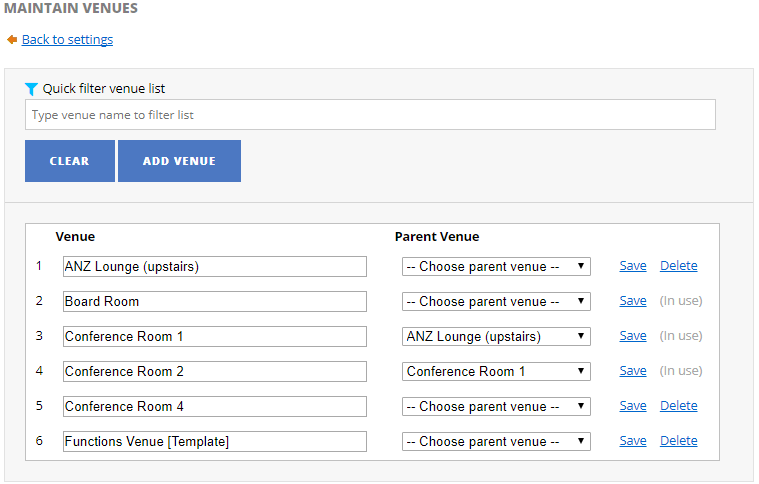
1. Go to the Functions Settings pageand click on Venues link.
2. To delete a functions venue, access the Venue Inventory page
Note: The system only allows you to delete a functions venue if its not booked (current day or upcoming functions).
3. Located/Find the venue (e.g. Conference Room 1A) you want to delete then click on Delete link.
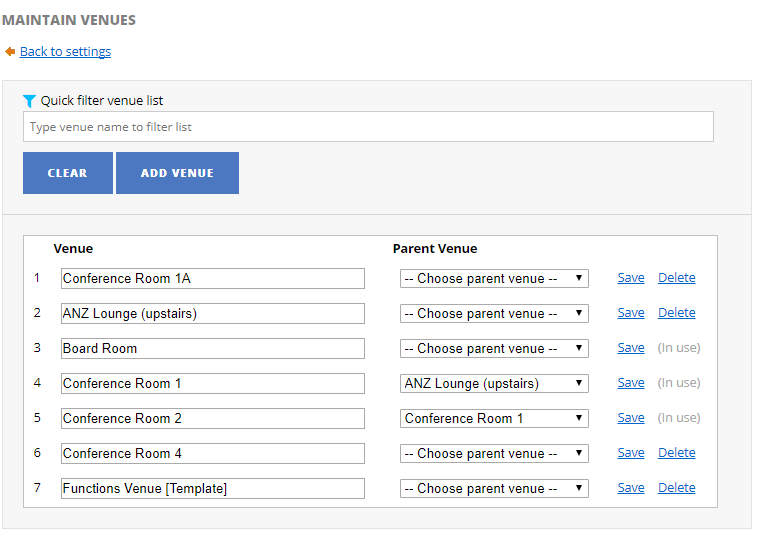
4. You will be prompted with a delete confirmation dialog. Click OK proceed.
5. Functions venue (e.g. Conference Room 1A) has been deleted.