
1. Login to the Club Website through DotGolf or through the Member Portal on the Club Website.
For more details on how to achieve this, please refer to the following article:
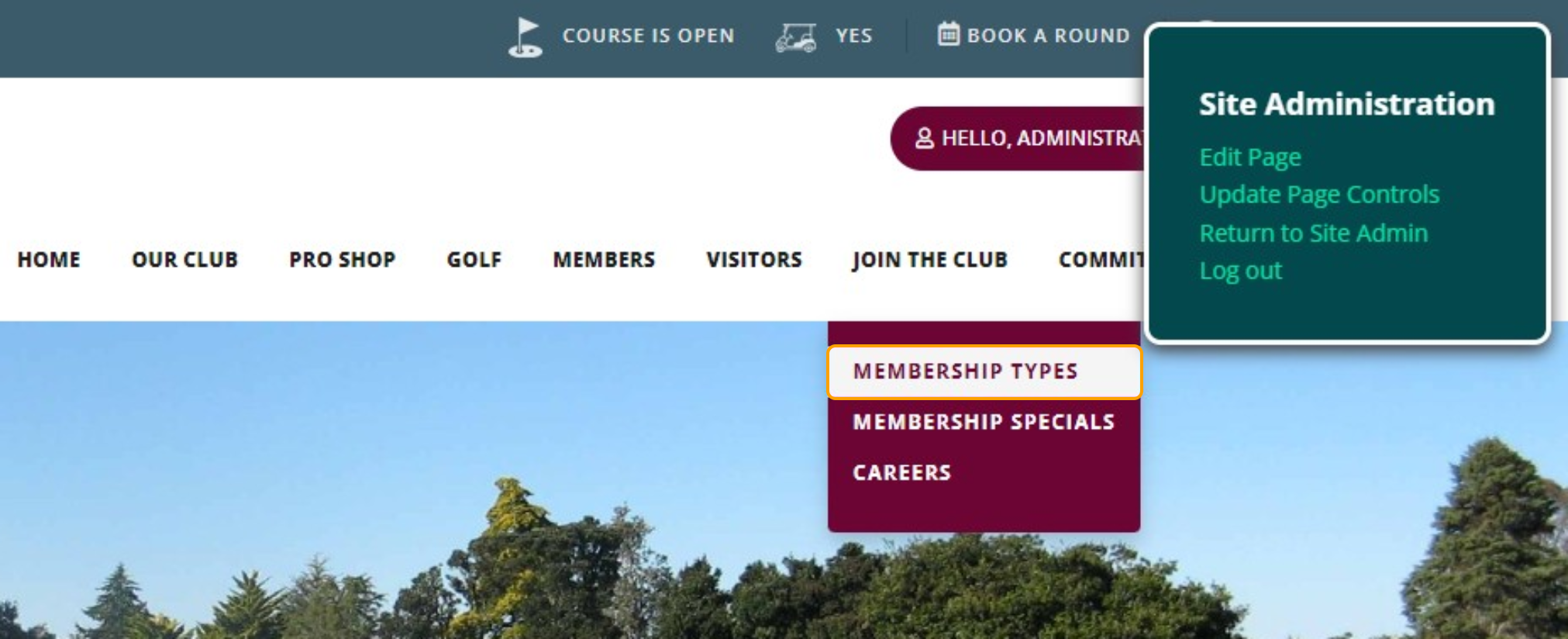
2. Navigate to the page that you wish to make changes to.
For example: Membership Types
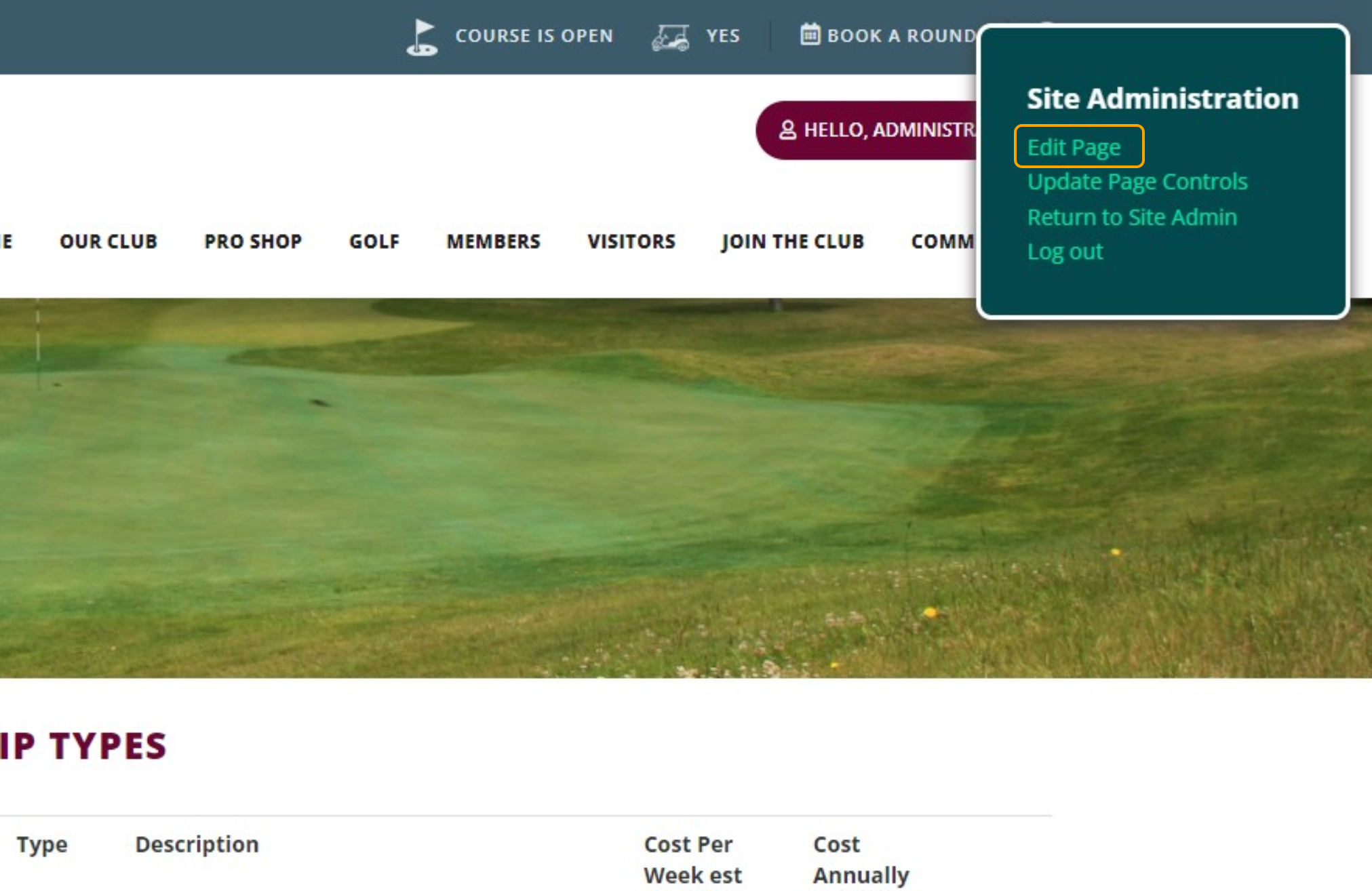
3. Select "Edit Page" on the Site Administration box in the top right corner
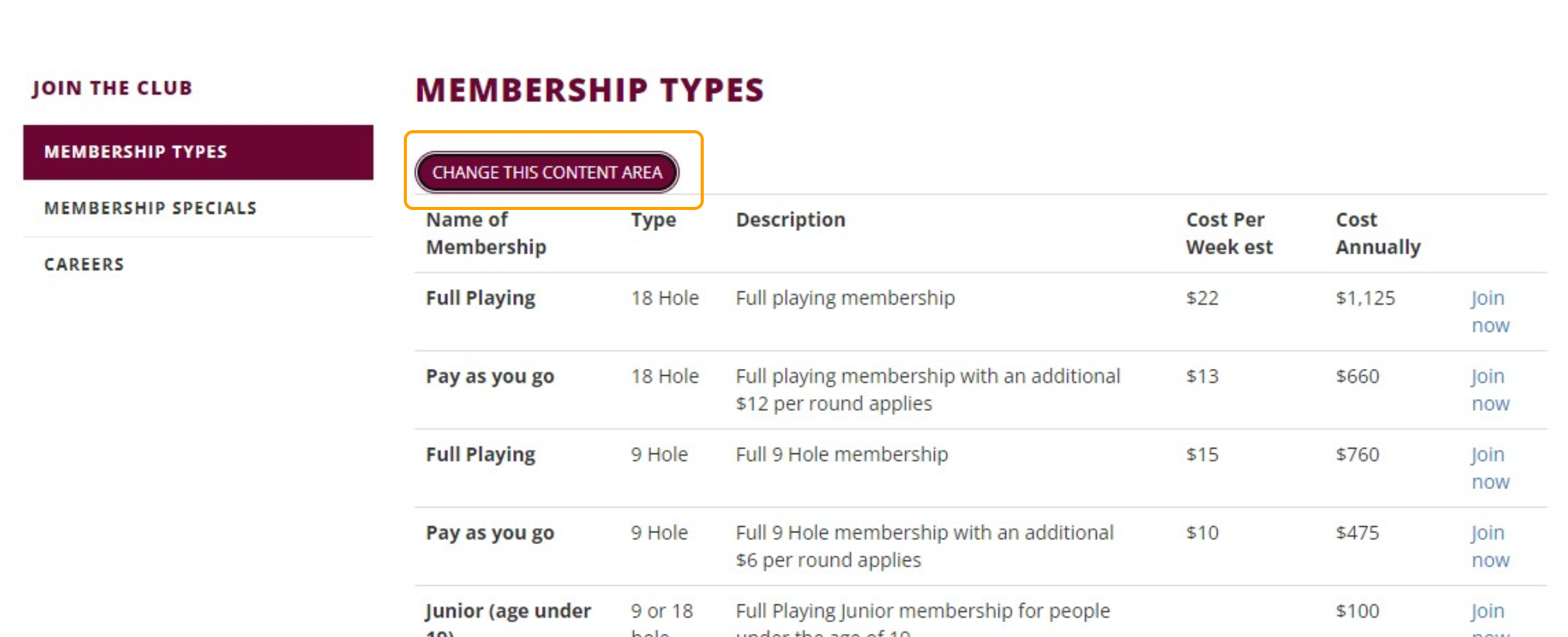
4. Select "Change this Content Area".
Note: This may not be at the very top of the page that you are wanting to edit.
If there is more than one control on the page, you may have to scroll down to find the one required to update the content.
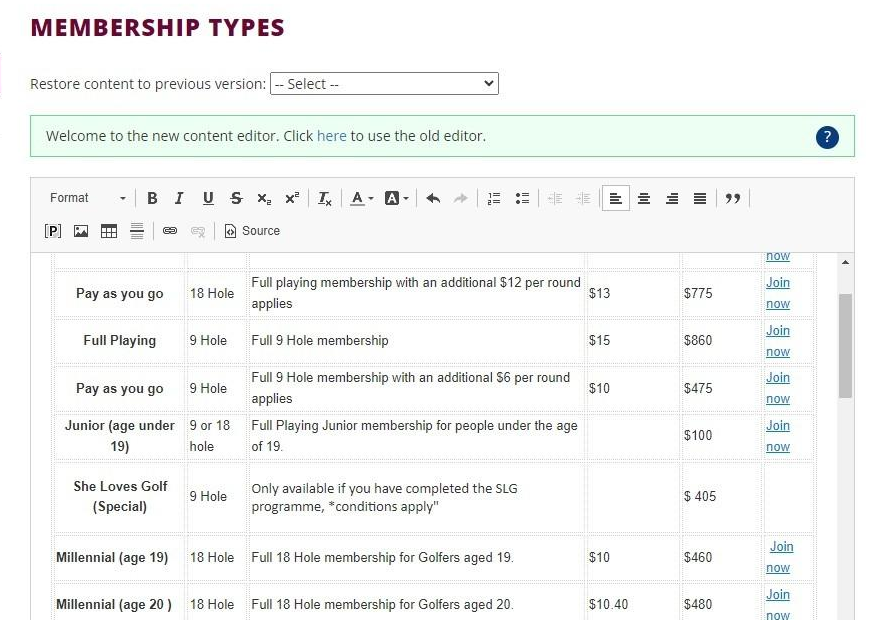
5. Update the required content
6. Select "Save"
