
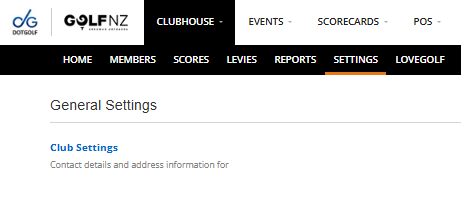
Club settings can be found under the General Settings in Club House.
General
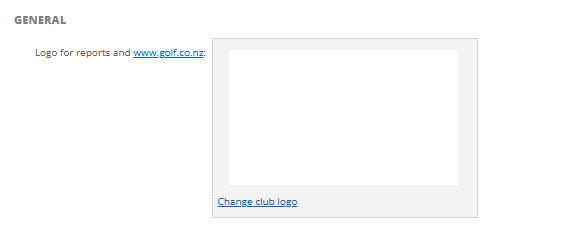
- Change Club Logo for Reports and www.golf.co.nz
- Select "Change Club Logo" to upload a new image from your PC.
Score Entry
- Default Score Entry Mode
- Show hole distances in:
- Allow Home Members to create a Digital Scorecard from their device

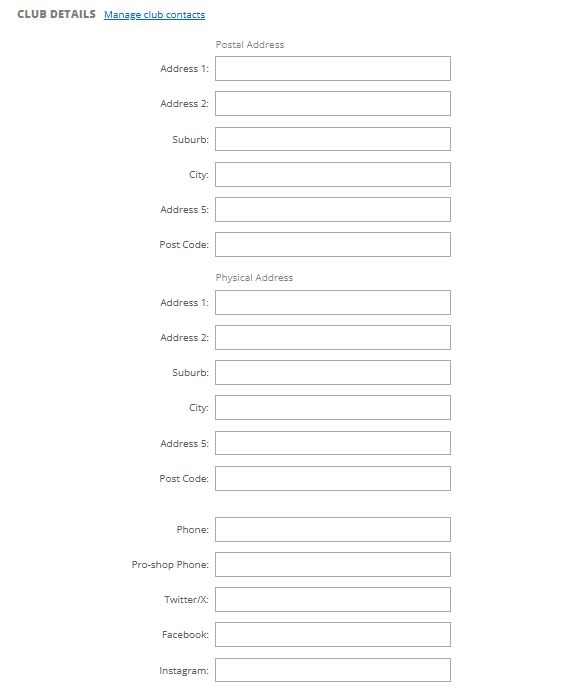
Club Details
- Manage Club Contacts
- Postal Address
- Address 1
- Address 2
- Suburb
- City
- Address 5
- Post Code
- Physical Address
- Address 1
- Address 2
- Suburb
- City
- Address 5
- Post Code
- Phone
- Pro-Shop Phone
- Twitter/X Link
- Facebook Link
- Instagram Link
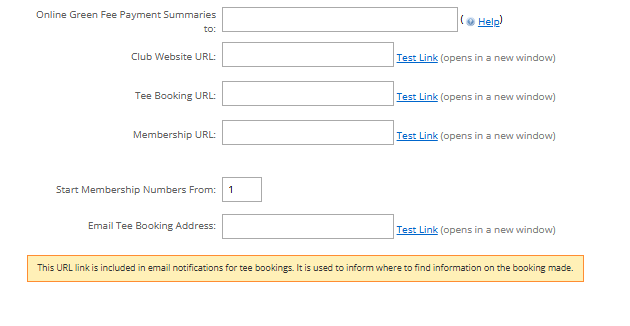
- Online Green Fee Payment Summaries to
- Club Website URL
- Tee Booking URL
- Membership URL
- Email Tee Booking Address
- Start Membership Numbers From
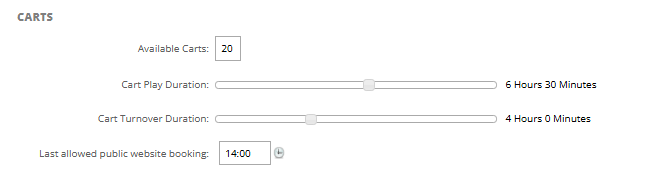
Carts
- Available Carts
- Cart Play Duration
- Cart Turnover Duration
- Last allowed public website booking
Competitions:
- Automatically Mark Competition Fee as Paid
- Allow House Account Payment for Online Competition Entry
