
This will allow clubs to delete scorecards in a bulk manor.
This needs to be done before the scores are returned
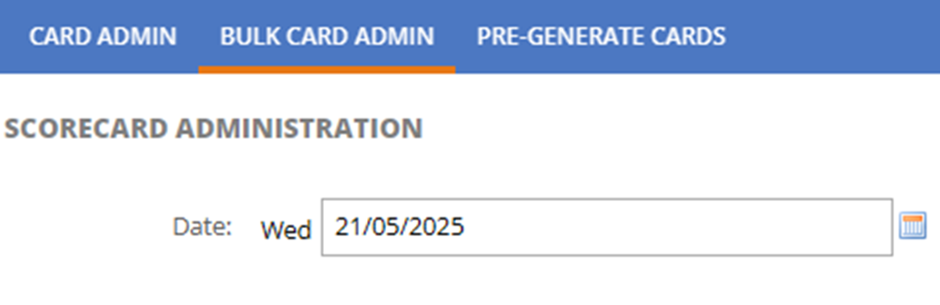
1. Click Bulk Card Admin and Set the date for the Scorecards the club is wanting to action
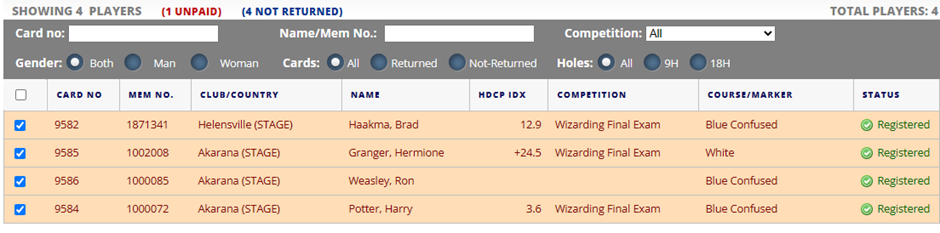
2. Select the scorecards that need to be deleted by ticking the box on the left-hand side of the Card NO. This will then highlight the cards that are to be removed
 3. Click DELETE CARDS
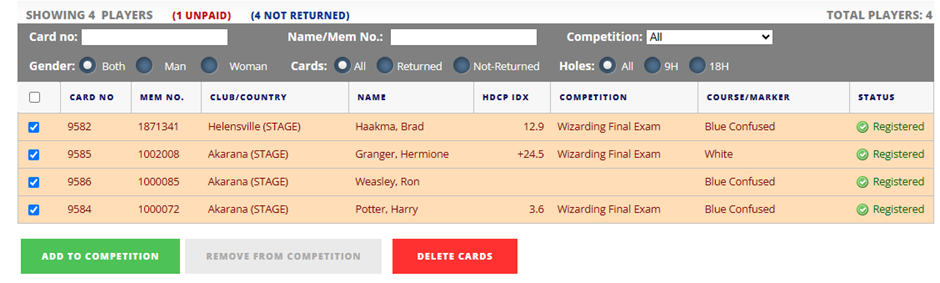
4. The selected scorecards will then be deleted.