
1. Communications

2. Create App Message in the top right corner

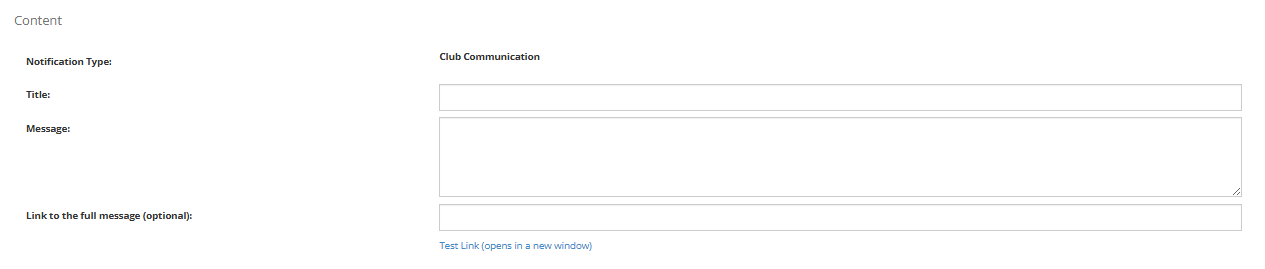
3. Fill out the required fields:
- Title: The header of the notification
- Message: The content of the message
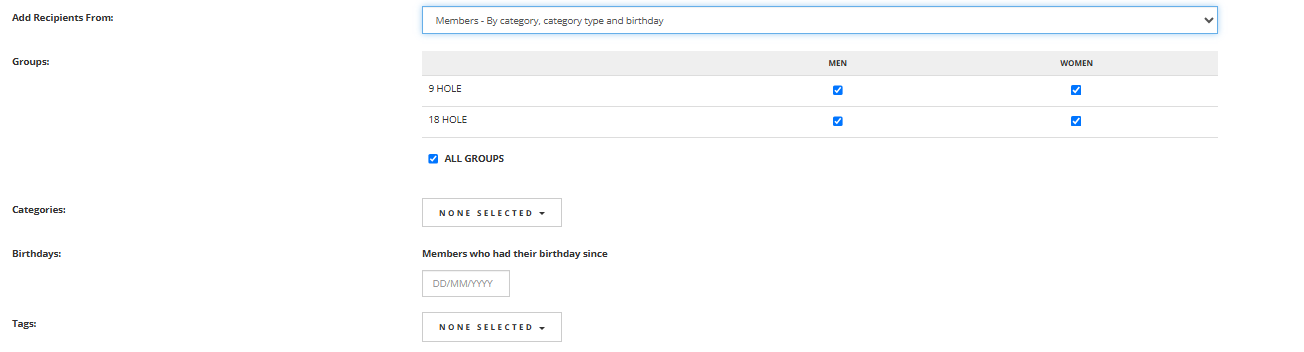
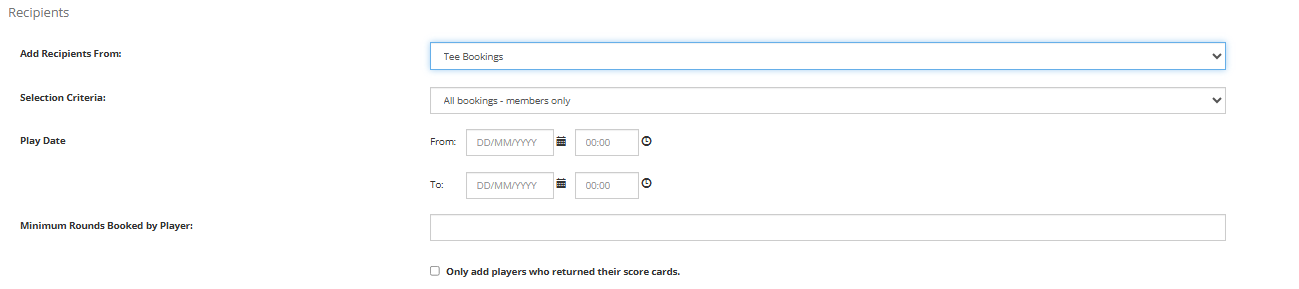
4. Add the intended Recipients of the notification
- Members - By category, category type and birthday
- Members - Individual
- Members - New Members Only
- Members - Not regularly playing (at risk members)
- Tee Booking

5. Add any requires filters, for example:
- Date and time of tee bookings,
- Categories
- Men or Women
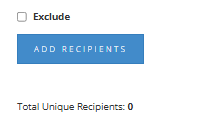
6. Once you have selected the recipients, select "Add Recipients"
7. You can then choose to save changes which will save the message as a draft and you can then send it from the drafts page. Or click send which will send the notification to your intended recipients immediately.
