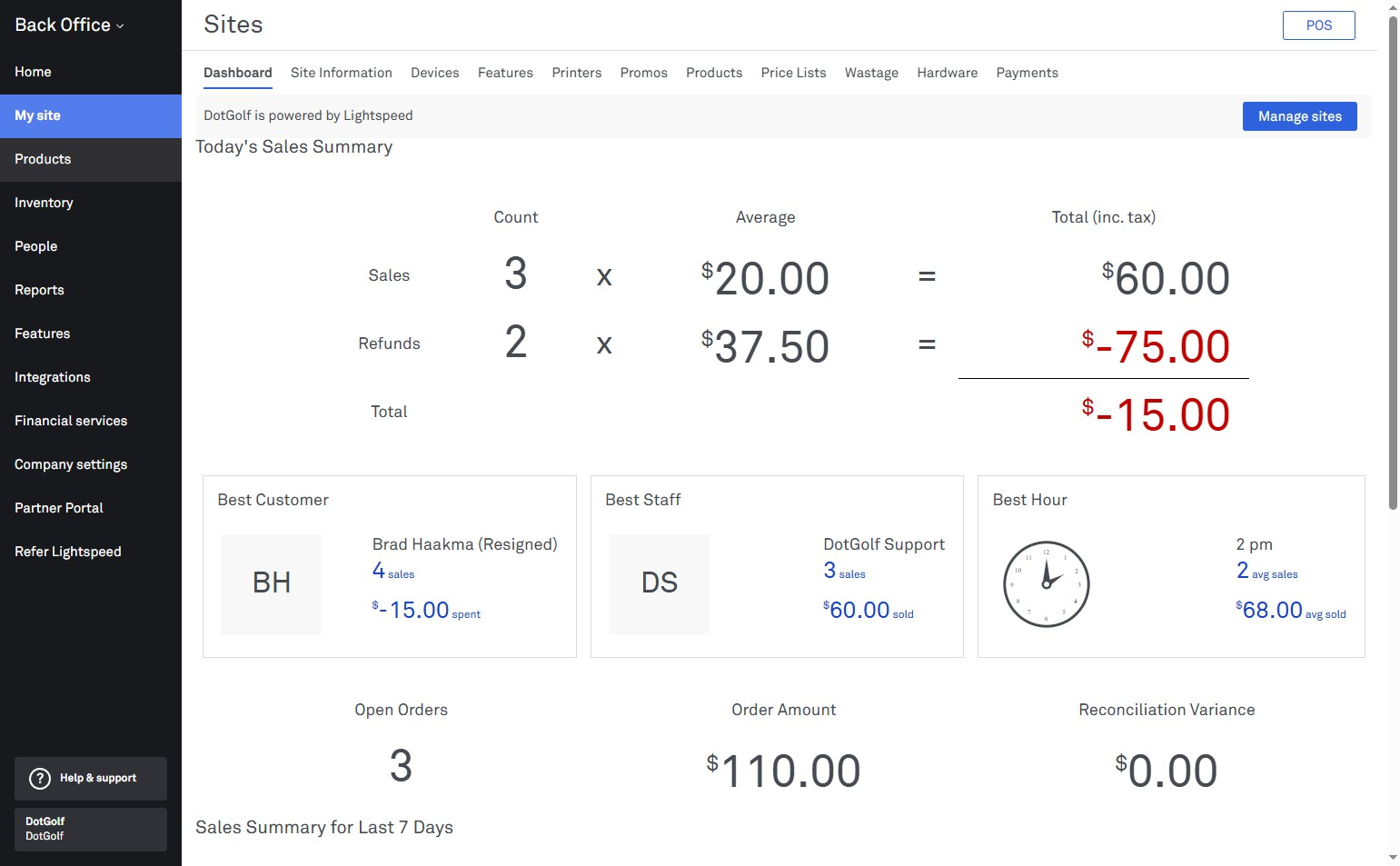
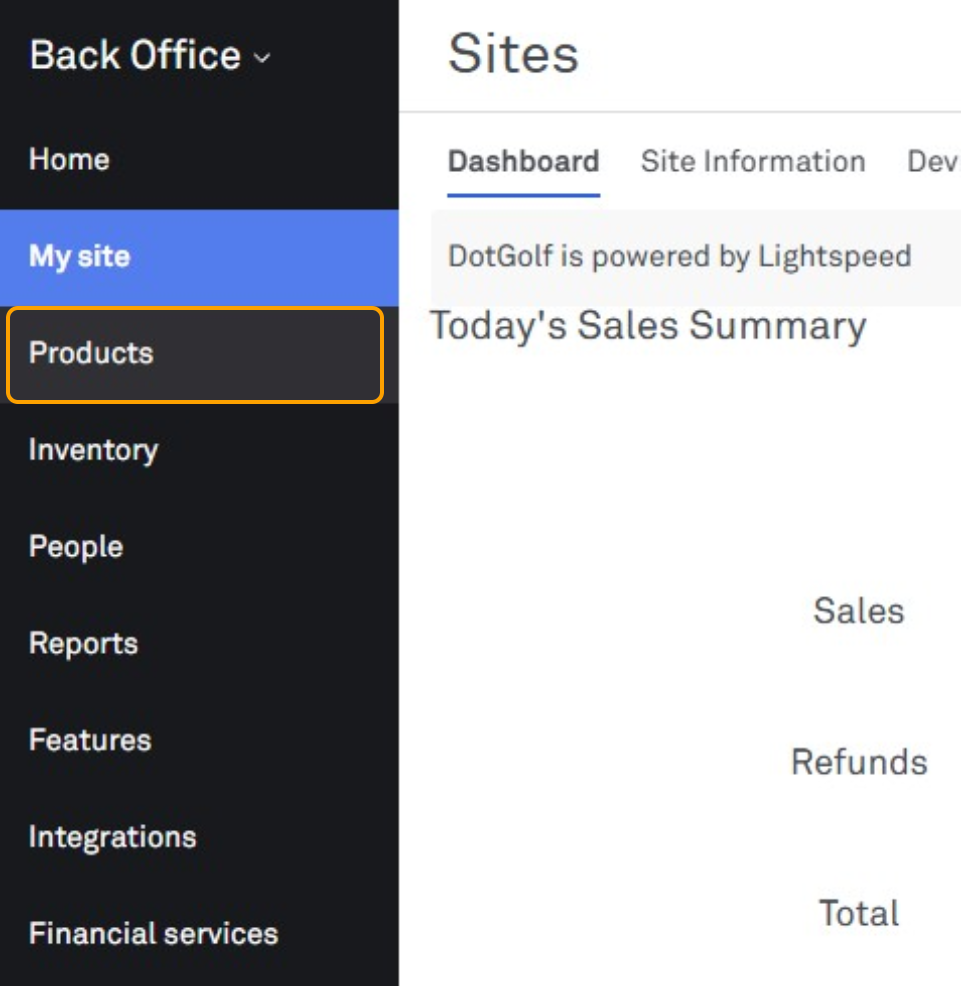
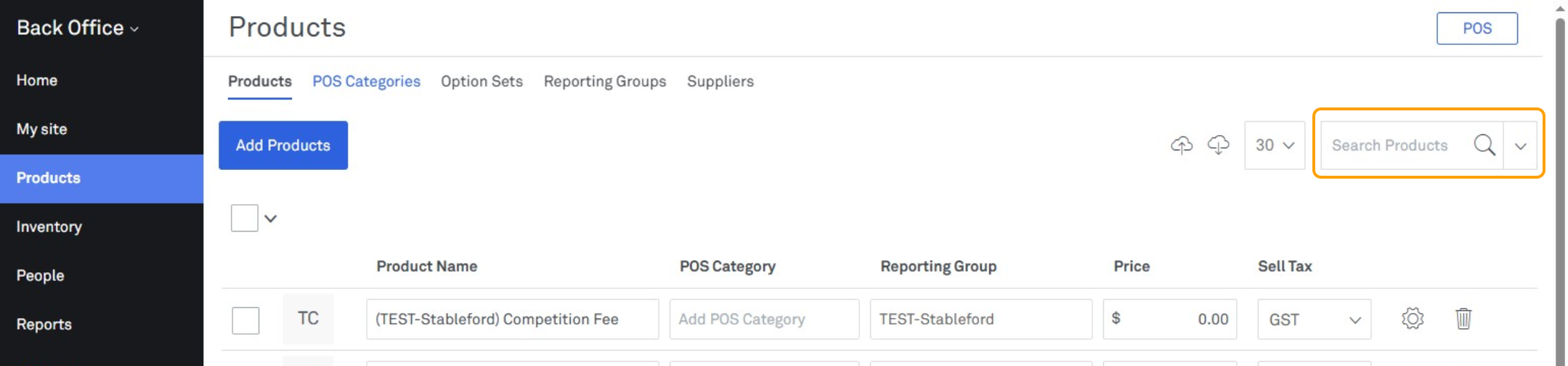
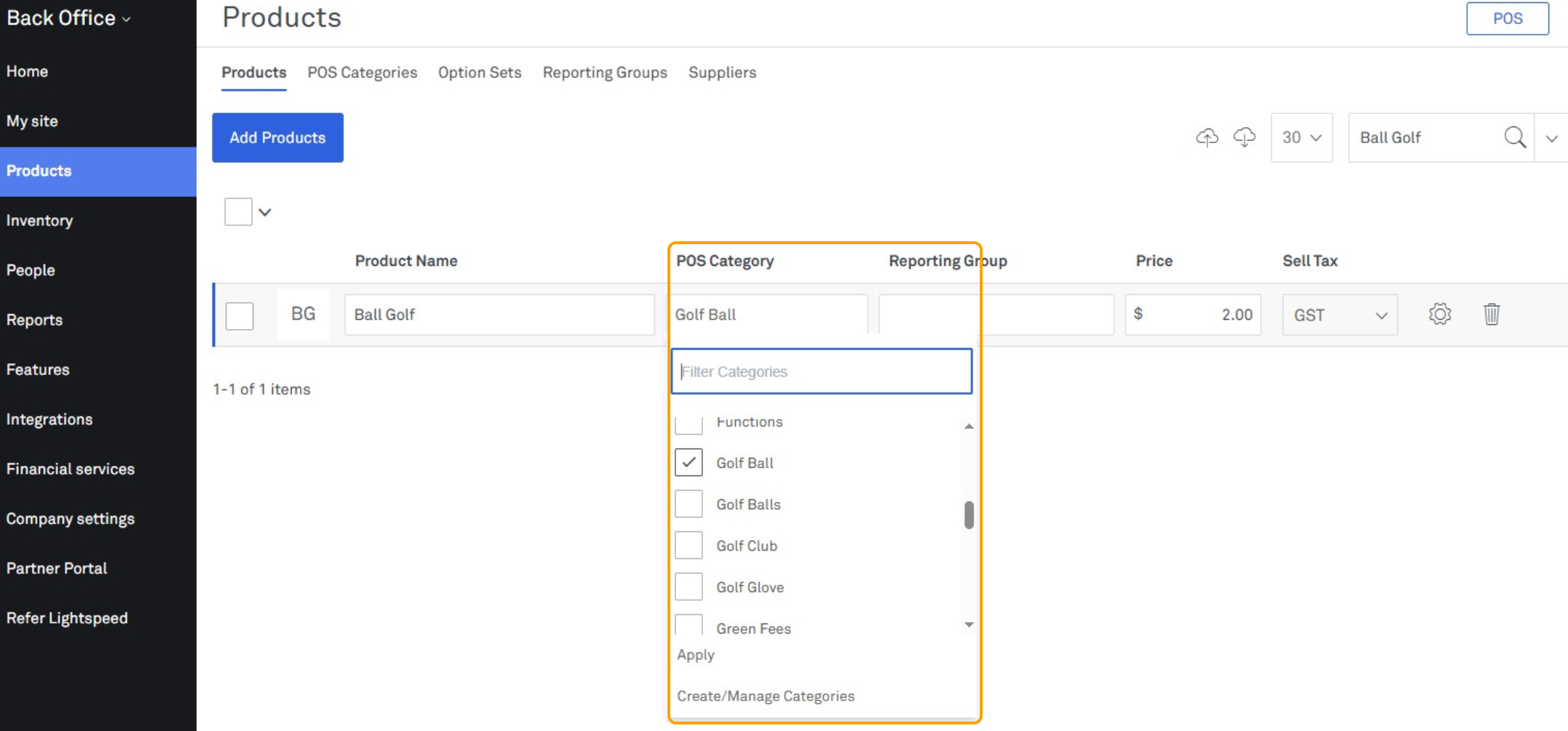
Adding a POS Category to an Existing Product in Lightspeed O Series (Kounta) 1. Login to Lightspeed 2. Select "Products" 3. Search for the Product in the search field in the top right corner 4. Under the POS Category column, use the dropdown to select the new Category that you would like this product to fall under.