1. Login to Lightspeed
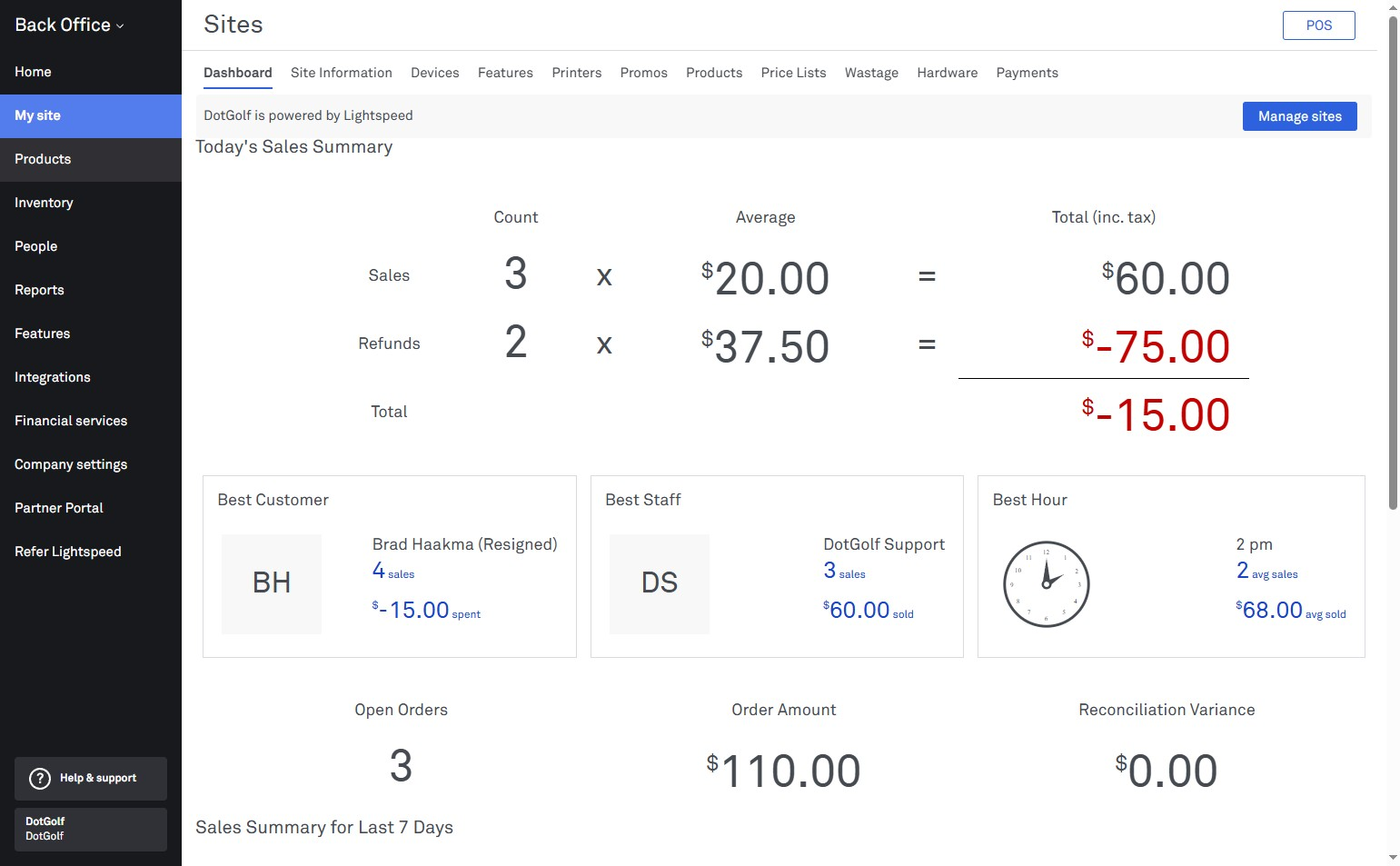
2. Select "Products"
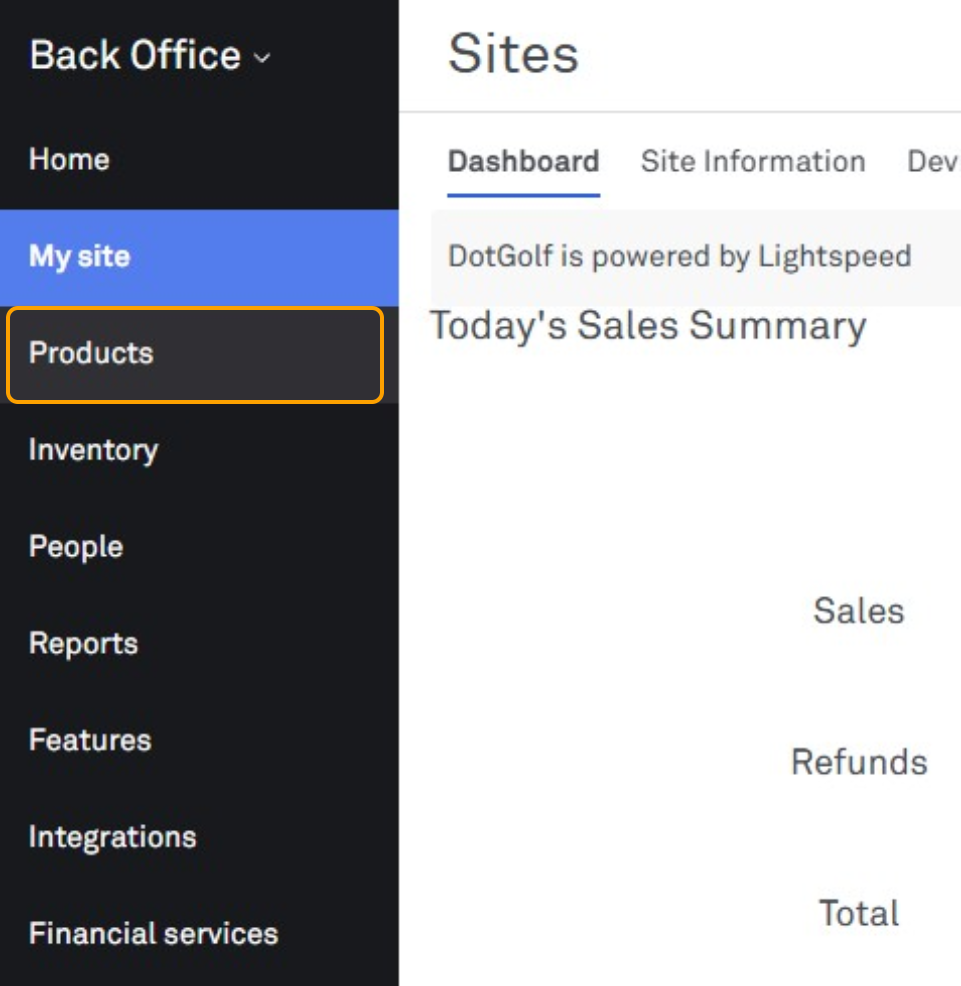
3. In the menu bar along the top, select "POS Categories"
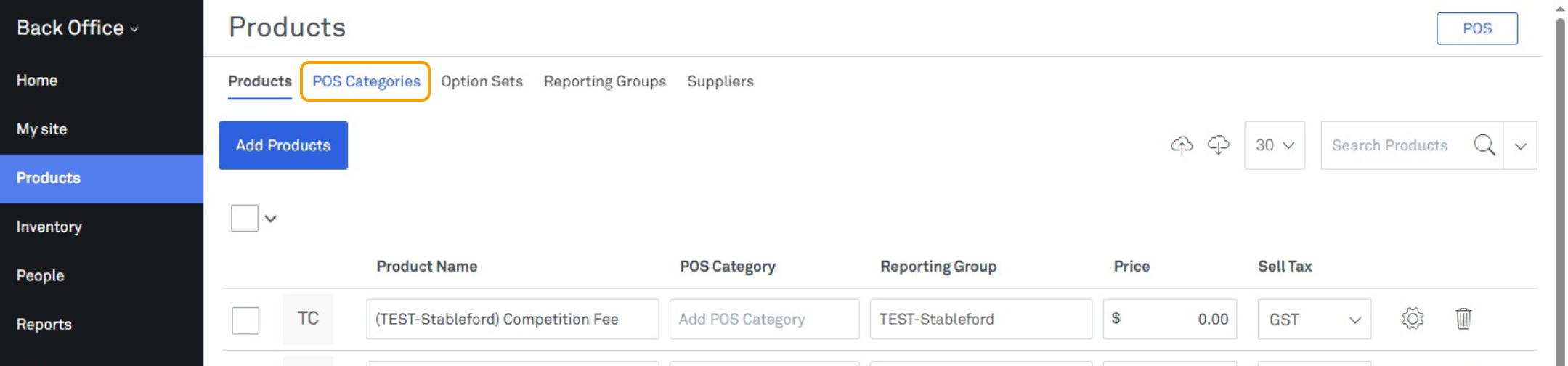
4. Select "Add POS Category" in the top right corner
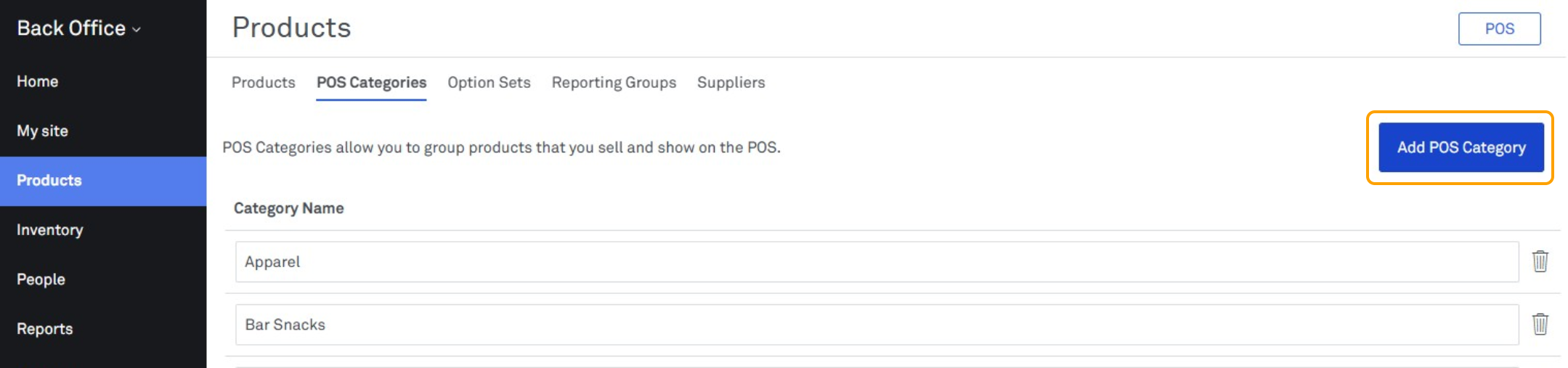
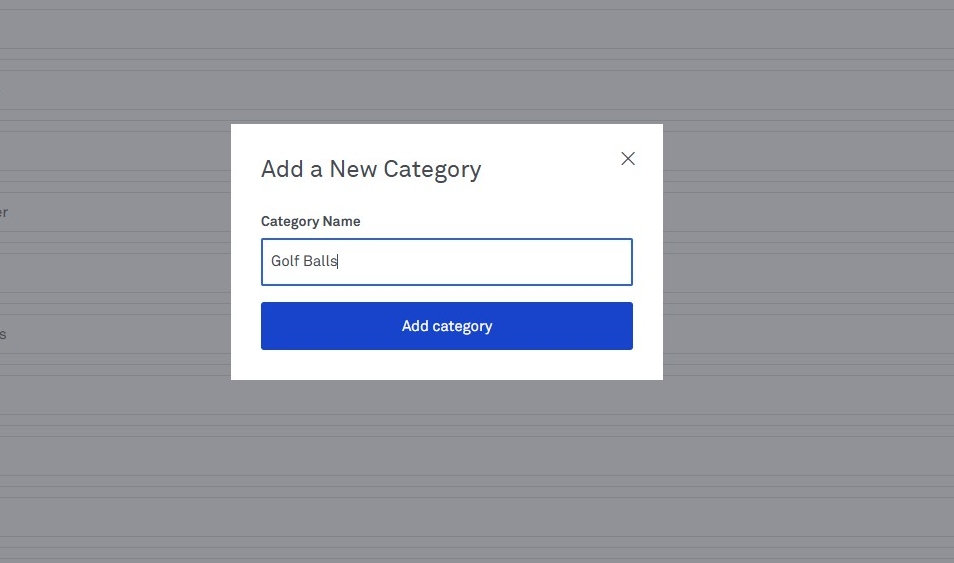
5. Enter in a Category Name and select "Add Category"

1. Login to Lightspeed
2. Select "Products"
3. In the menu bar along the top, select "POS Categories"
4. Select "Add POS Category" in the top right corner
5. Enter in a Category Name and select "Add Category"