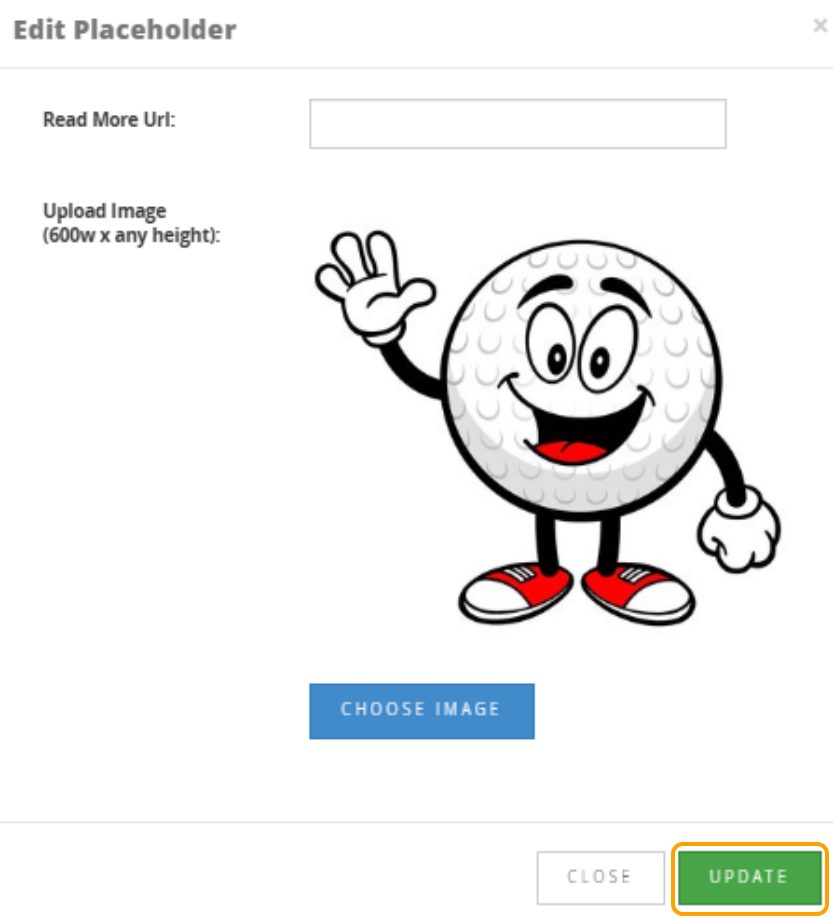
1. To update an image that has been added, select the Edit icon on the image placeholder.

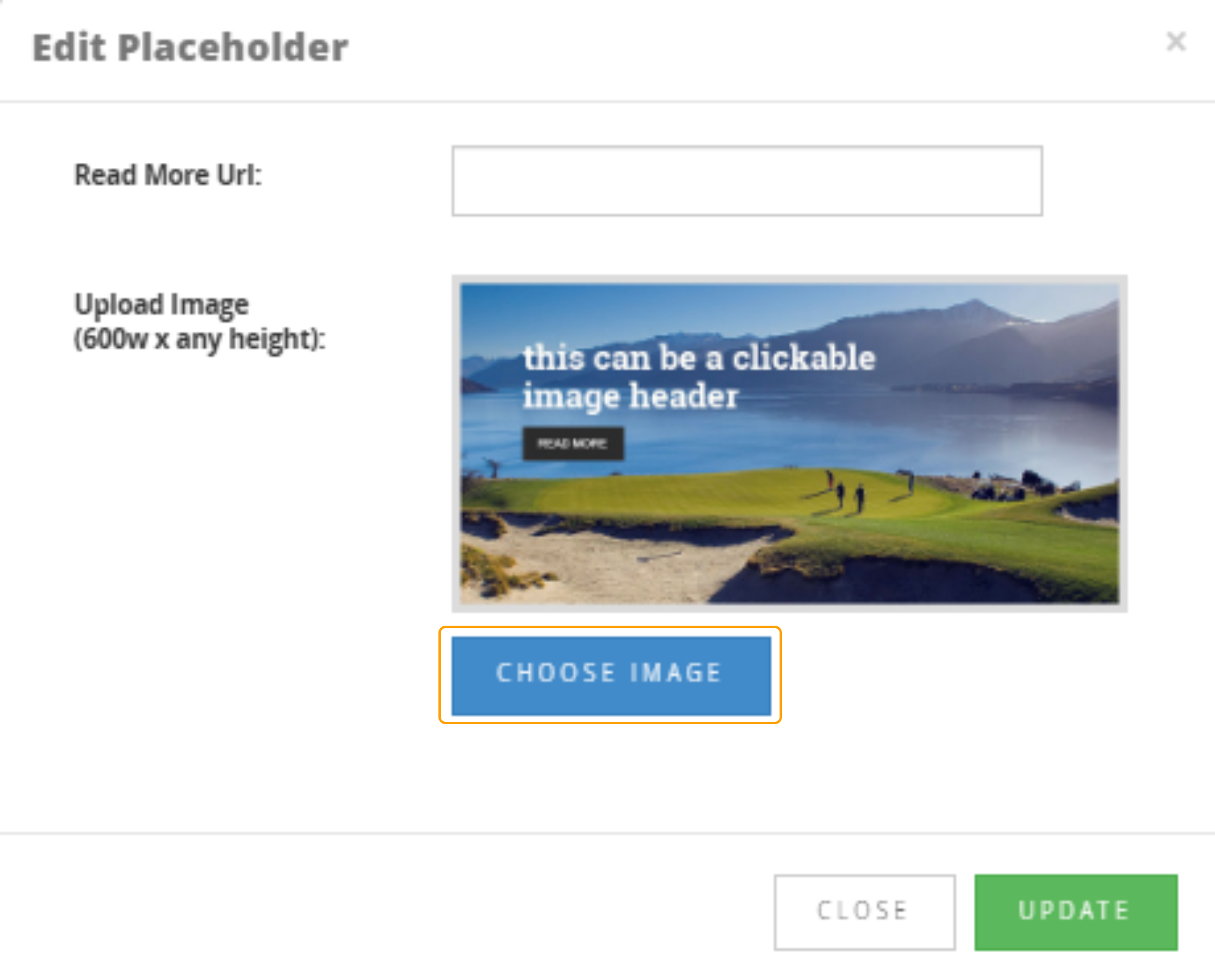
2. Select "Choose Image"
Note: Please pay attention to the Image Sizing mentioned.
If you need to resize an image, please refer to the following article:
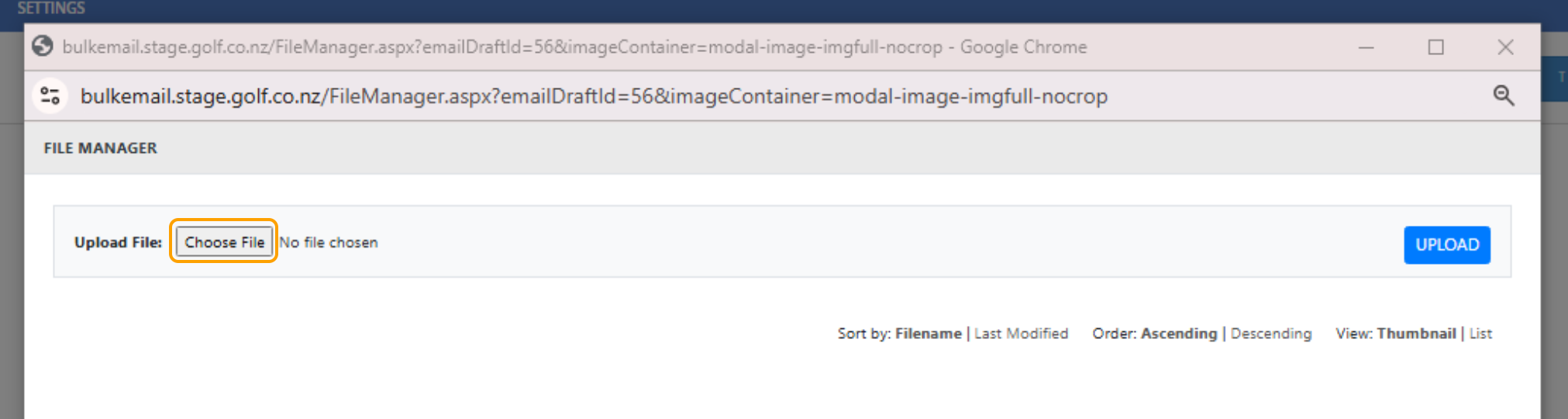
3. Select "Choose File" on the popup window
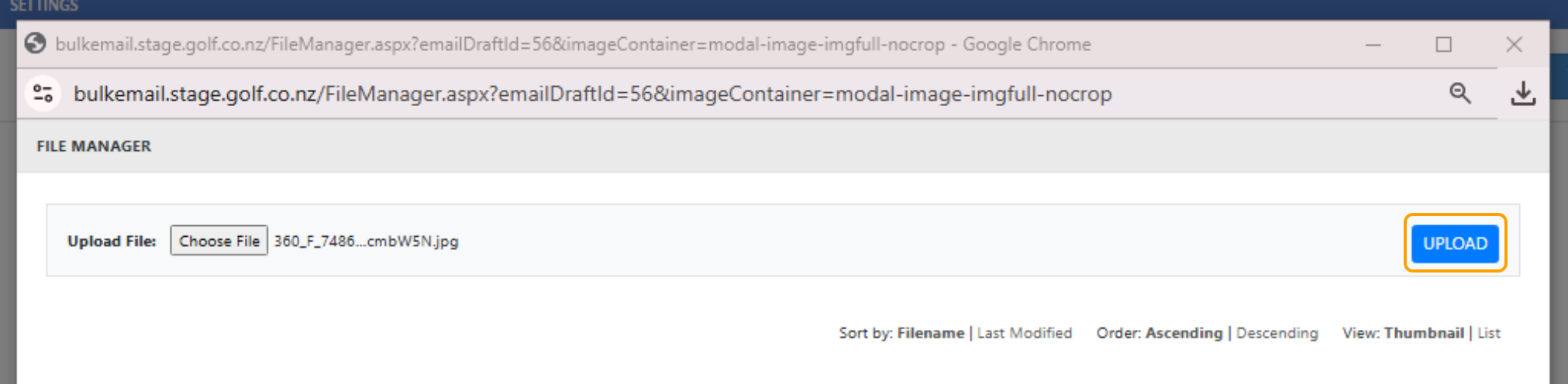
4. Once you have located the file on your computer, select "Upload"
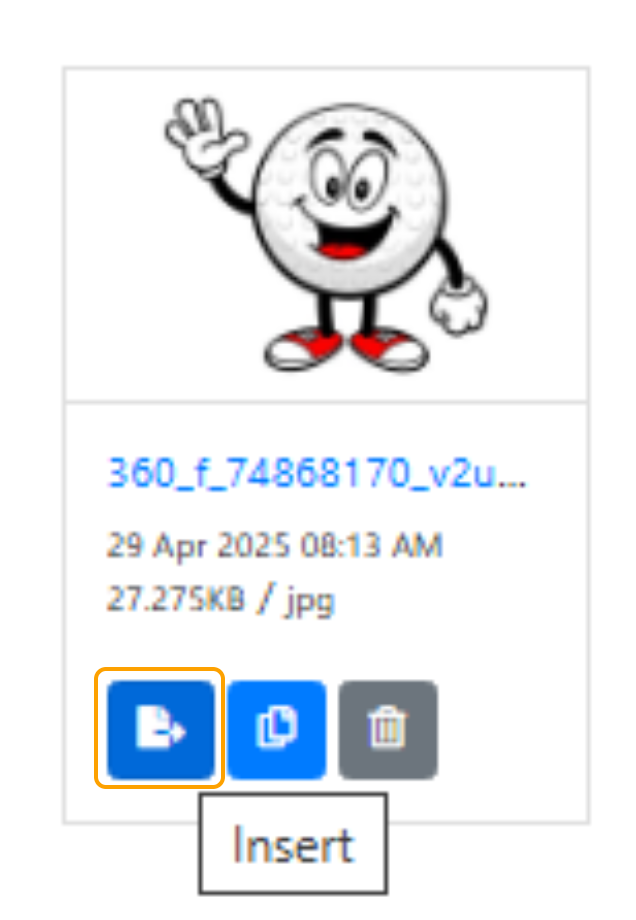
5. Select the "Insert" icon under the image that has been uploaded.
6. Select "Update" to save the image