
How does a member / visitor register to a competition?
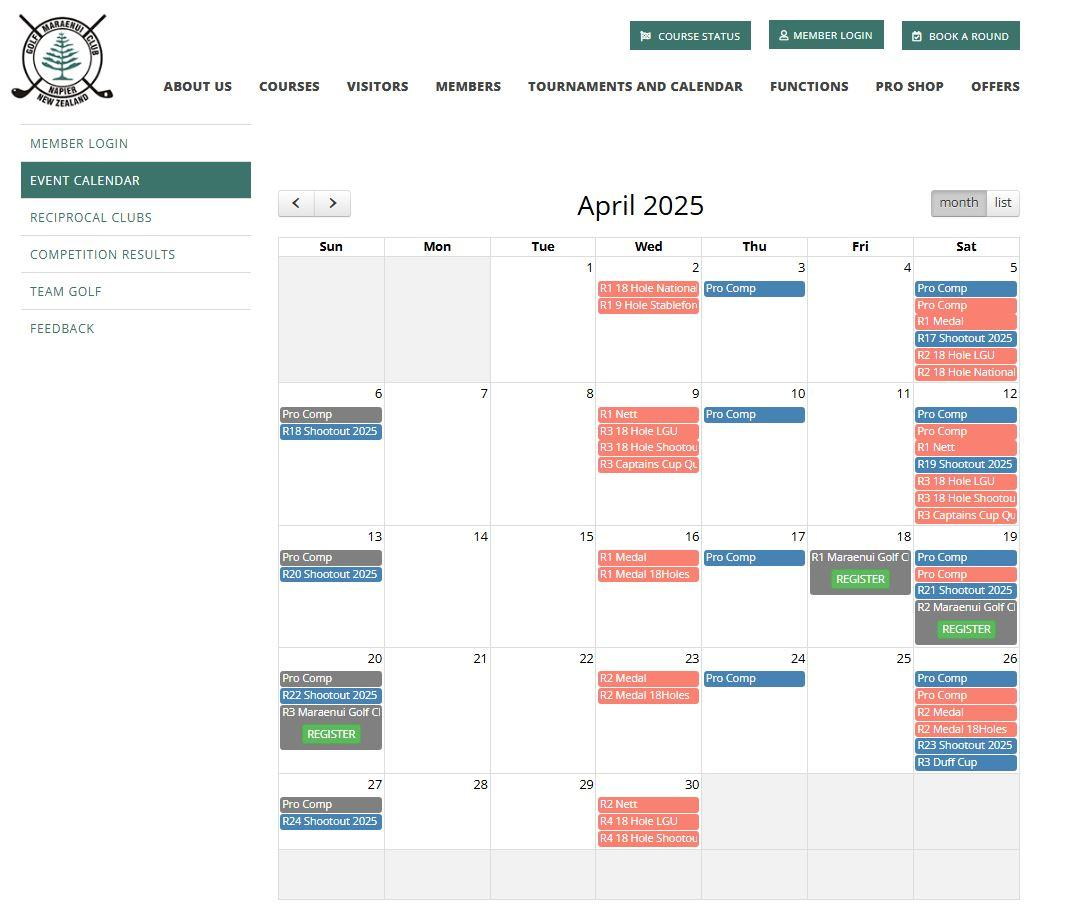
1. On the club website, navigate to the Events Calendar page
2. Select 'Register' on the event that you wish to register for
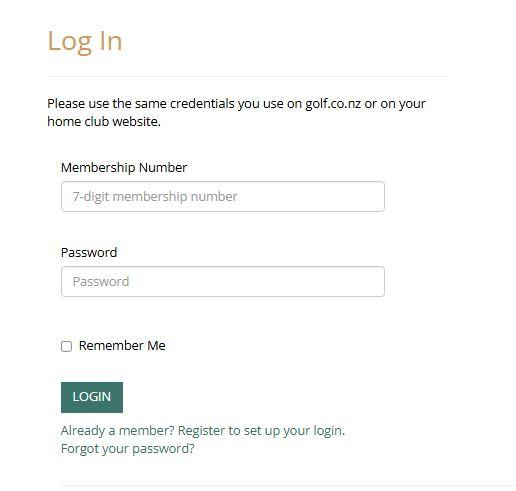
3. If you are not already logged into the club website, you will be prompted to enter your Membership Number and Password.
If you are already logged in, this step will be skipped.
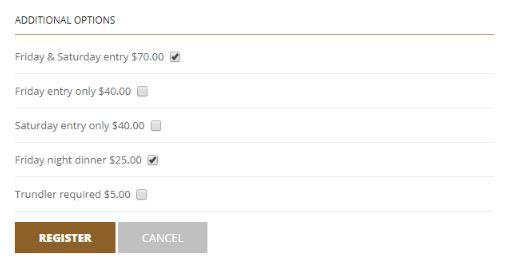
4. After a successful log in, the competition details will be shown.
If the competition registration has additional questions, they'll be displayed here as well.
Answer the questions and then select either "Register" or "Continue to Checkout"
5. The club will be able to see Player Pre-Registrations through DotGolf Live.