Green Fees can be set up in the General Settings.
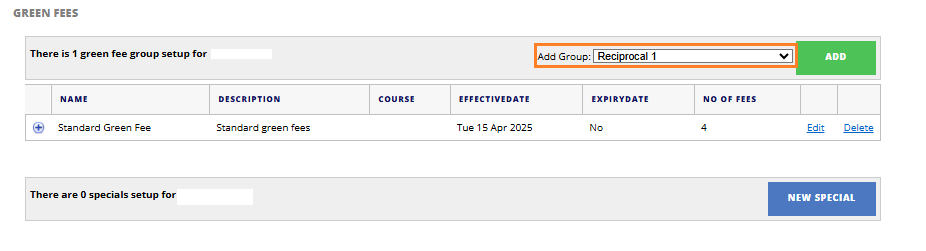
1. Under the "Add Group" drop down, ensure that this is set to Reciprocal 1/2/3...
The number next to Reciprocal does not necessarily refer to anything, you can select any.
Select "Add"
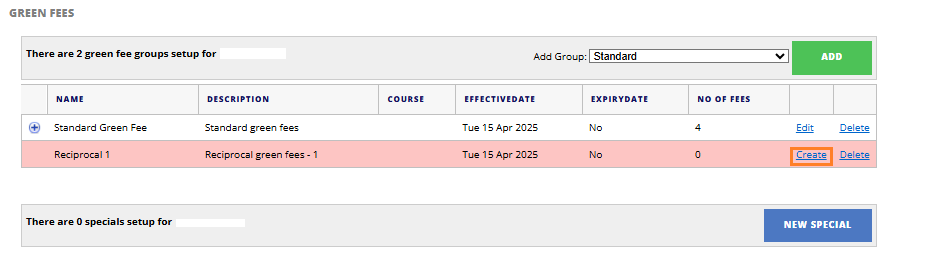
2. A new Green Fee will appear on your list of Green Fees in red.
Select "Create" to edit the Green Fee details.
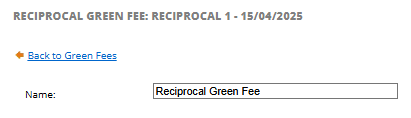
3. Set a name for the Green Fee, for example: Reciprocal Green Fee
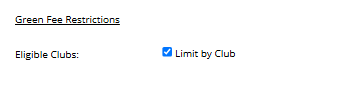
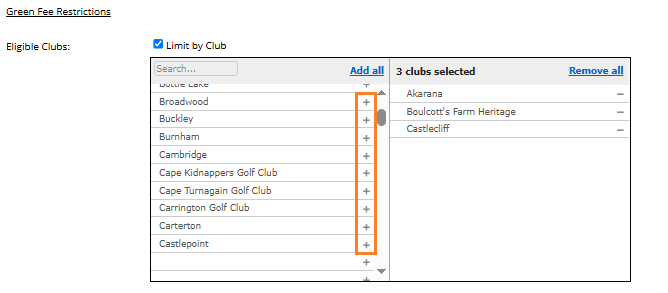
4. Select the Eligible Clubs by ticking the box next to 'limit by club'.
5. Click the + to add the clubs that you want to allow a Reciprocal Green Fee for
6. Answer the following questions based on the clubs requirements:
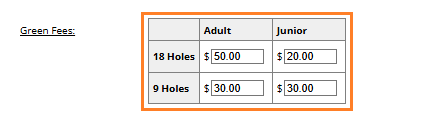
- Does your club have different Adult and Junior Rates?
- Does your club have different 9 Hole and 18 Hole Rates?

7. Based on the answers above, you will then be able to enter the amount per green fee.
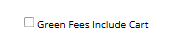
8. Select the "Green Fee Includes Carts" fee if carts are included in this amount.
9. Save Fees.