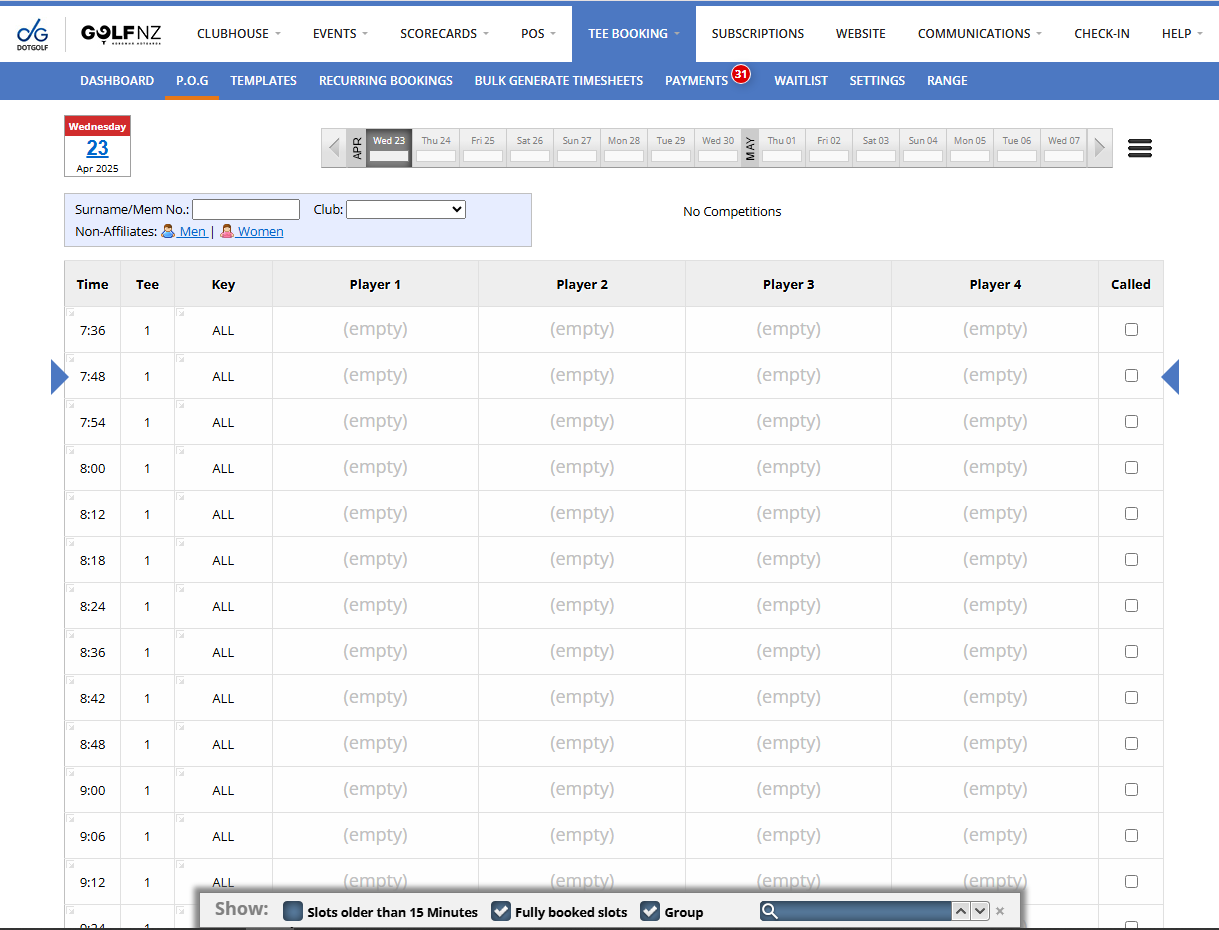
A Timesheet can be created two different ways. One way is through the Tee Booking Dashboard, the other is through the P.O.G tab.
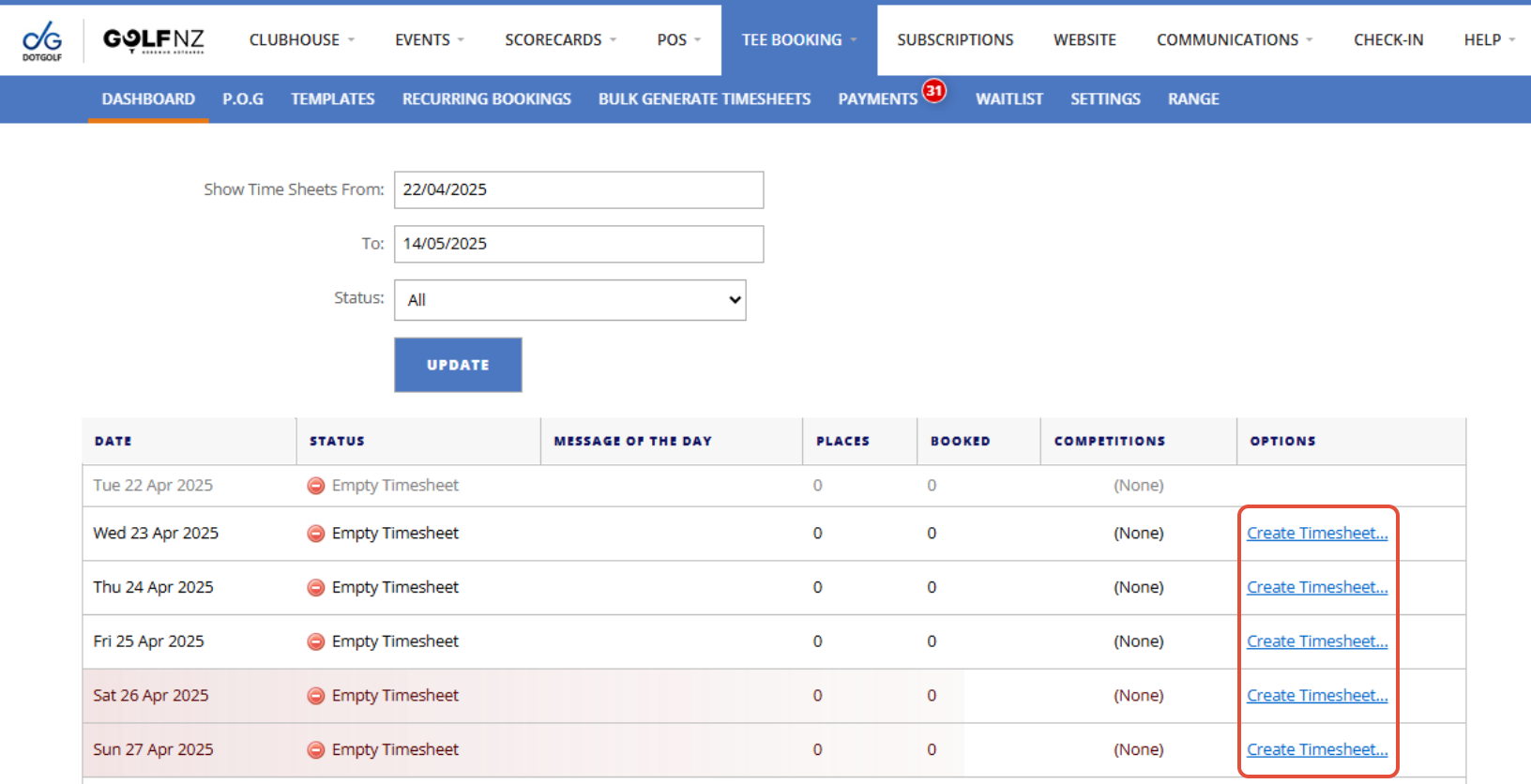
1a. If you are creating a Timesheet from the Dashboard, find the day you want to create the Timesheet for and press "Create Timesheet"
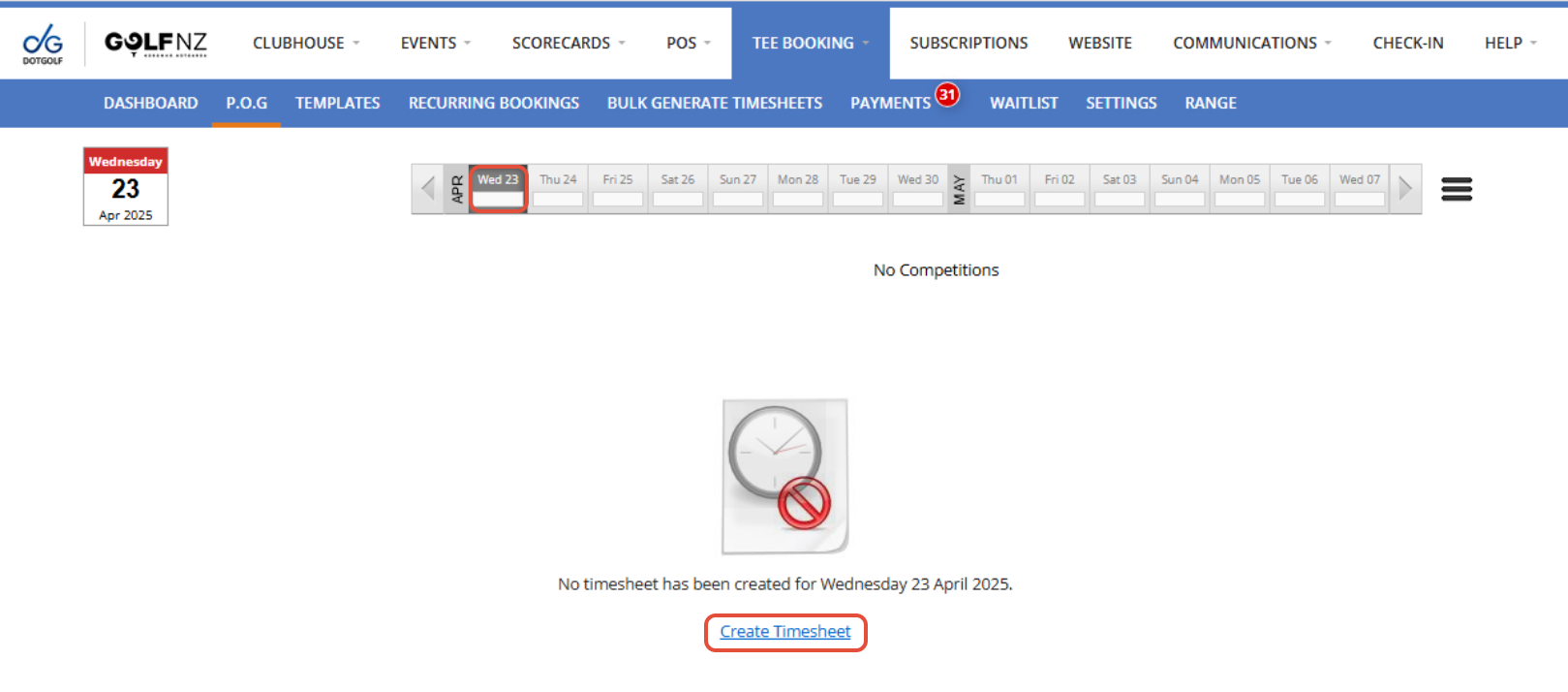
1b. If you are creating a Timesheet from the P.O.G tab, select the day you want to create the Timesheet for and press "Create Timesheet"
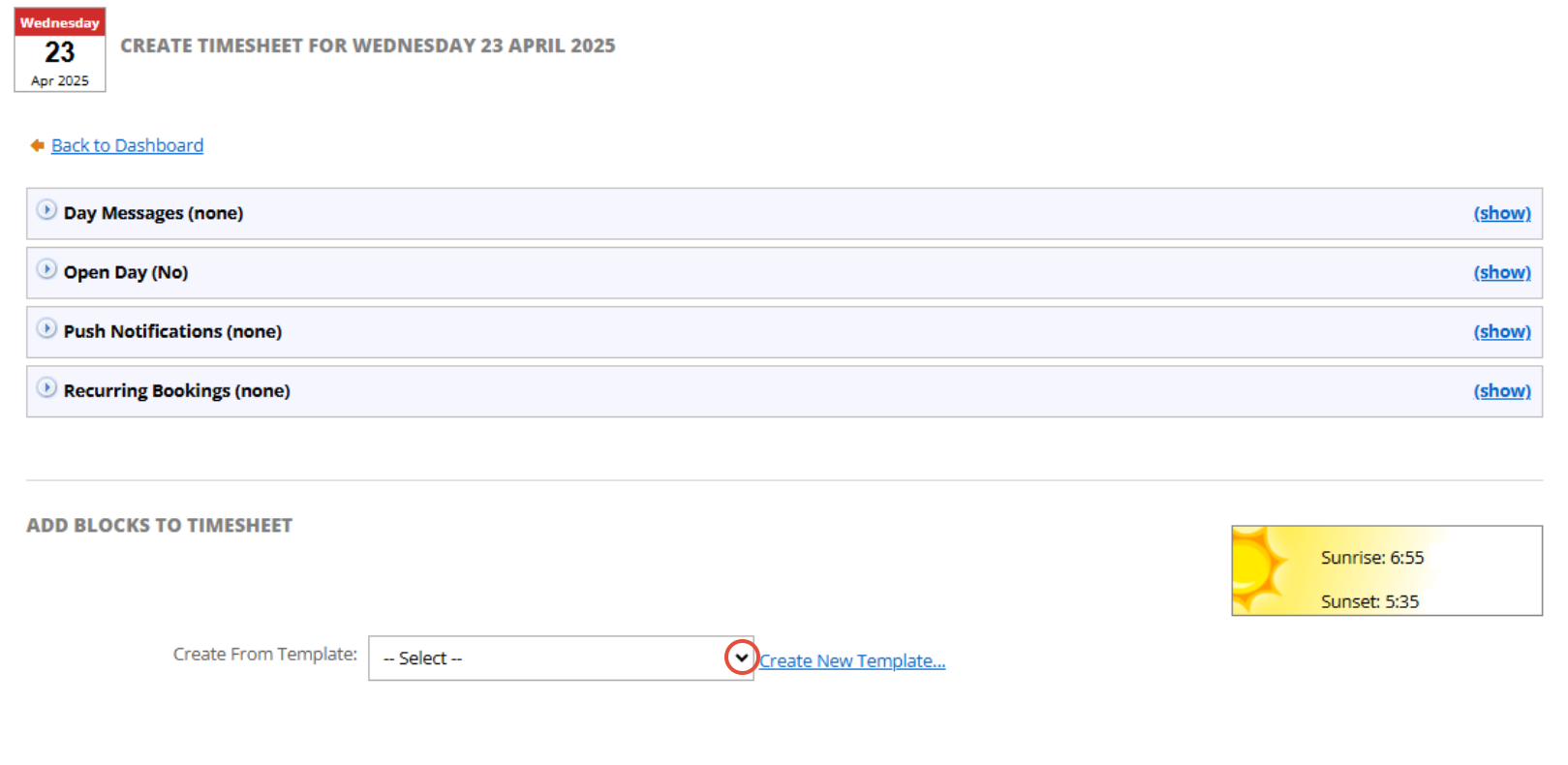
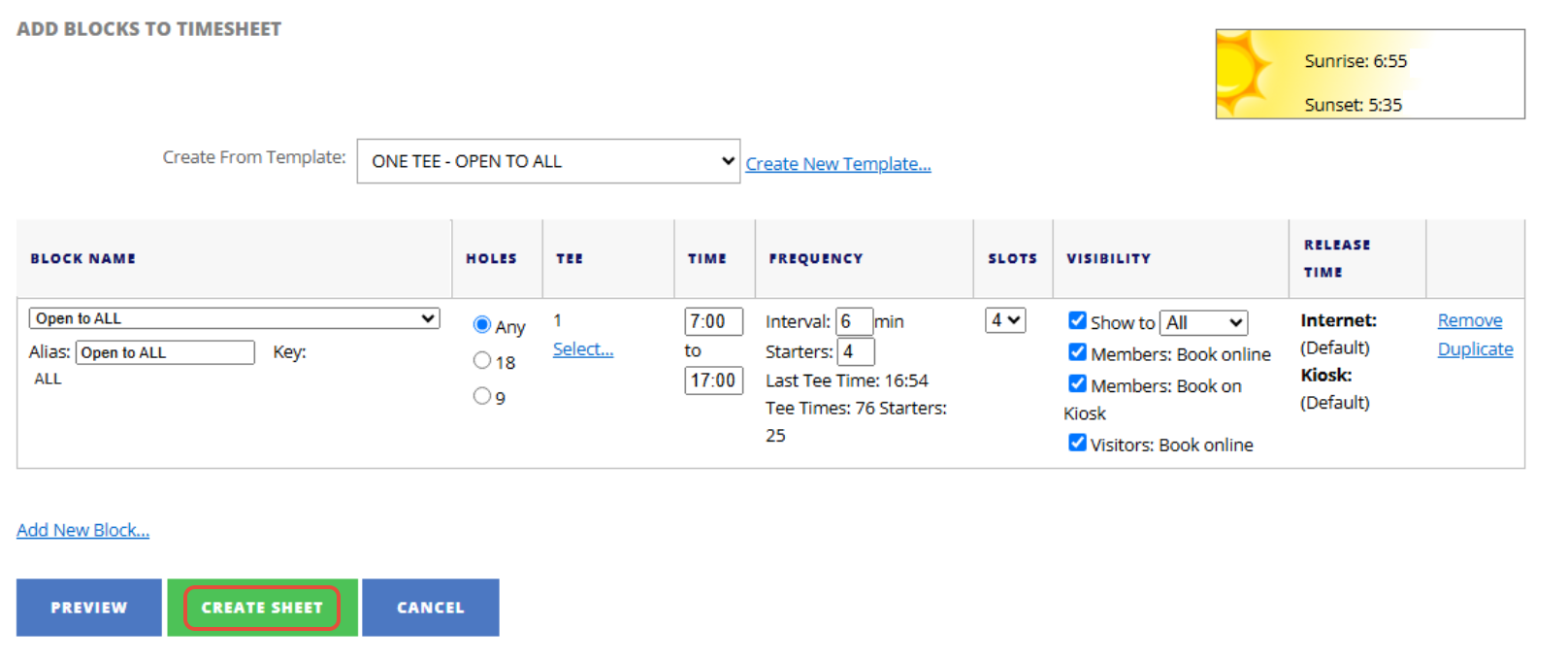
2. Now select the template you want to apply to that day
3. You can then make any changes to the blocks if necessary (this won't make any changes to your template). Once you are happy you can press "Create Sheet"
4. Now if you got back to your P.O.G tab you will be able to see your new created Timesheet