Once Players have been registered/entered into the Match Play event, you can then create a schedule.
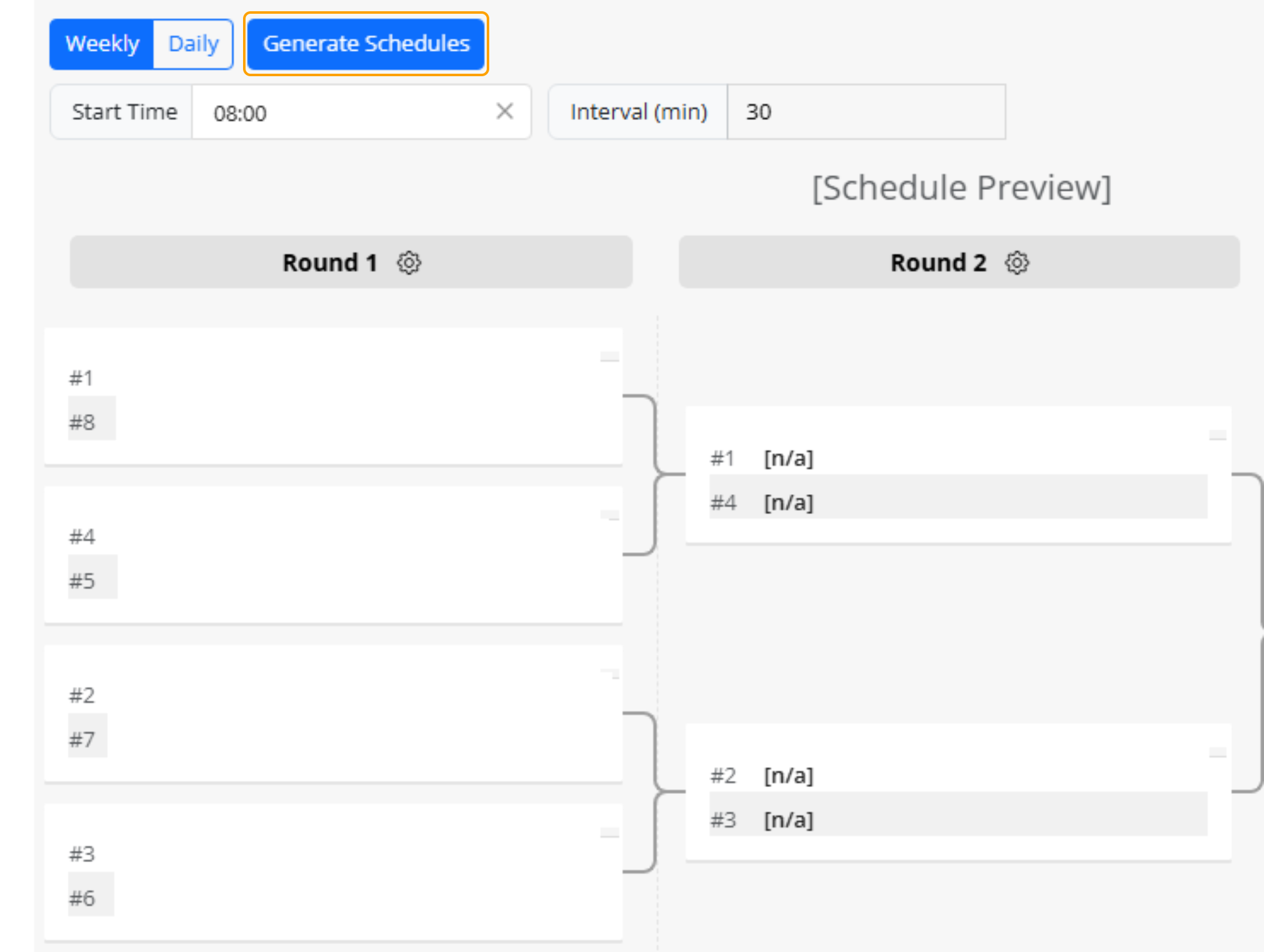
1. Select "Generate Schedule" to finalise the draw.
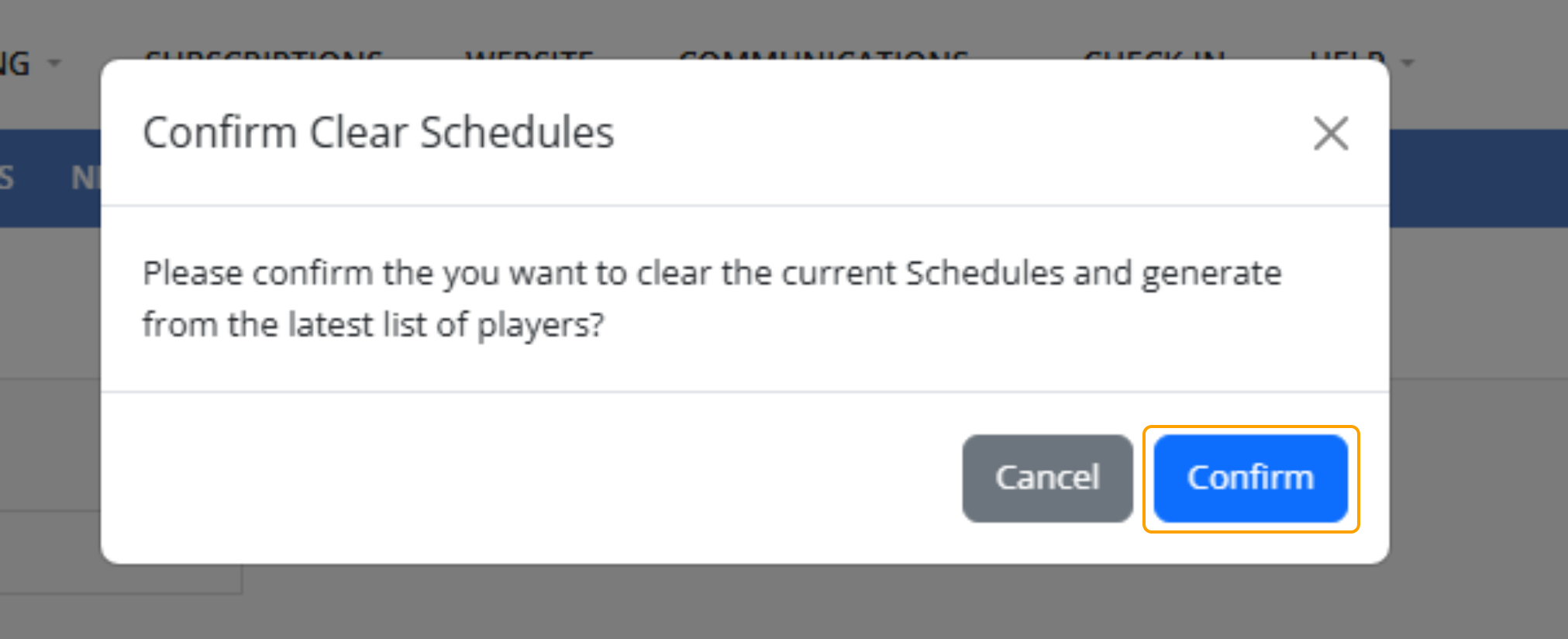
2. Select "Confirm"
3. A schedule will then be generated automatically.
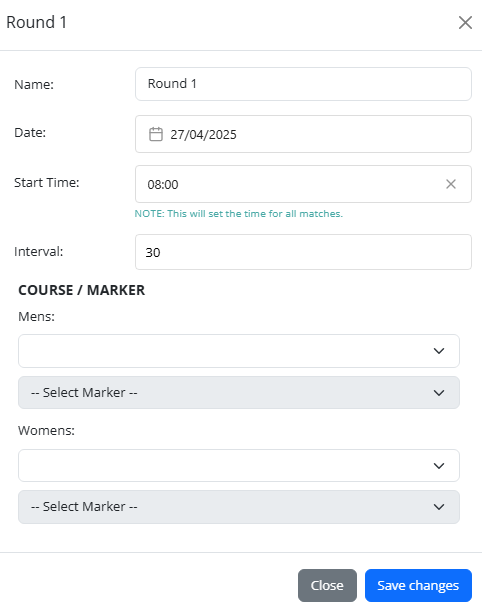
Changes can be made to each round by selecting the Settings Icon next to the Round Date
The following is what can be updated/changed in these settings:
- Round Name
- Date
- Start Time
- Interval
- Course/Marker Selection
Save Changes once you are happy with what has been updated.

4. To update the players that have been added into a schedule, you can click on their name in the match boxes.
The following is what can be updated:
- Date and Time
- Number of Holes
- Player A
- Player B
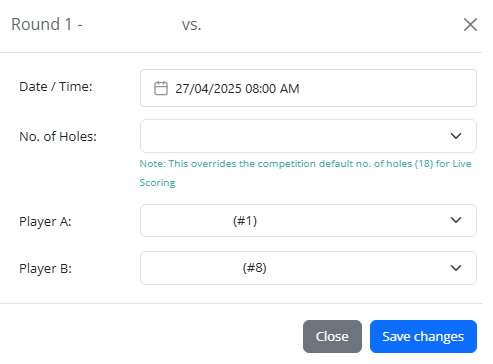
5. Select Save Changes.