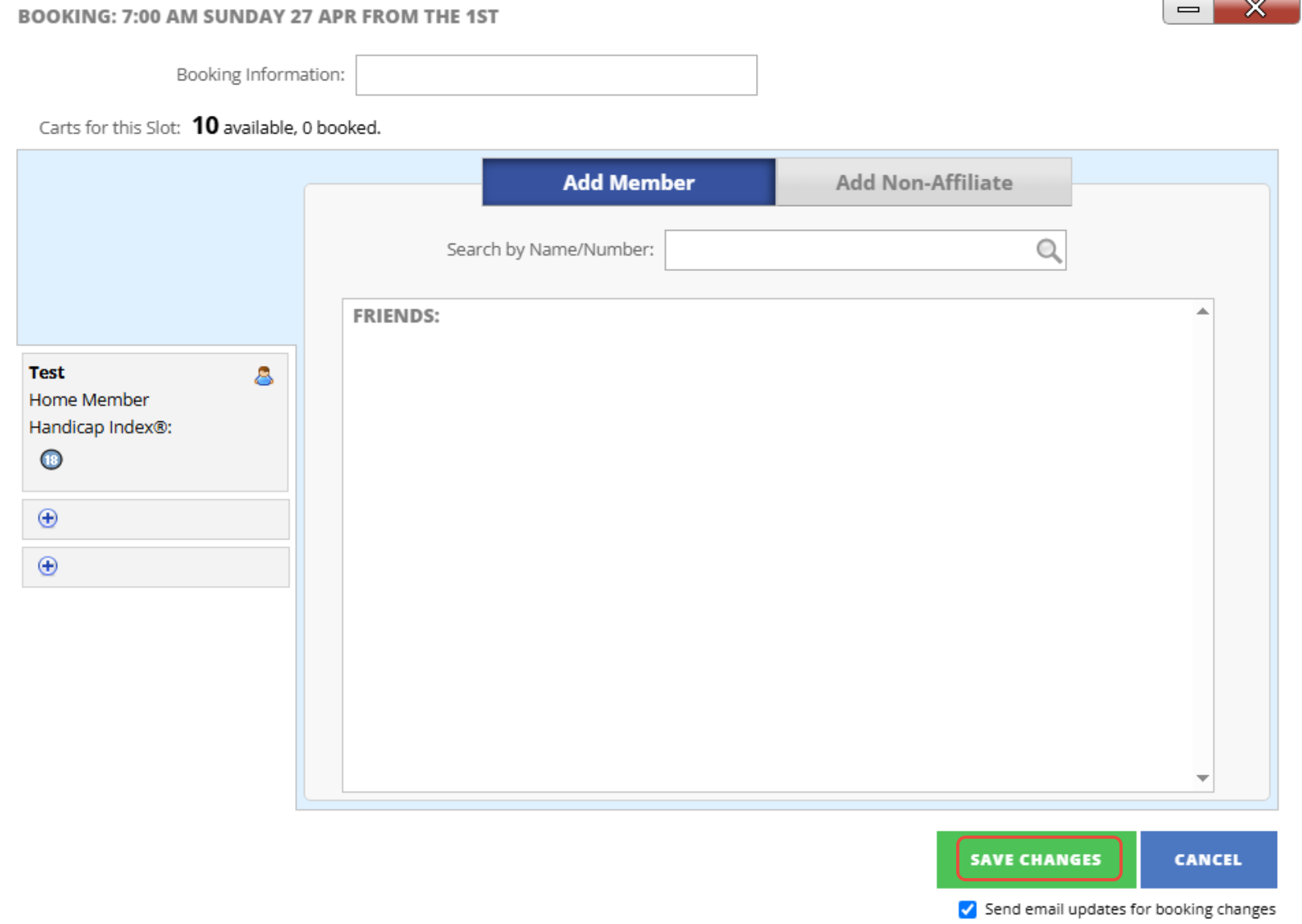
If you need to cancel a Tee Booking for a player this can be in two different ways, follow these steps to see both ways.
Method 1:
1. From the P.O.G tab, select the day the player is booked in for, then find and select their Tee Time. Now press "Cancel Booking".
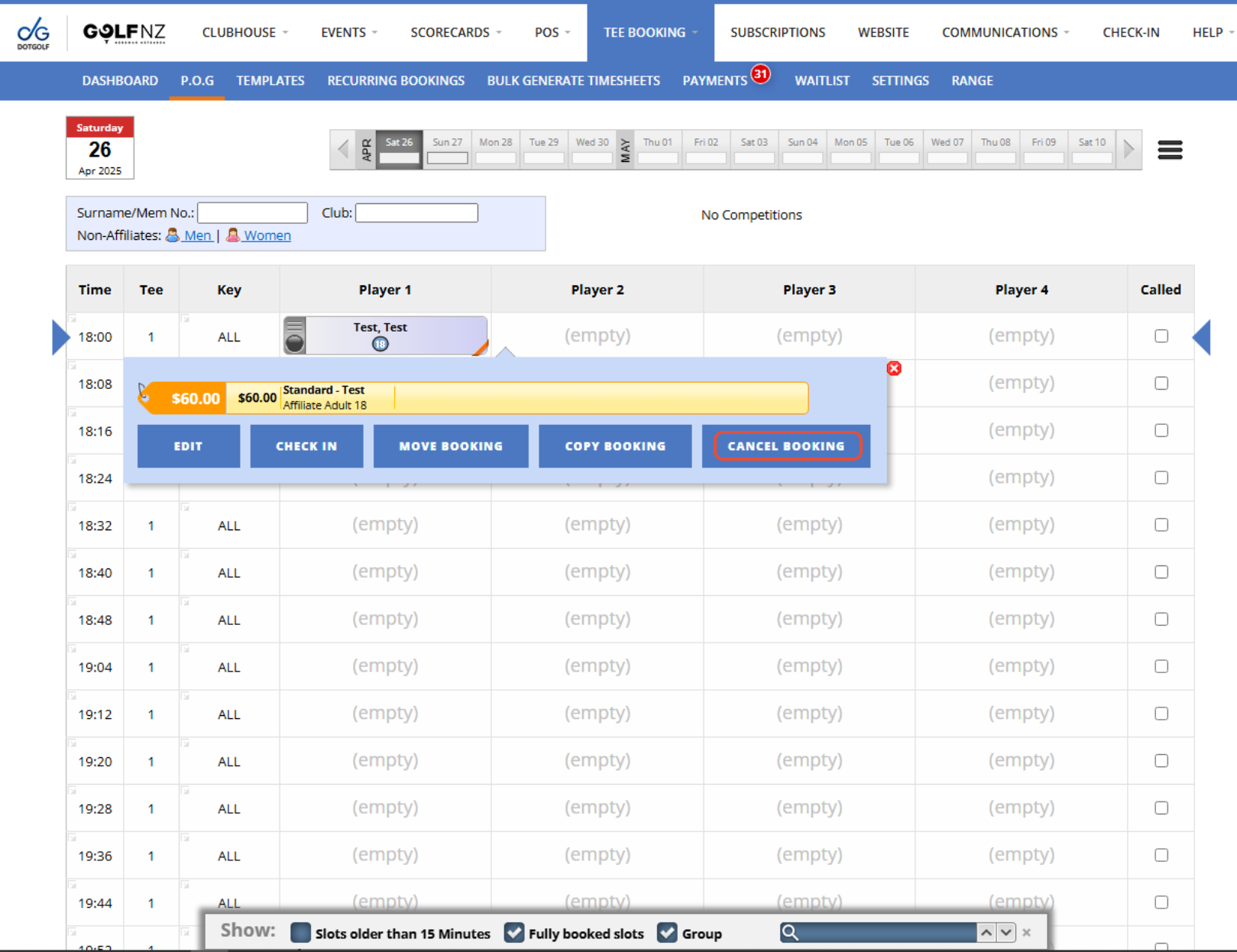
2. You will then get a Confirmation Message pop-up, press "Ok" and the booking will cancel
Method 2:
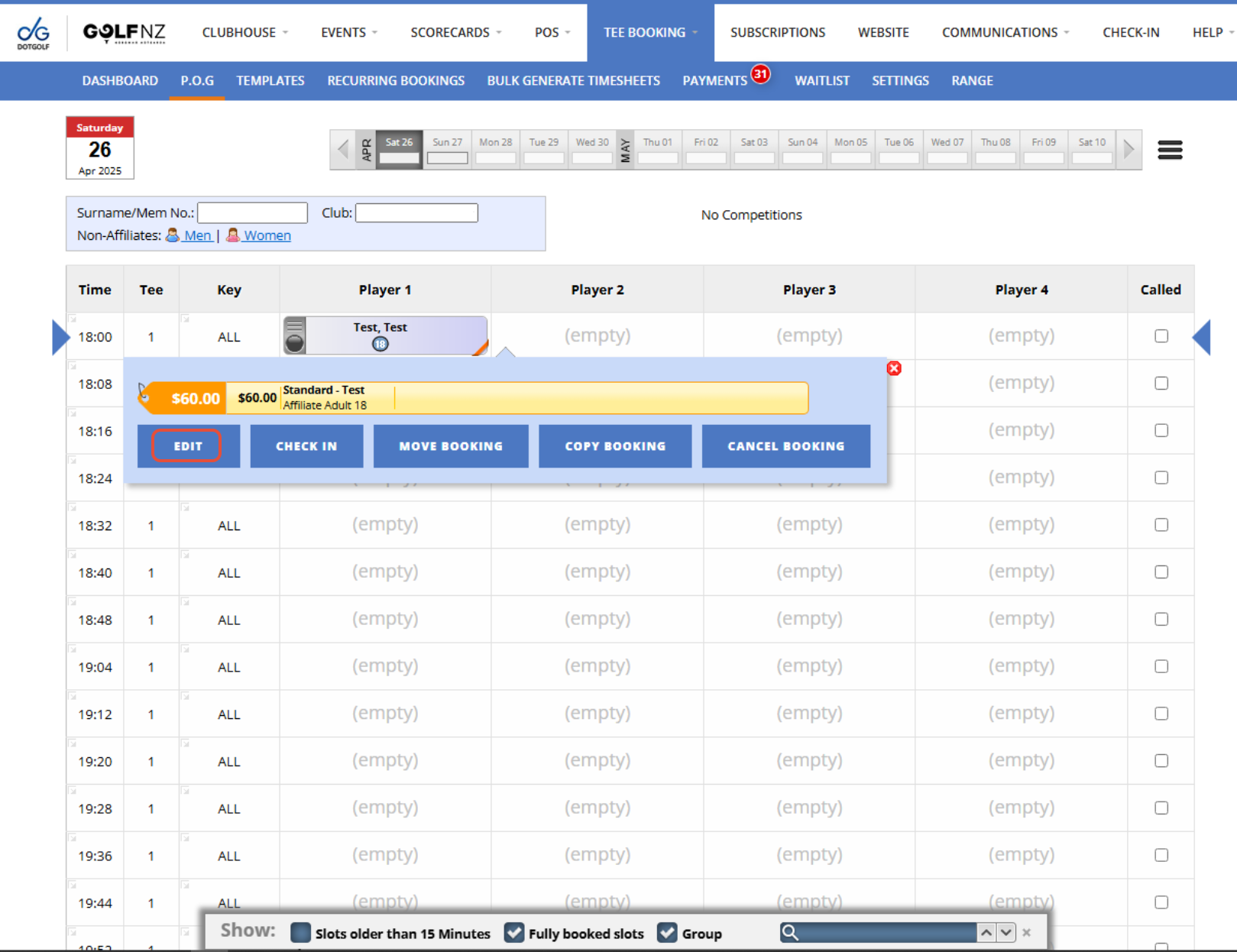
1. From the P.O.G tab, select the day the player is booked in for, then find and select their Tee Time. Now press "Edit".
2. Then press "Cancel Booking".
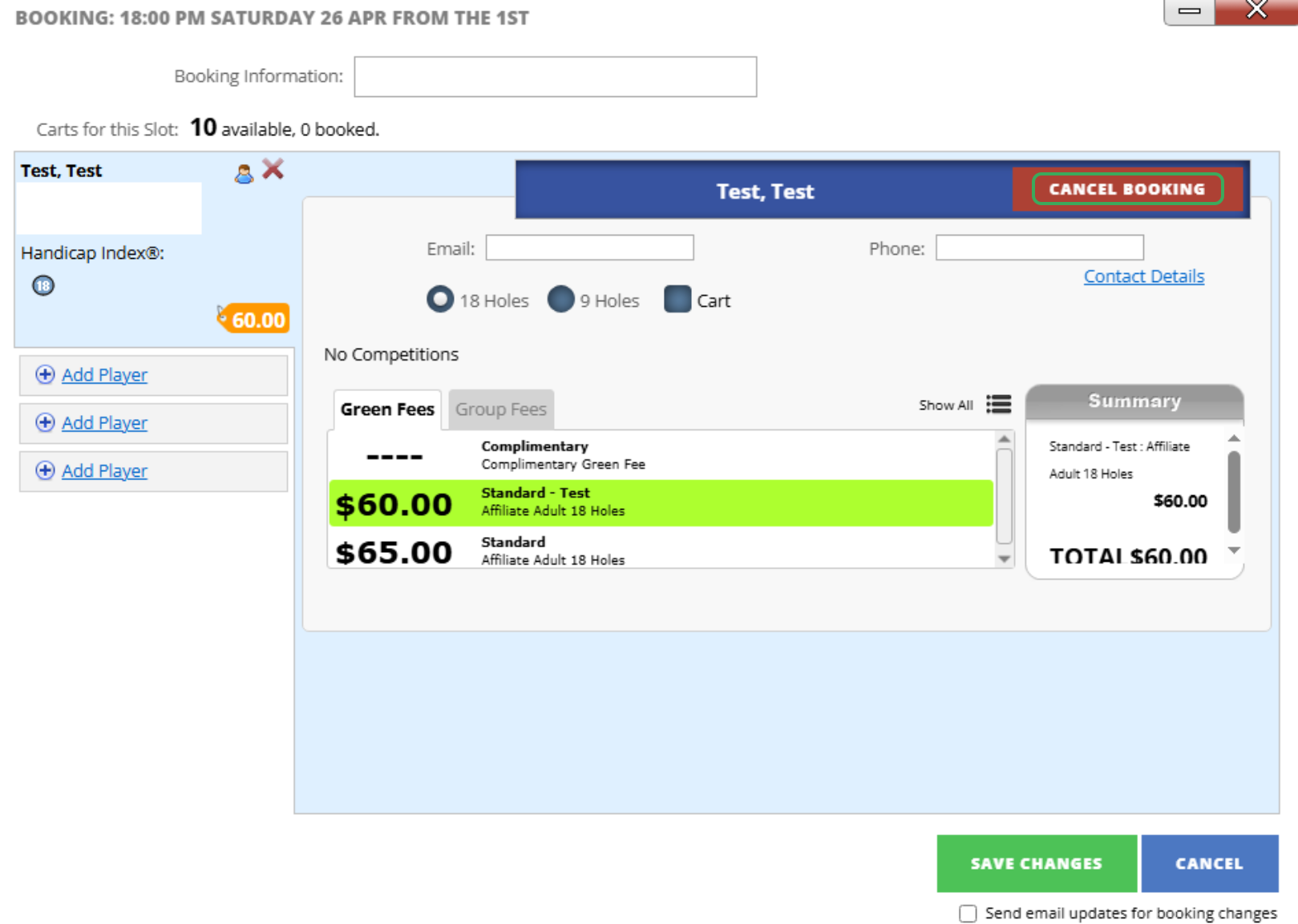
3. If there is more than one player in the tee time you want to cancel, you can then select their booking and follow the same process.
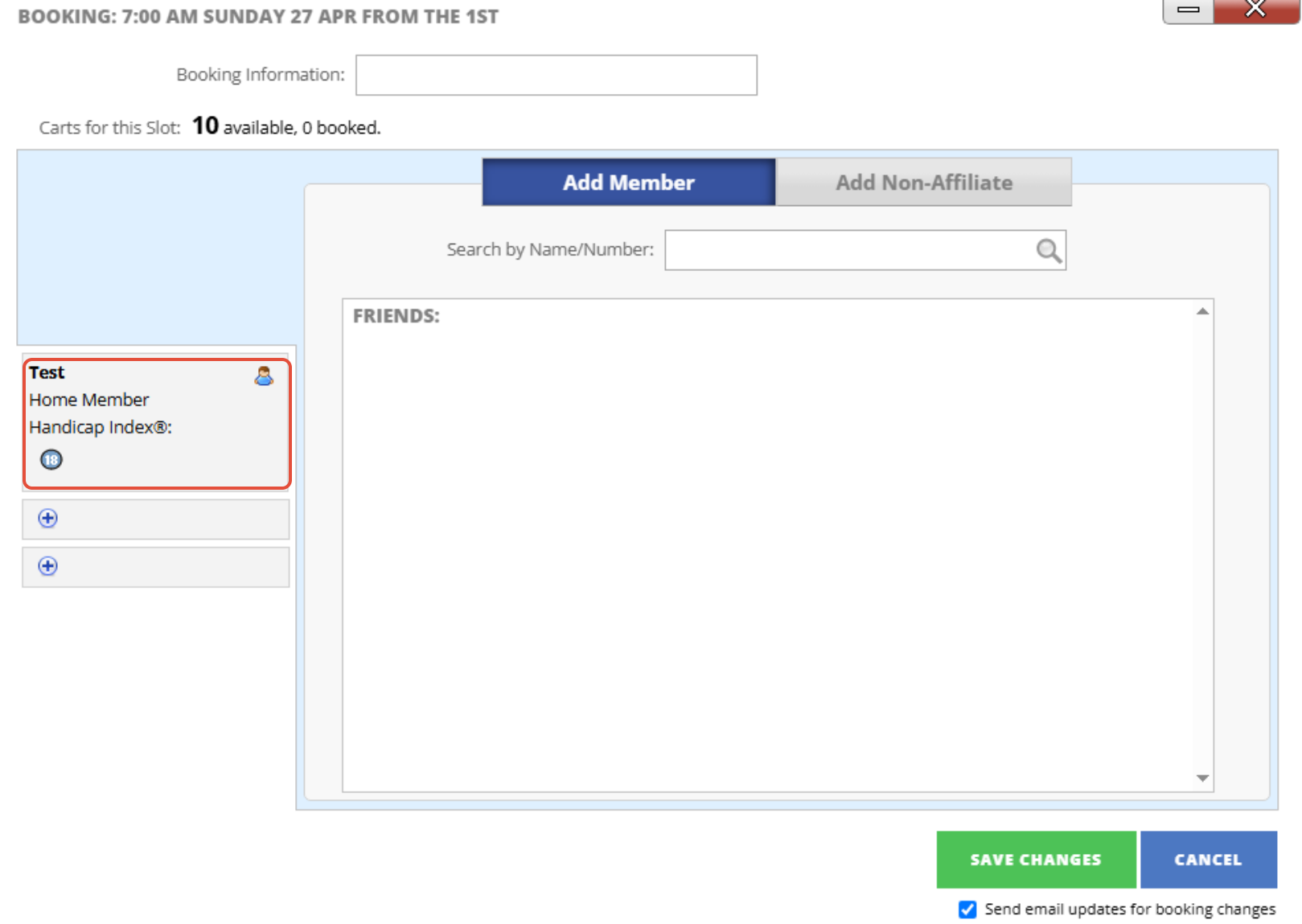
4. Once you are finished cancelling bookings, press "Save Changes" and the players you have chosen to cancel will be removed from the Tee Sheet.