
Once the initial setup of the Pennants Tournament has been done, you can then add the Teams.
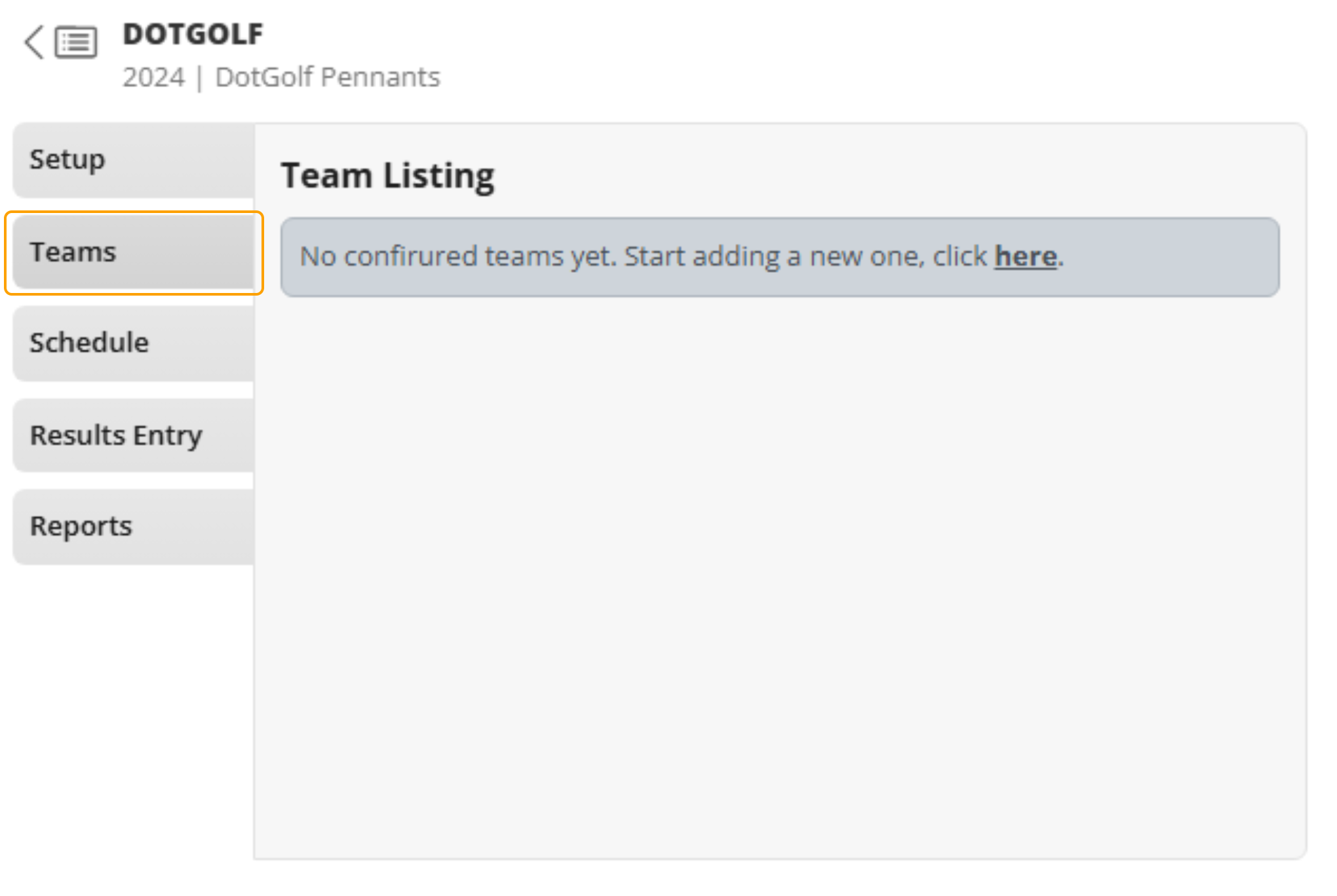
1. Open the "Teams" tab of your event
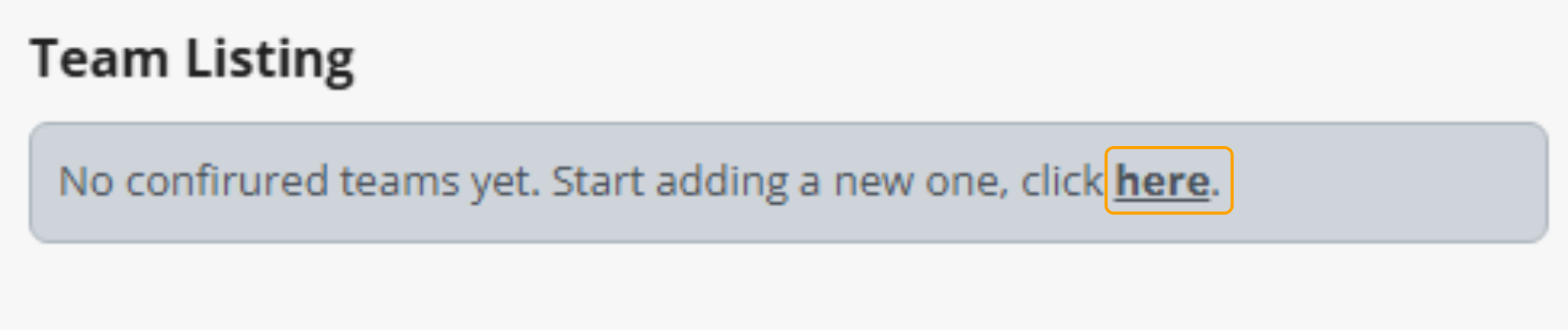
2. Select here to create a new team
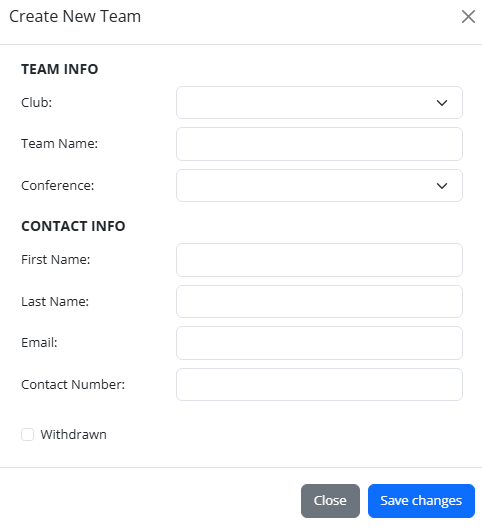
3. Enter the following details to create a new team:
- Team Information
- Club: Use the drop down to select the club that the team is from
- Team Name
- Conference: This option will only be available if this has been select in the Pennants Setup. Use the drop down to select the Conference.
- If required, you can also insert the Contact Details of the team
- First Name
- Last Name
- Email Address
- Contact Number
Select Save Changes once you are happy with the information that has been entered.
4. Once all the Teams have been added, you can then go on to creating a Schedule.