There is two ways to add recipients to a Mailing List, follow the steps to learn both options.
Option 1:
1. Select a Mailing List from the dropdown. Click Add New Recipient.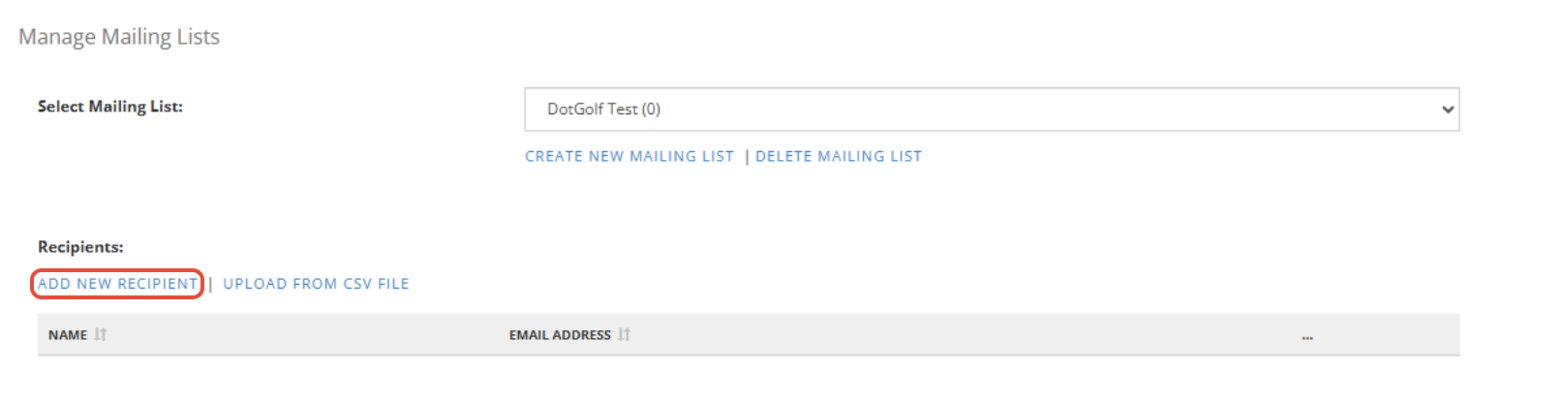
2. Fill-out the form. Click Add.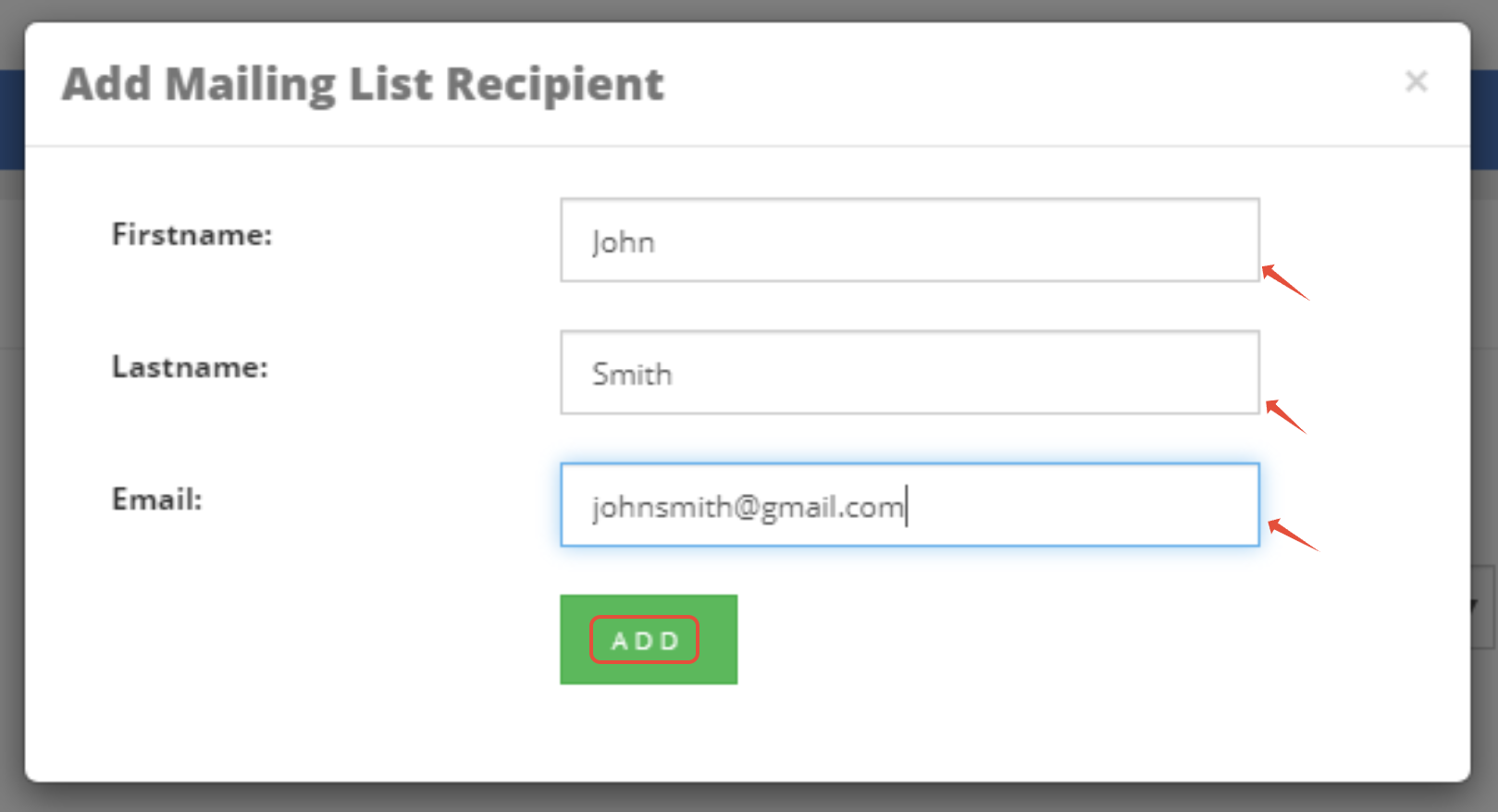
3. You will then get a confirmation message to say the recipient has been added to your Mailing List.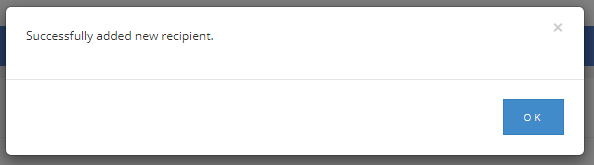
Option 2:
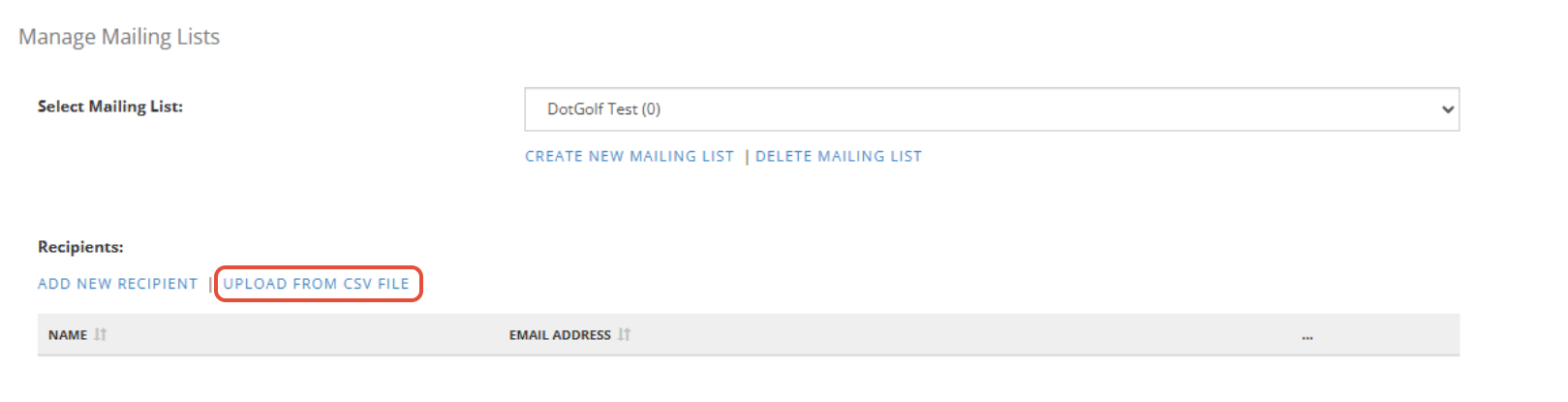
1. Select a Mailing List from the dropdown. Click Upload from CSV File.
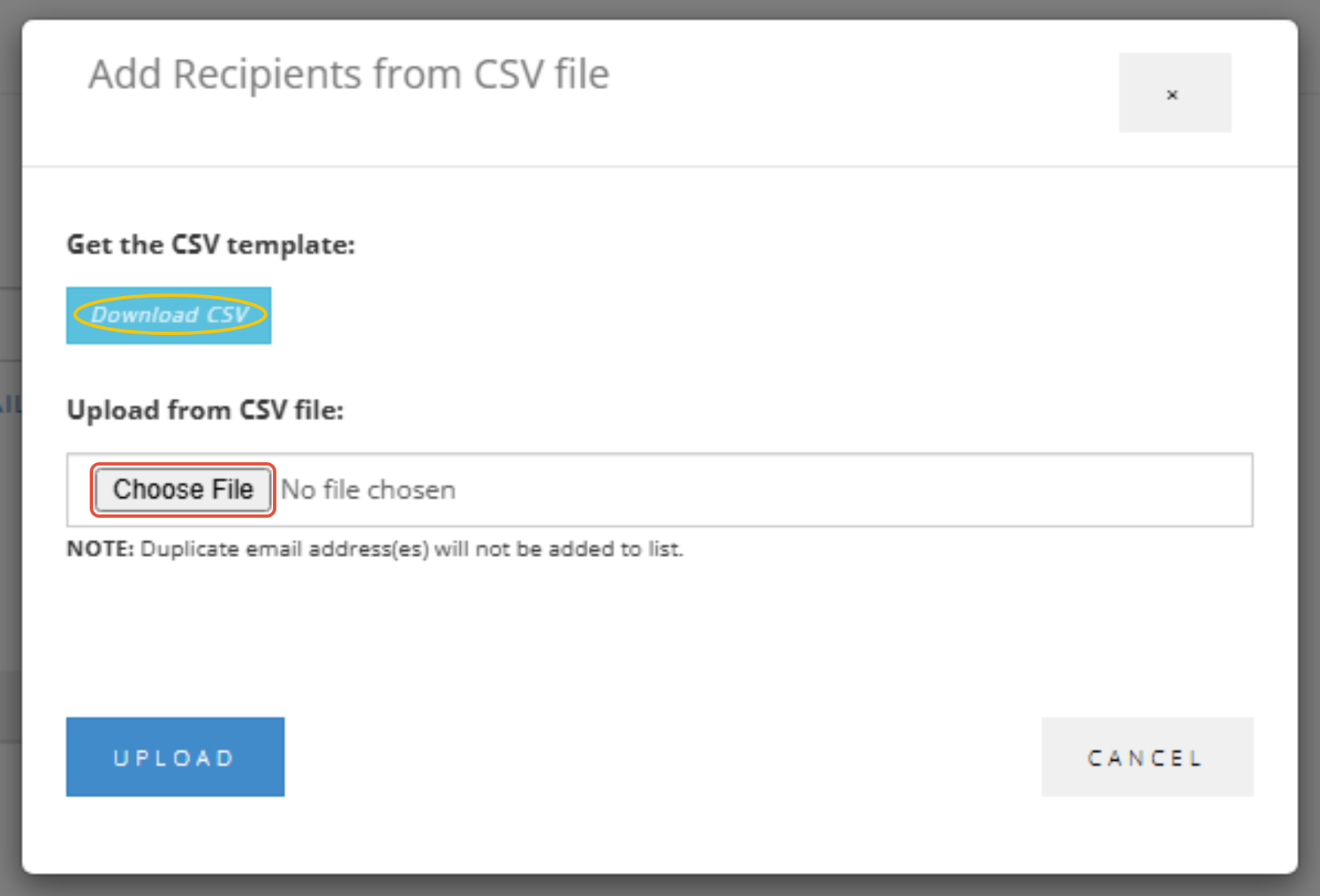
2. Choose a CSV File from your Device
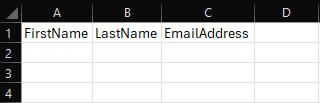
Note: There is a Template CSV you can download to see how the details need to be formatted:
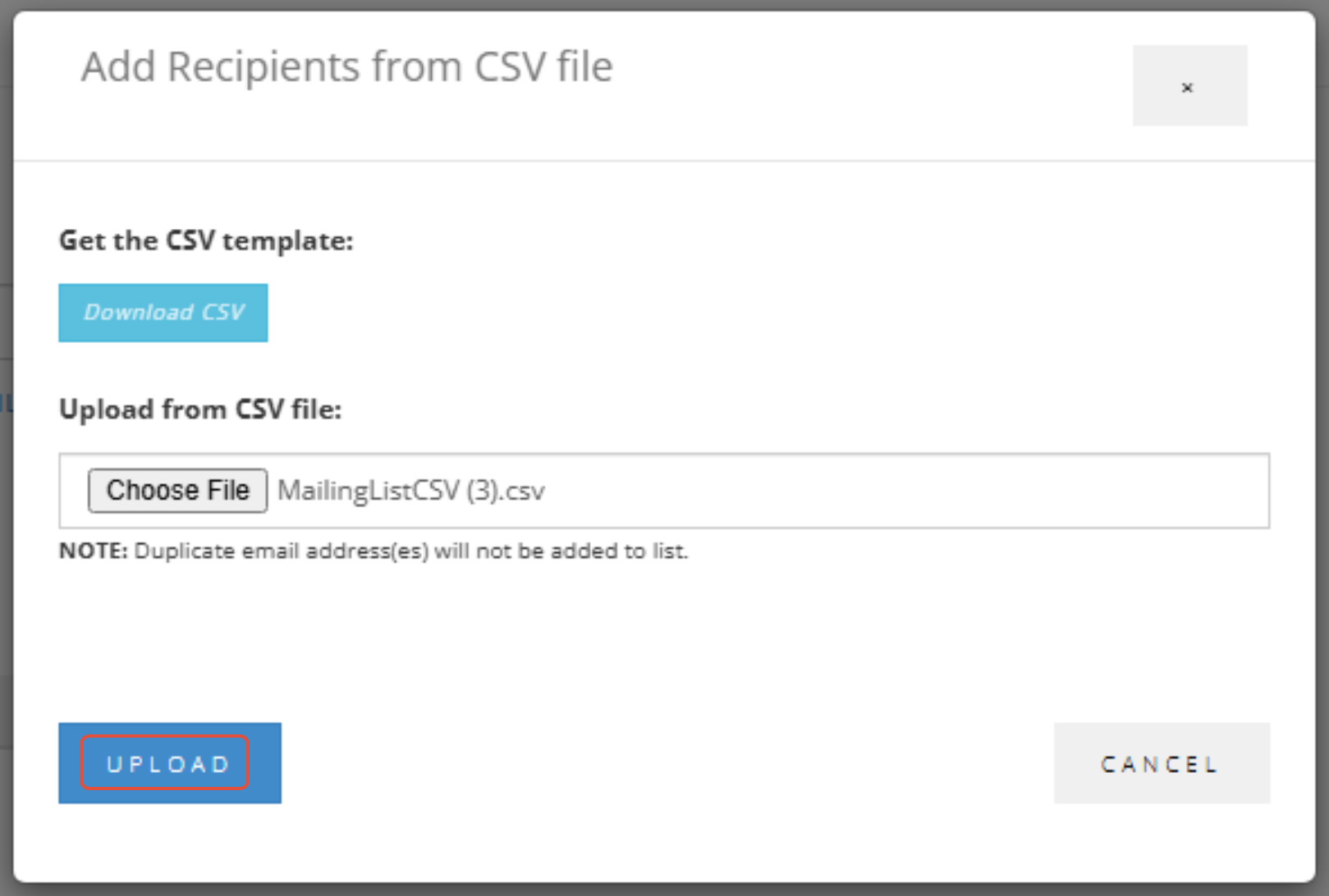
3. After choosing your file press Upload.
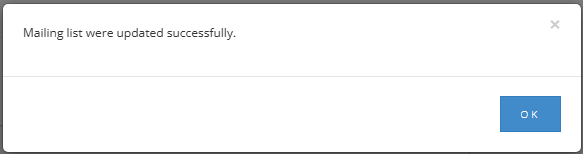
4. You will then get a confirmation message to say the Mailing List has been updated.